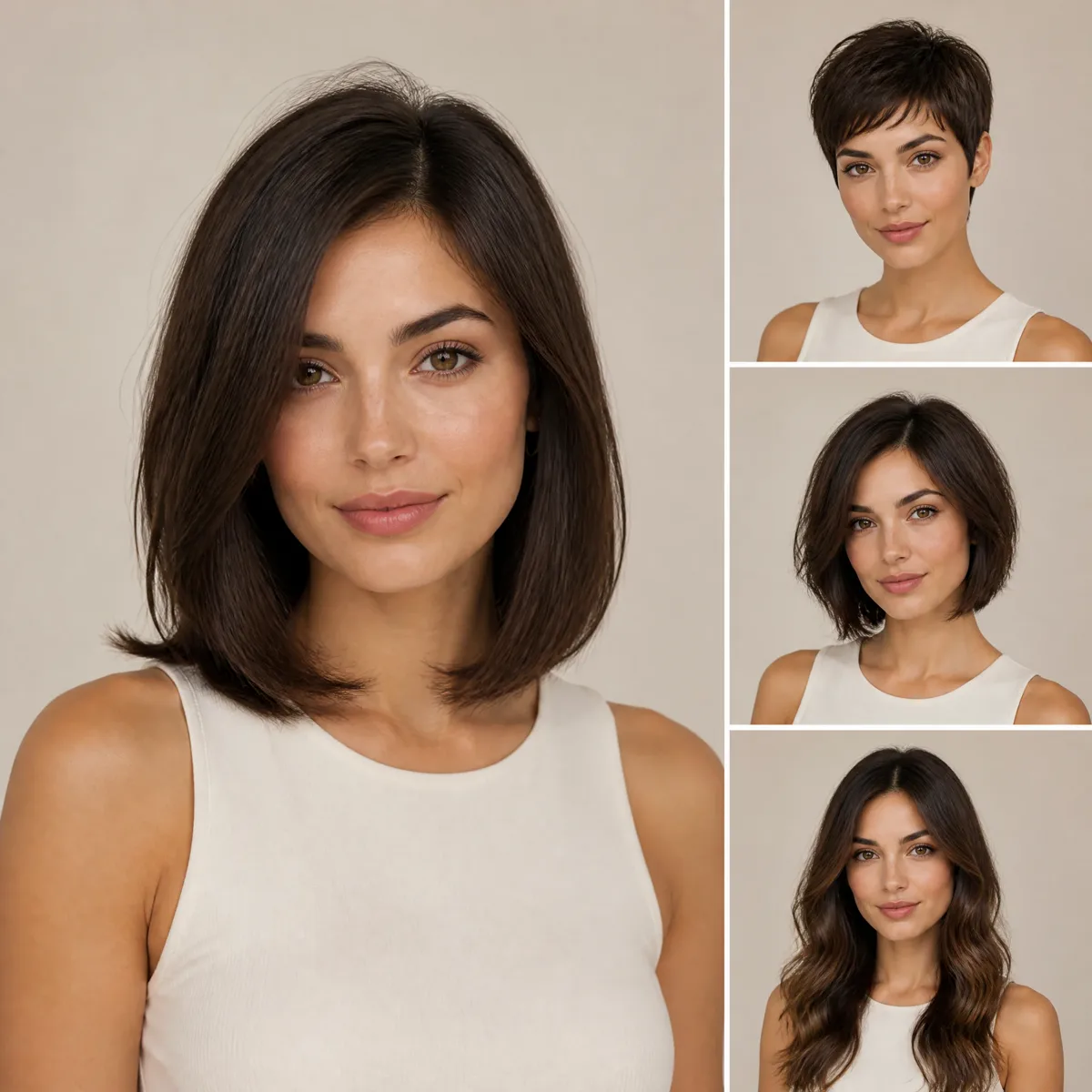
Short & pixie
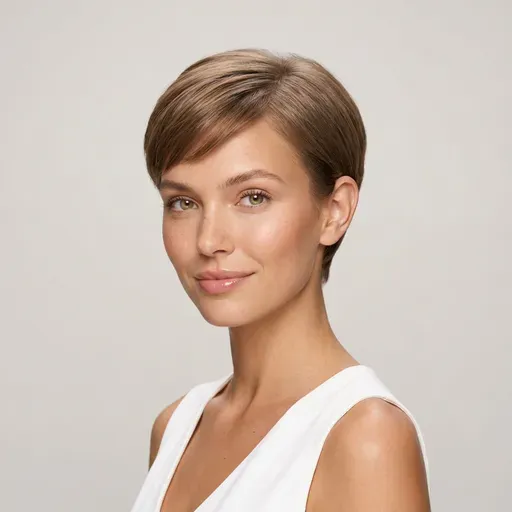
Pixie, textured pixie, bixie and undercut pixie. This is the haircut people hesitate over most, because growing a pixie out takes months.
- Pixie Cut
- Bixie
- Undercut Pixie
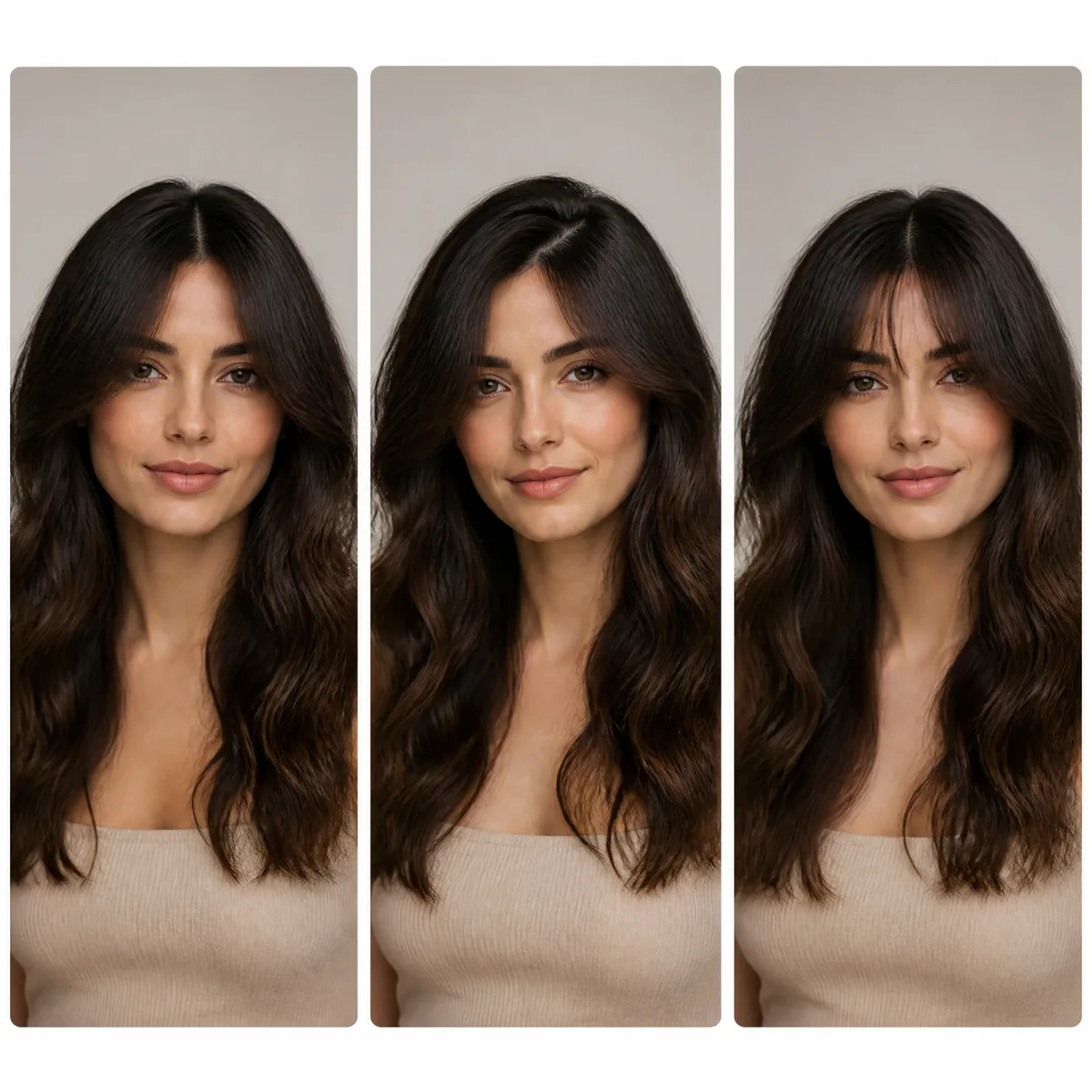
Upload a selfie, choose a haircut, and the AI haircut simulator re-renders only your hair on your own photo, so you can judge the length, layers and shape before anyone picks up the scissors.
New accounts get one free AI model preview. Trying a style on your own photo uses credits, and a failed run is refunded automatically.
Hairstyle reference photo (optional)
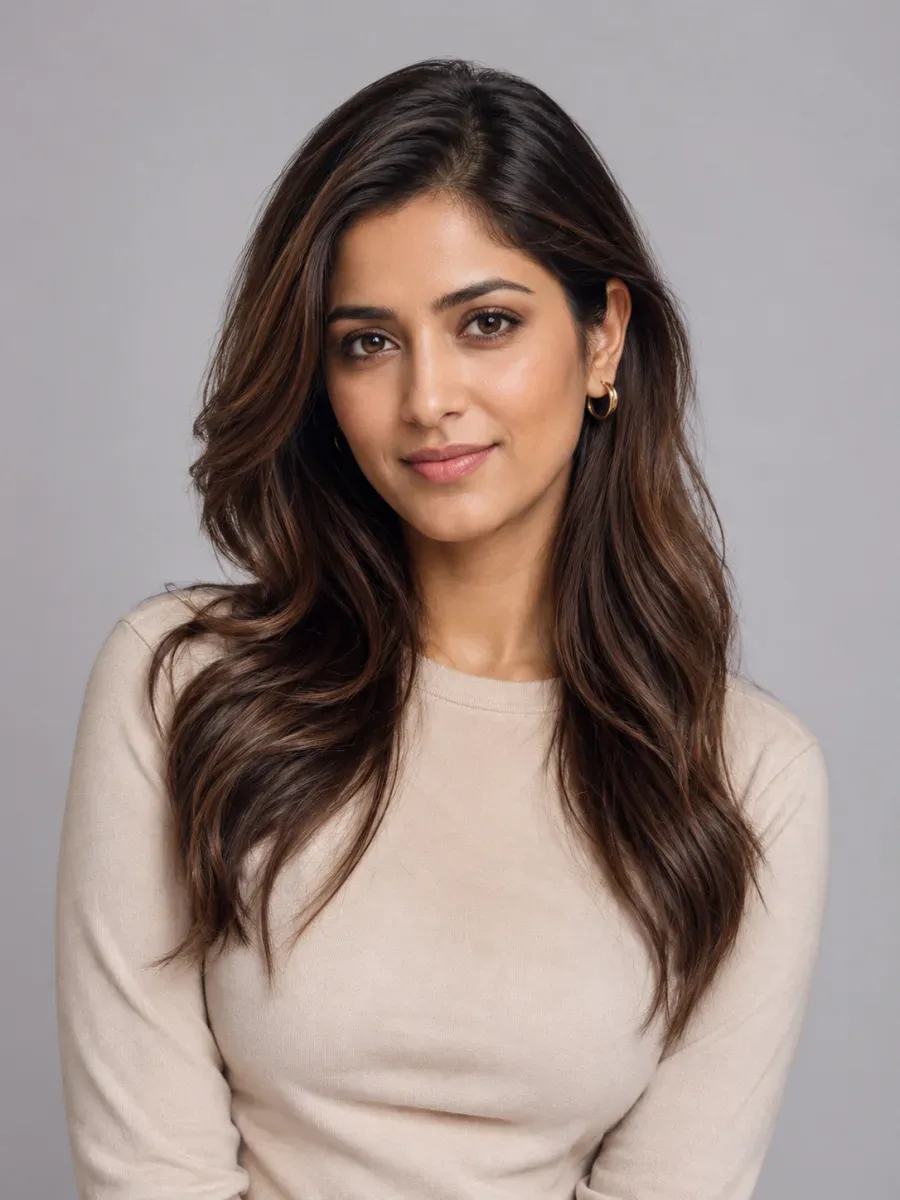
For the most realistic result, use a well-lit photo of one person facing the camera with the hair visible.

Try the style
Gender
Hairstyle
♀ 48 stylesHair Color
Quality
Six haircut categories, each with several presets for women and men. Start with the one you are least sure about: that is where a preview saves the most regret.
Pixie, textured pixie, bixie and undercut pixie. This is the haircut people hesitate over most, because growing a pixie out takes months.
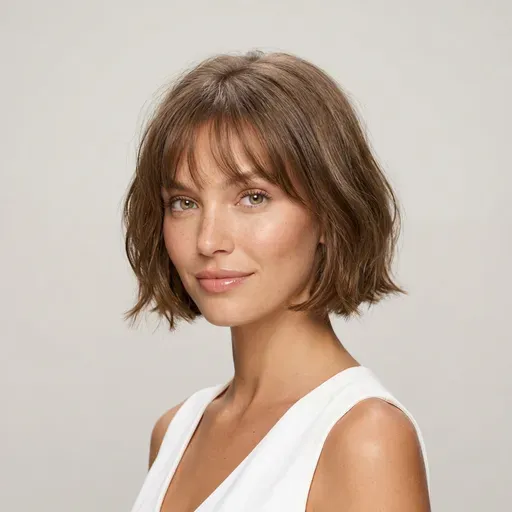
From a blunt bob above the shoulders to a lob that grazes them. The AI haircut simulator shows exactly where the line lands against your jaw and neck.
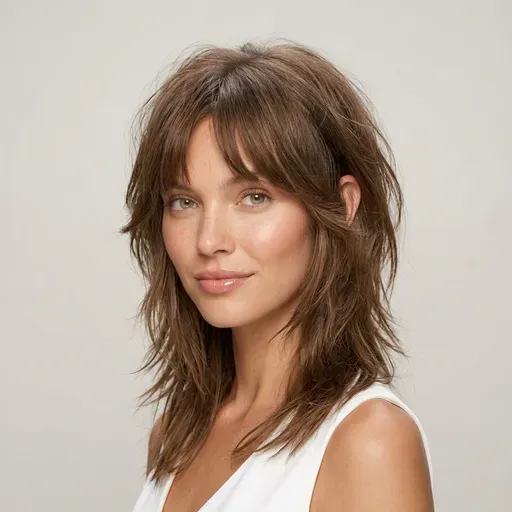
Wolf cut, butterfly cut, shag and face-framing layers. Check how much movement and volume suit your face before you thin anything out.
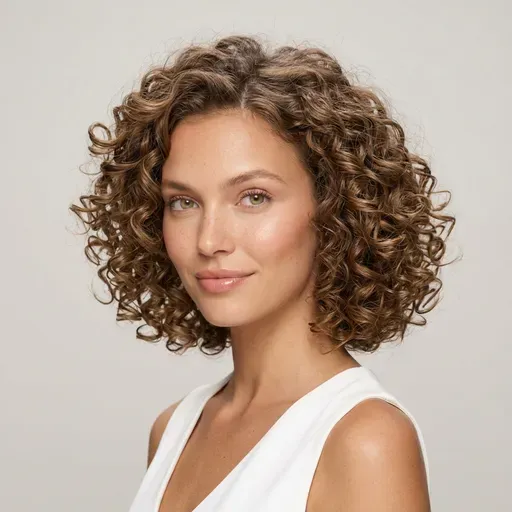
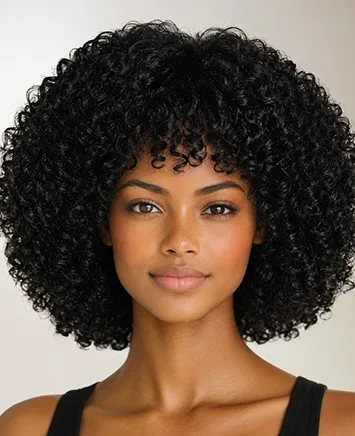
Curly bob, curly wolf cut, bouncy curls and a full afro. See how curls change your silhouette at a new length.
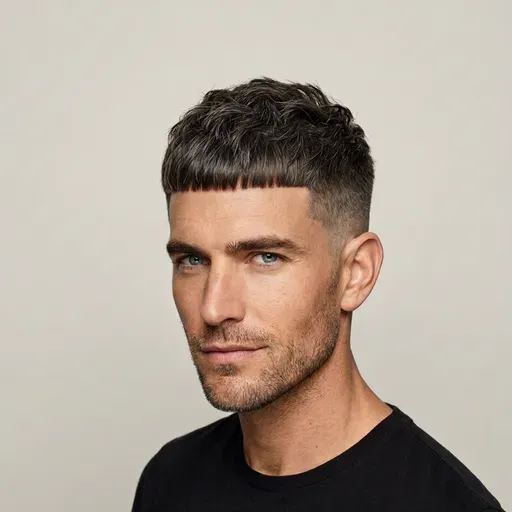
Buzz cut, crew cut, skin fade and French crop. Switch the AI haircut simulator to Male to try a short men's haircut before the clippers come out.
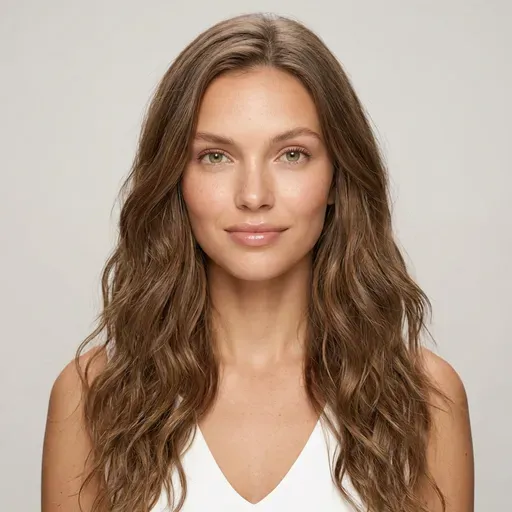
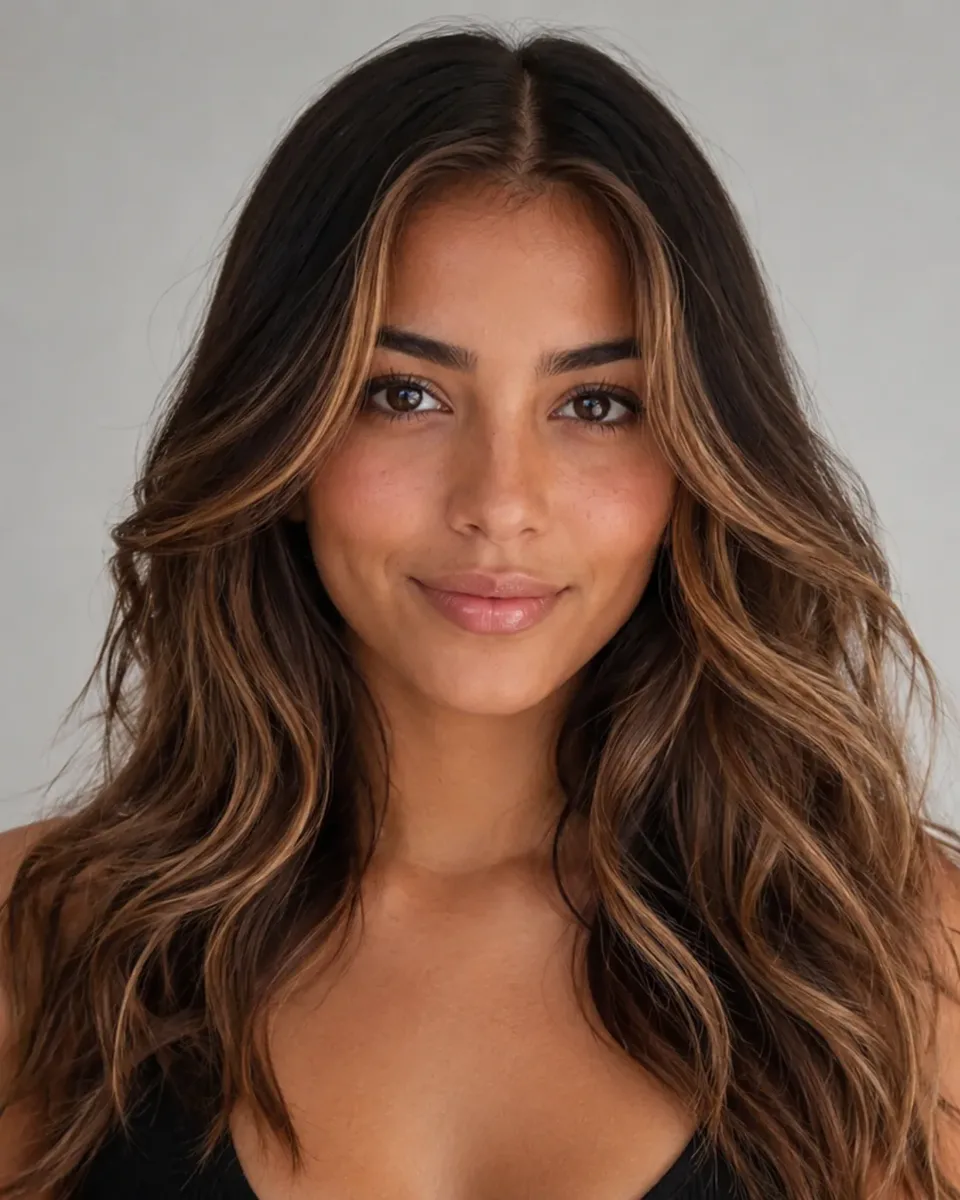
Long layers, beach waves, sleek straight hair and longer men's styles. Useful when you are deciding whether growing it out is worth the wait.
Neither replaces the other. The AI haircut simulator is for deciding on a shape; the consultation is for making that shape work with your actual hair.
What you see
Your current hair, plus the stylist's description and maybe a photo of someone else.
How many options
One or two ideas in the few minutes before the haircut starts.
When it happens
In the chair, with the appointment already booked.
Commitment
Once the first section is cut, the decision is made.
Best at
Reading your hair's density, cowlicks and growth pattern, and what it can actually hold.
What you see
Your own photo with the new haircut on it, next to the original.
How many options
As many cuts and colors as you want to compare, one after another.
When it happens
Any time before you book, from your phone or laptop.
Commitment
Nothing changes until you decide. Skip any look you don't like.
Best at
Narrowing down the shape, length and bangs, so you walk in knowing what to ask for.
Use both: run the AI haircut simulator first, download the look you like, and let your stylist adapt it to your hair.
Only know that you want a change? Here are three ways the AI haircut simulator can suggest a haircut.
Type something like "shoulder length, soft layers, low maintenance" into the description box and let the simulator interpret it.
Saw a haircut you like on someone else? Add the picture as a reference, and the AI haircut simulator applies that cut, length and texture to your face.
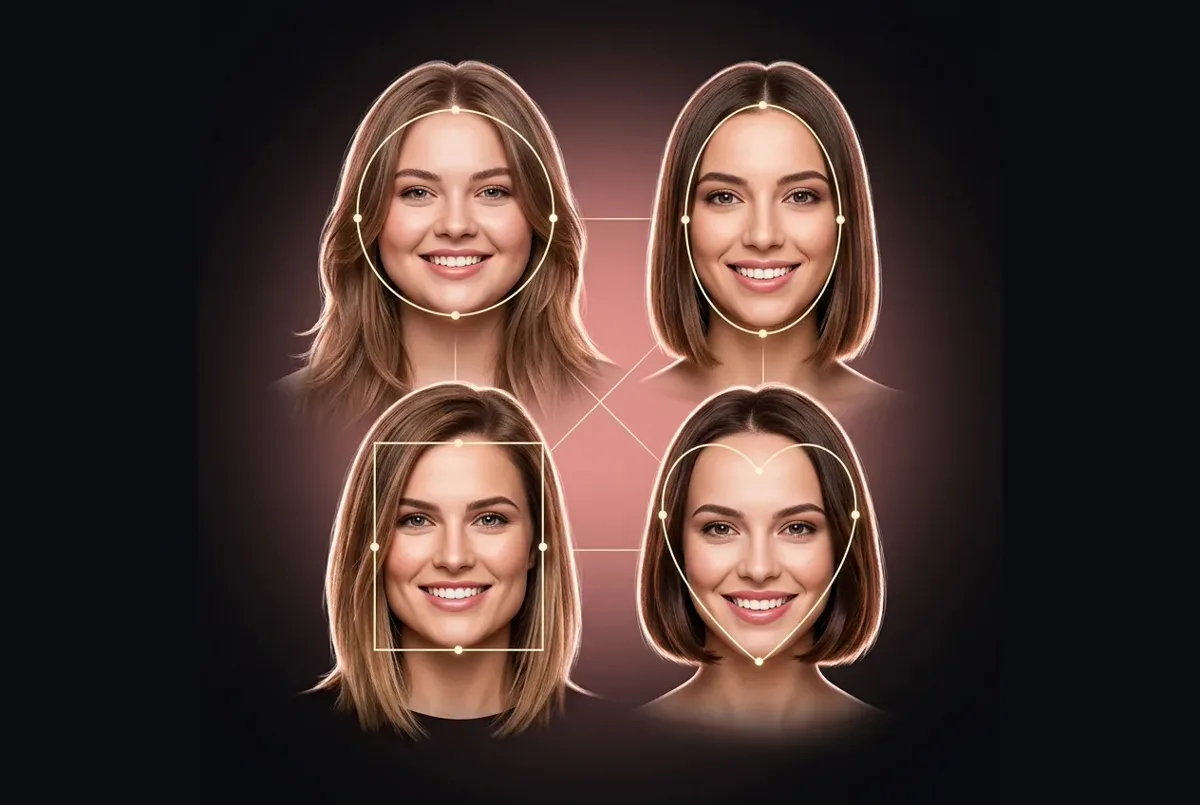
On Best Haircut for My Face, the AI first picks a cut that flatters your face shape. Bring that idea back to the AI haircut simulator to compare it with others.
Just want to play with looks for a photo rather than plan a haircut? The hairstyle filter is made for that. Thinking about facial hair as well? Try the beard simulator.
Like any AI hairstyle editor online, free or paid, the AI haircut simulator can only work with what your photo shows. These six habits bring the preview much closer to the real haircut.
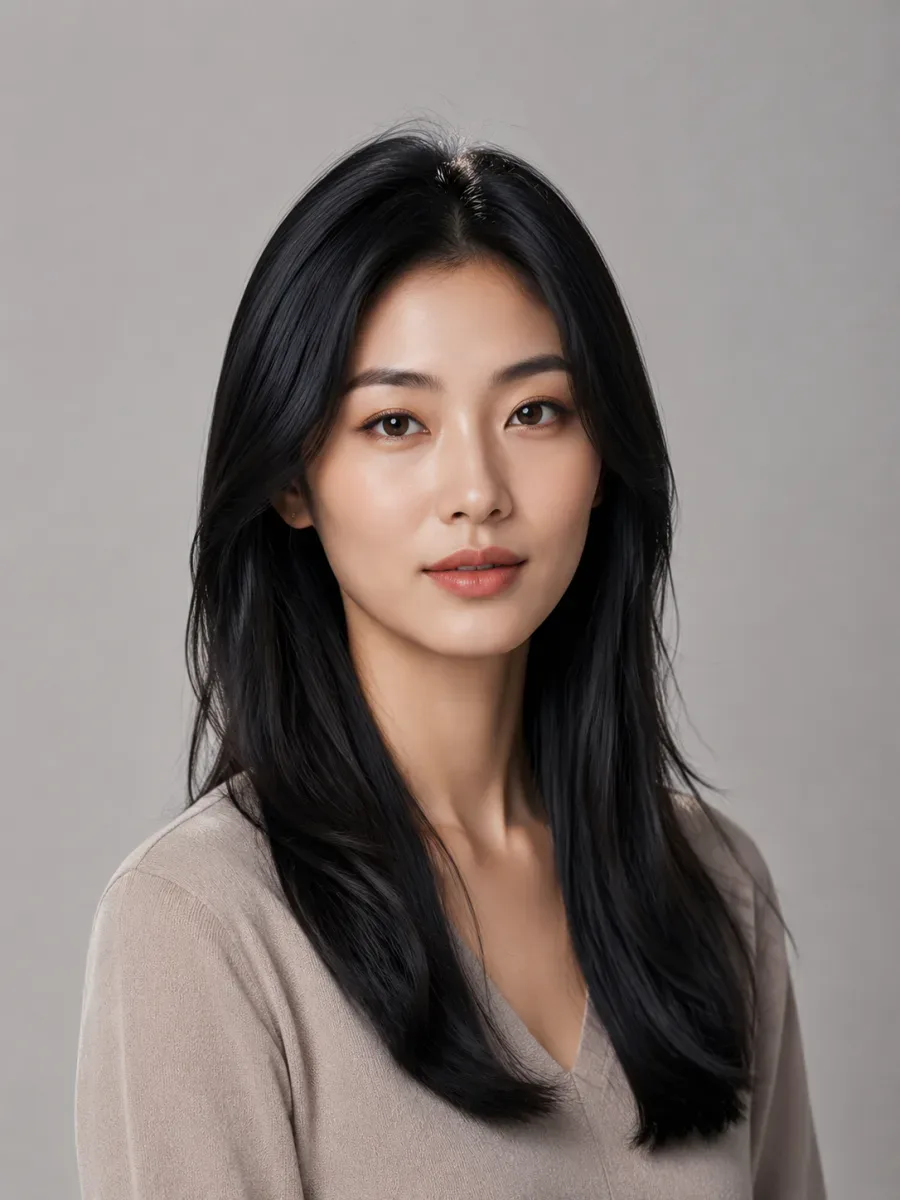
Look straight into the lens with your chin level. A side angle hides how the haircut sits around your jaw.
Daylight from a window works best. Hard shadows and colored lights confuse both the cut and the color.
Wear your hair down and keep your hairline visible, so the AI haircut simulator knows where the new hair should start.
Hats, hoods, sunglasses and hands near your face hide exactly the areas a haircut changes.
Your head and shoulders should fill most of the frame. Group shots and full-body photos lose detail.
Fine, straight hair won't hold a big curly shape without a perm. Simulate cuts your hair can really do, then check with your stylist.
FAQ
What to expect from the AI haircut simulator before you upload your first photo.
This AI haircut simulator shows a realistic version of the haircut on your own face, which is ideal for judging shape, length and bangs. It can't feel your hair's density or cowlicks, so treat the result as a strong reference and let your stylist confirm what your hair can hold.
Yes. Pick any long style and the AI haircut simulator renders the extra length on your photo. That is handy when you are deciding whether to grow your hair out or try extensions.
Yes. Switch the simulator to Male to see fades, crops, quiffs, slick-backs, curtains and longer men's styles on your own photo.
Describe the result you want in plain words, upload a reference photo of a cut you saw, or let the face-shape page pick a flattering cut first. Then compare two or three options one after another.
It runs online in your browser, with nothing to install. Opening the AI haircut simulator, browsing every haircut and uploading a photo cost nothing; each generated result uses credits, and a failed generation is refunded automatically. Current plans are listed on the pricing page.
No. Only your hair is re-rendered; your face, expression, skin tone, clothes and background stay as they are. If a result looks off, try a sharper, front-facing photo or a different cut.
Here both run on the same hair-only AI; the difference is the job. The AI haircut simulator is set up for planning a real haircut: comparing lengths, layers and bangs before a salon visit. The hairstyle filter is for playing with looks on any portrait, just for fun.
Yes. Keep the same selfie in the AI haircut simulator and run one haircut after another. Every result is saved to your history, so you can go back and compare a bob, a lob and a pixie on the same face. Each generation uses credits, so shortlist two or three cuts first.
Yes, that's one of the best uses of an AI haircut simulator. Download the image and bring it to your appointment along with the original photo. A picture of the haircut on your own face explains shape and length better than any description, and your stylist can tell you what your hair will really hold.
Yes. Upload a photo that shows your real texture, then pick a curly preset such as a curly bob, curly wolf cut or afro to keep your curl pattern in the result. Very fine or very coarse hair may not hold every shape, so confirm the haircut with a stylist who knows your hair type.
Upload a selfie, pick a haircut and compare length, layers and fringe on your own face before anyone picks up the scissors.
Pick the AI hairstyle try-on tool for the job: a new cut, a new color, a beard or a hairstyle that suits your face shape.
AI hairstyle try-on
Free credits for one AI model preview