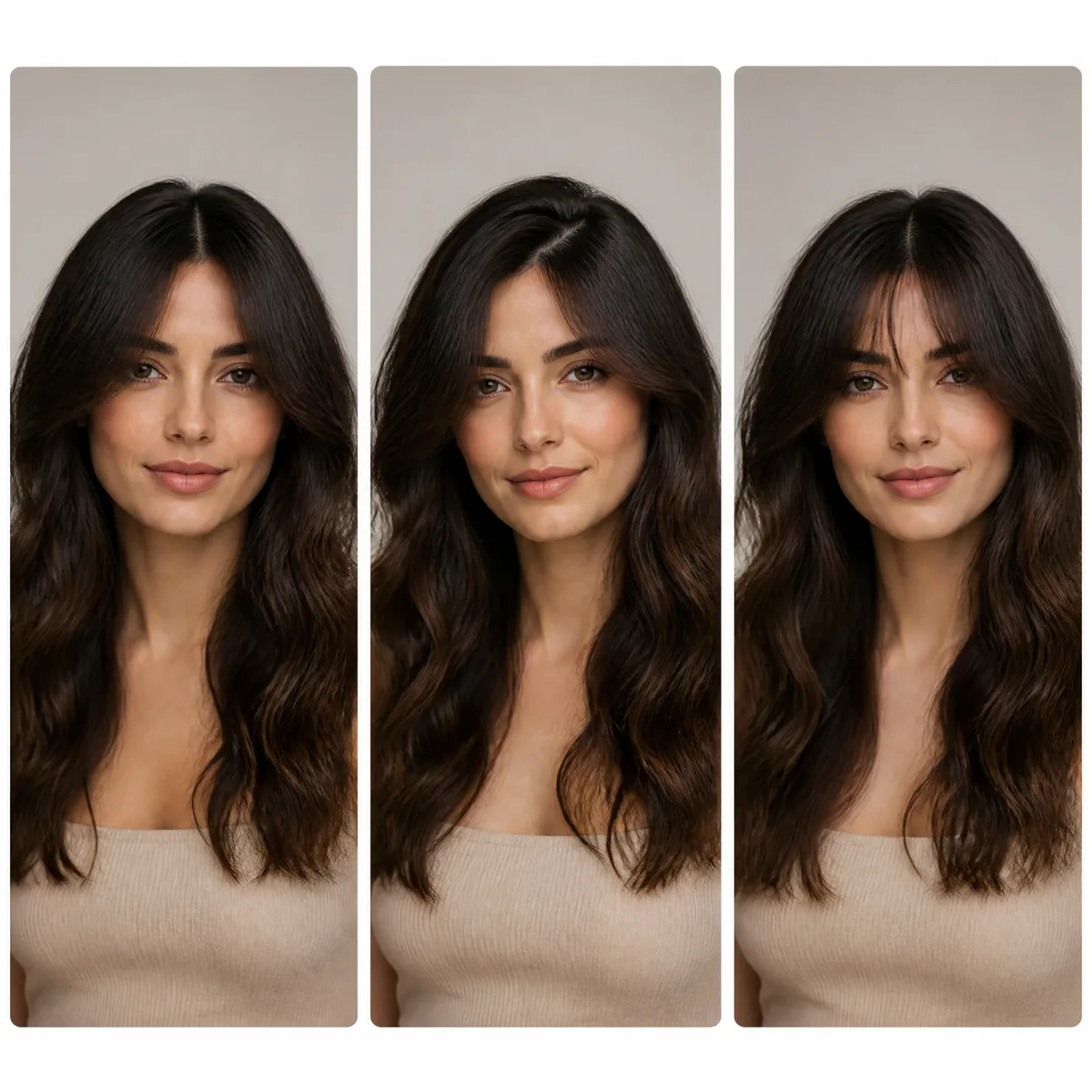
Blondes
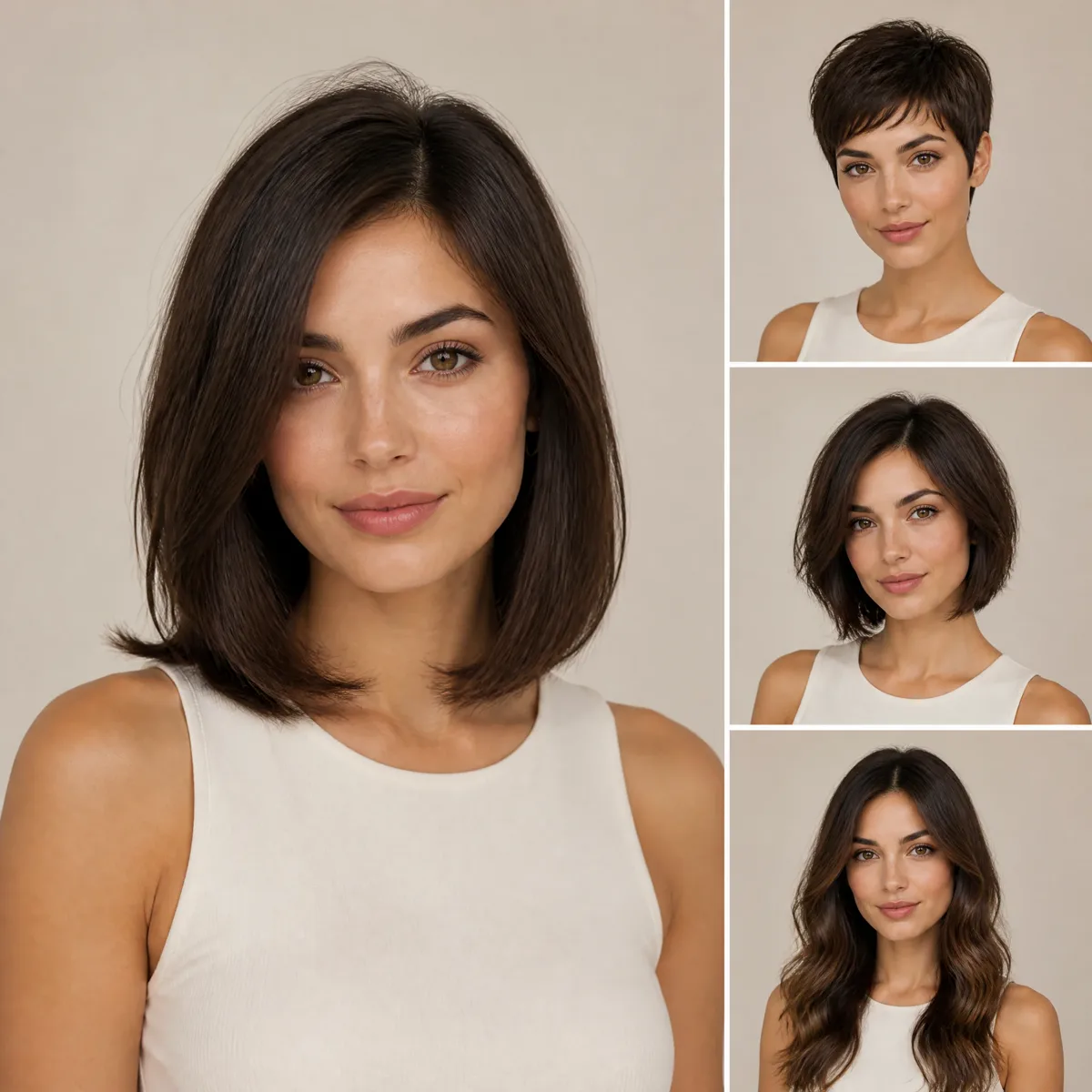
From icy platinum to warm honey. The biggest change you can make, so preview it first: blonde shifts how your brows and skin read.
In the simulator
This hair color simulator recolors only the hair in your selfie and keeps your cut, face and background as they are. Start with the AI-recommended shade, or pick one from the families below.
New accounts get one free AI model preview. Trying a style on your own photo uses credits, and a failed run is refunded automatically.
For the most realistic result, use a well-lit photo of one person facing the camera with the hair visible.
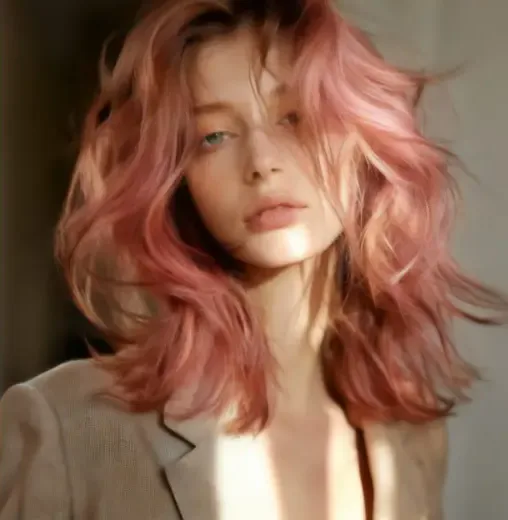
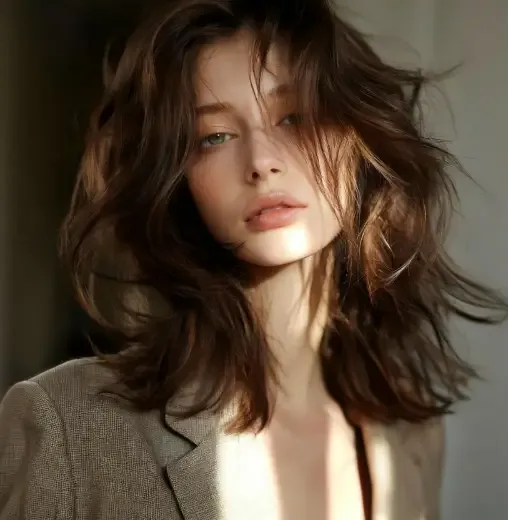
Try the style
Hair Color
Quality
Shade gallery
Every shade here is in the hair color simulator. Tap one to jump to the tool, then pick the same name in the Hair Color row.
From icy platinum to warm honey. The biggest change you can make, so preview it first: blonde shifts how your brows and skin read.
In the simulator
Easy to wear and to grow out. Chestnut and caramel add warmth; deep chocolate adds richness without drama.
In the simulator
Bright copper, deep auburn, cherry and wine. Reds tend to fade faster, so choose one you'd enjoy refreshing.
In the simulator
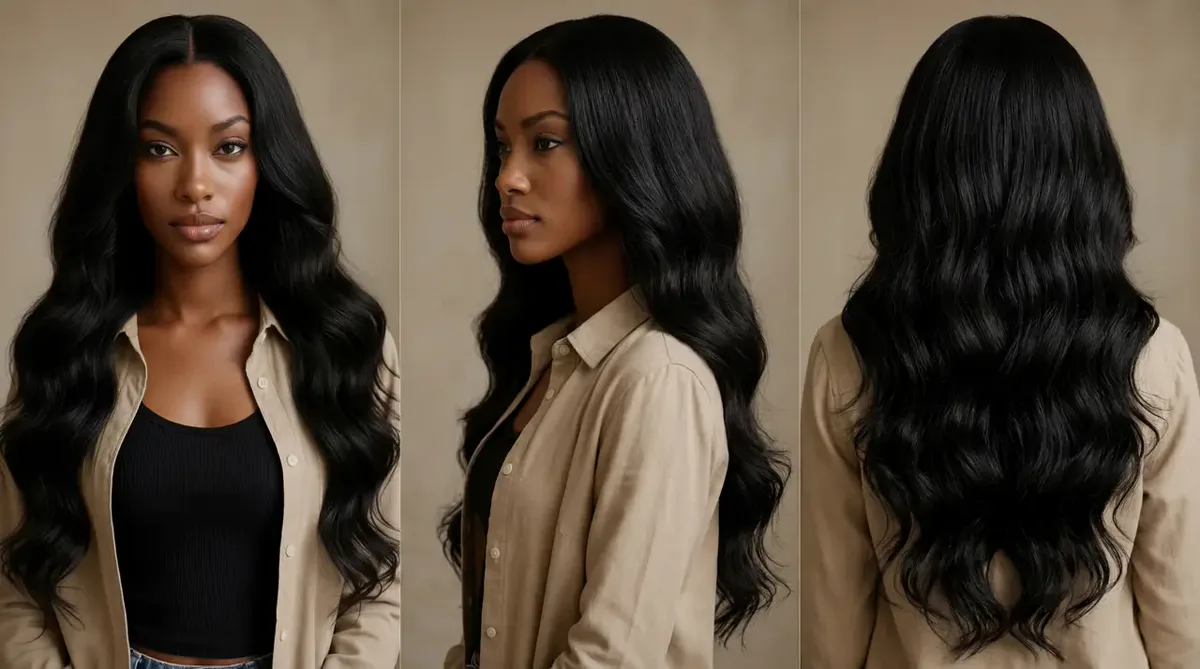
Glossy jet black gives strong contrast and a sleek finish. On fair skin, check it in the hair color simulator first — the contrast is bigger than a swatch suggests.
In the simulator
Silver, steel and white — for blending natural grays or making a statement.
In the simulator
Pink, lavender, rose gold, purple, teal and electric blue — easier to choose once the hair color simulator shows them on you.
In the simulator
Skin tone
Undertone — the hue beneath your skin's surface — matters more than how light or deep your skin is. Check three things in daylight: your wrist veins, whether gold or silver jewelry suits you, and how pure white looks next to your face.
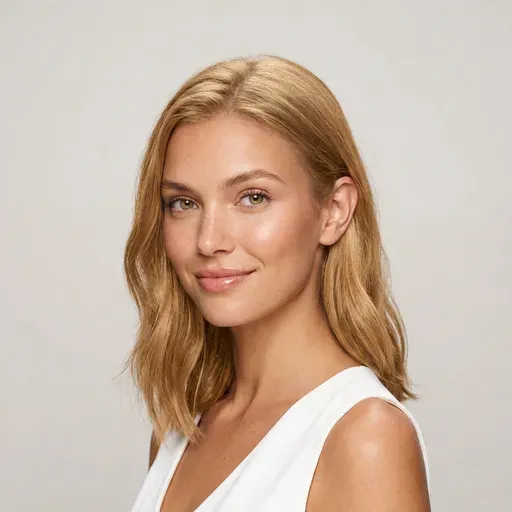
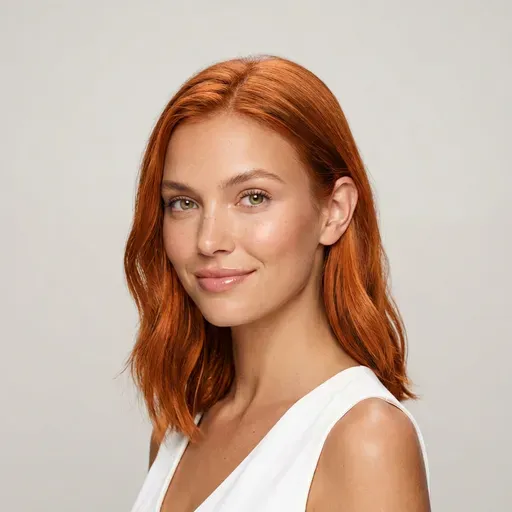
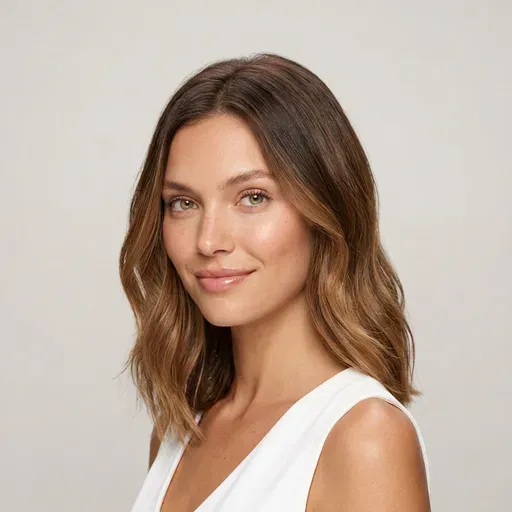
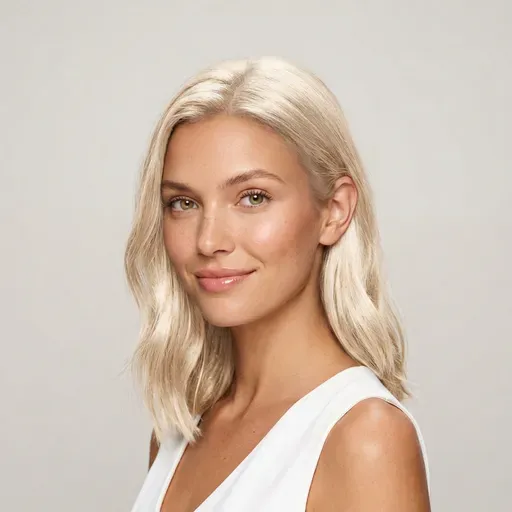
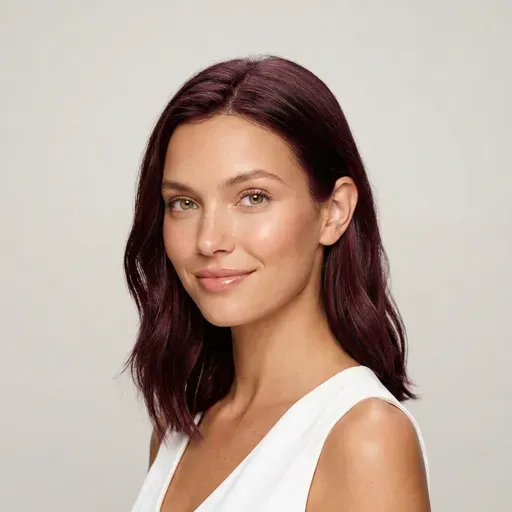
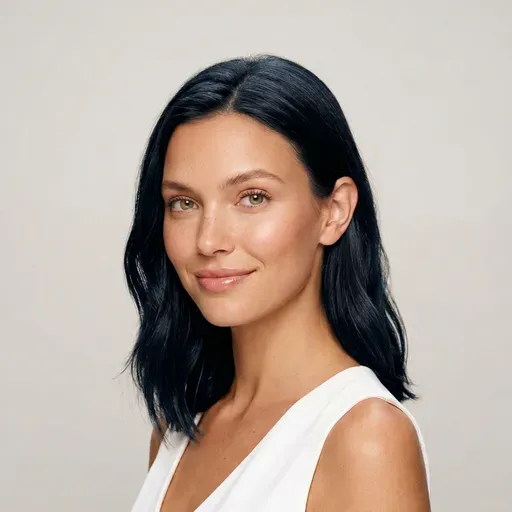
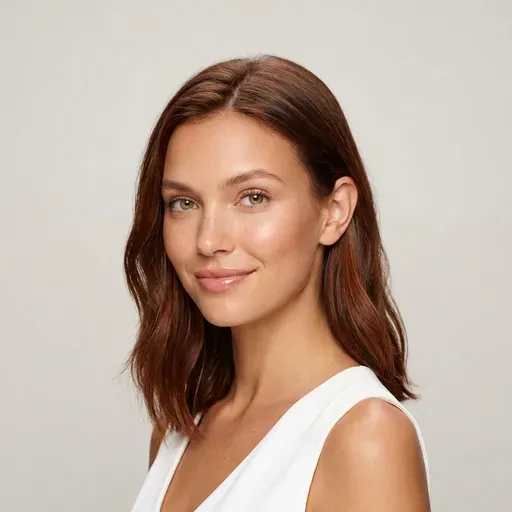
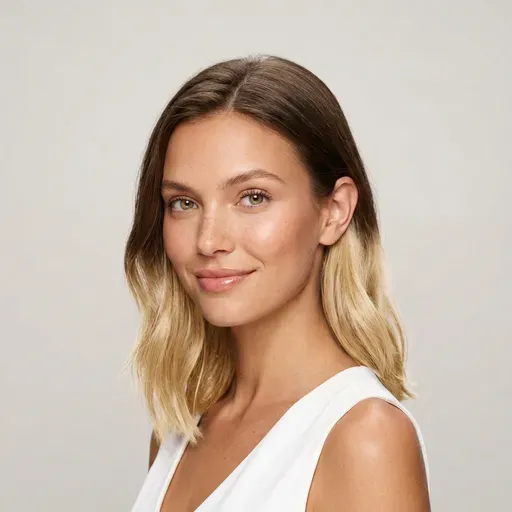
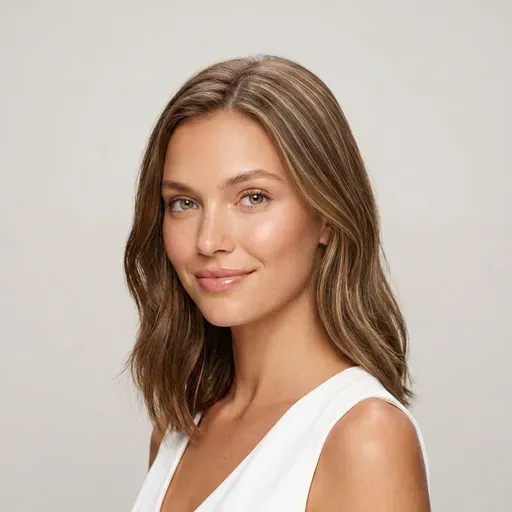
These are starting points, not rules — eye color and brows count too. Unsure? Keep “AI recommended” selected and the hair color simulator suggests a shade for your skin tone.
Going blonde
It's the question behind every “how would I look blonde” filter search, and the answer depends on the blonde. Platinum is cool and high-contrast, honey is softer and warmer, and an ombré keeps darker roots for a gentler change. Try at least two on the same photo in the hair color simulator.
Before you dye
The hair color simulator and a strand test answer different questions: one shows how a shade looks on you, the other how the dye behaves on your hair. Use both.
Use a daylight photo; warm indoor light pushes every shade toward orange.
Preview the shade you really want. Big jumps, like dark brown to platinum, usually need lightening — often by a professional.
Save your favorite result to show a stylist or to compare boxes.
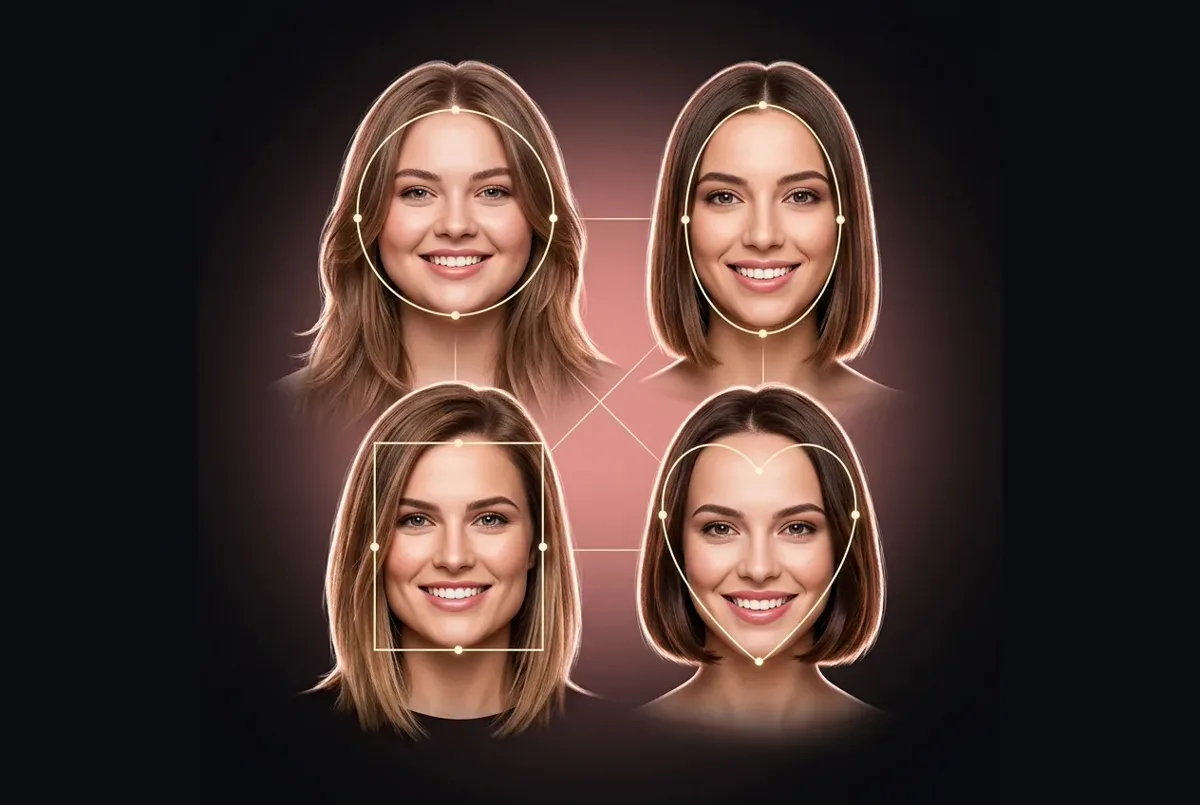
Changing the cut too? Find one with the best haircut for my face guide or the hairstyle filter, or try a cut and a color together in the main hair makeover tool.
FAQ
Shades, photos, accuracy and credits in the hair color simulator.
Browsing shades and uploading a photo cost nothing, and new accounts get free credits for one AI model preview, where an AI model wears the shade instead of you. Recoloring your own photo uses credits, and a failed generation is refunded automatically.
No. It changes only the color and keeps your cut, styling, face and background. Compare the result with your original using the before/after slider.
Start with your undertone: warm skin usually suits golden and copper shades, cool skin suits ash, platinum and burgundy. Then try two or three candidates on the same photo. Still torn? Keep “AI recommended” selected and let the hair color simulator suggest a shade.
In the hair color simulator, compare Platinum Blonde, Honey Blonde and Ash Blonde on your photo, or a Blonde Ombré that keeps darker roots. How many sessions it takes to get there is a question for your colorist.
Yes. Highlights, Caramel Balayage and Blonde Ombré sit in the Hair Color row next to the solid shades. The preview shows the overall effect; where the lighter pieces actually go on your head is up to your colorist, so bring the result along as a reference.
Yes. Pick Silver Gray or White in the hair color simulator to preview gray or silver hair, which helps if you're thinking about growing out your natural gray instead of dyeing it. Compare it with your current color on the same photo before you stop dyeing.
A front-facing daylight photo with your hair clearly visible; JPG, PNG or WebP up to 10 MB. Colored lights and beauty filters skew the shade.
Yes — on any photo with visible hair, short or long, from blending grays to a bold platinum.
Not on this page: the hair color simulator keeps your cut so the shade comparison stays fair. To test a new cut and a new color together, use the main hair makeover tool, which has both a hairstyle row and a color row.
Treat the hair color simulator's preview as a target, not a promise: the real result depends on your starting color, past dye or lightening, and the product or colorist. Do a strand test first.
Upload a selfie and try blonde, copper, black or pastel on your own hair. Your cut, face and background stay exactly as they are.
Pick the AI hairstyle try-on tool for the job: a new cut, a new color, a beard or a hairstyle that suits your face shape.
AI hairstyle try-on
Free credits for one AI model preview