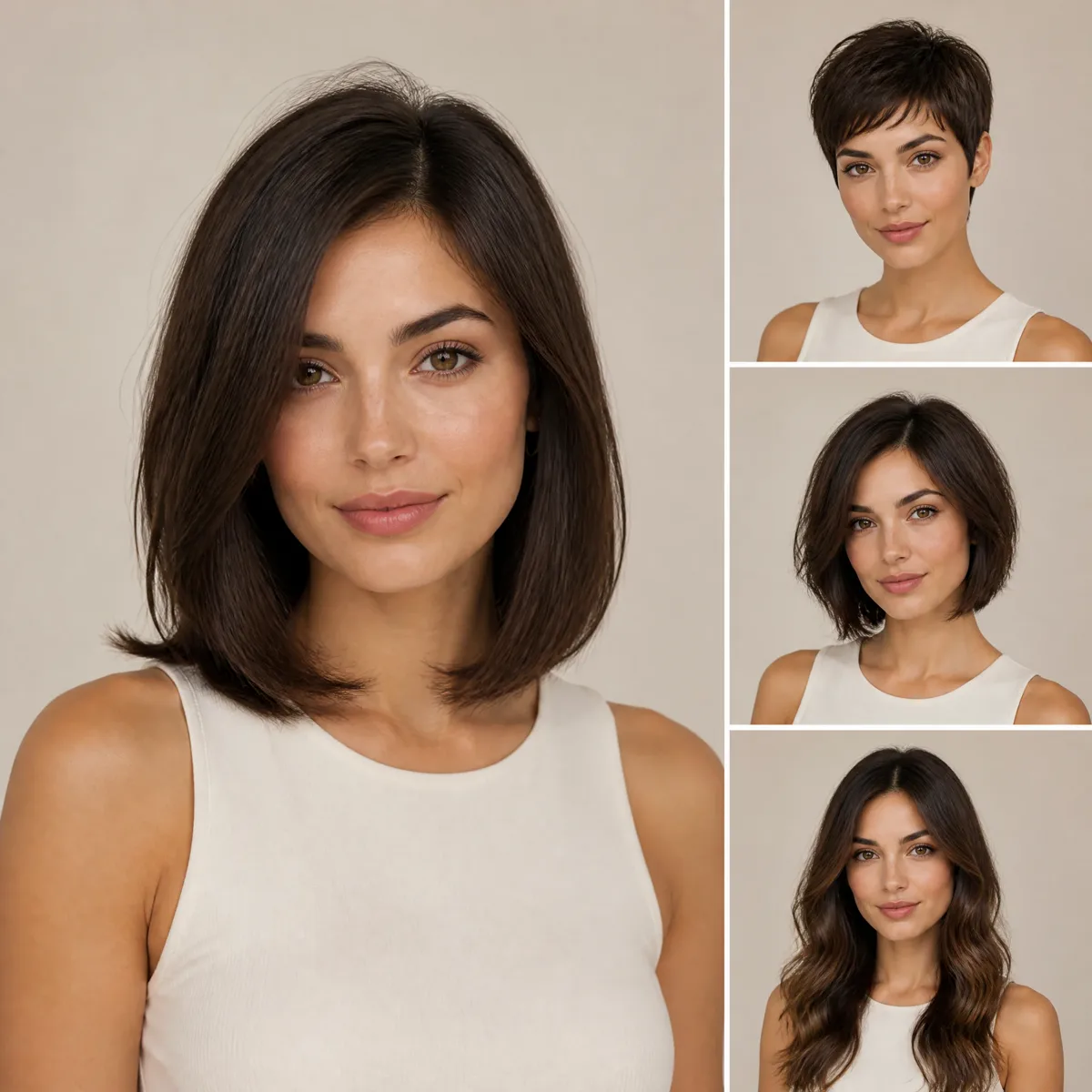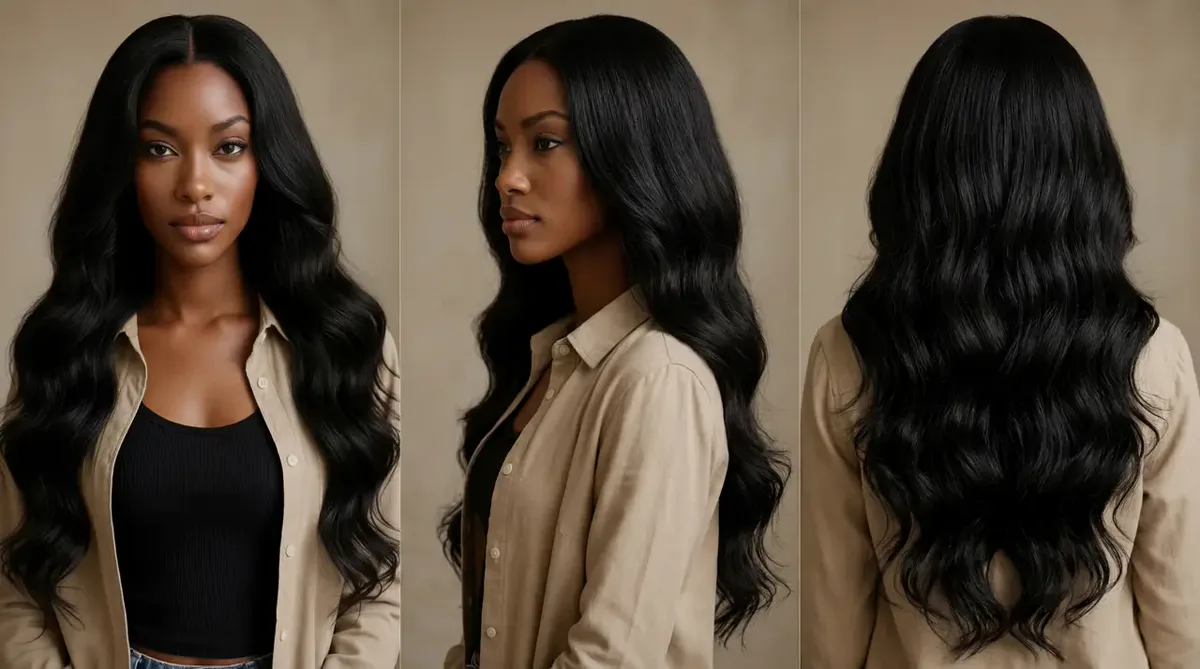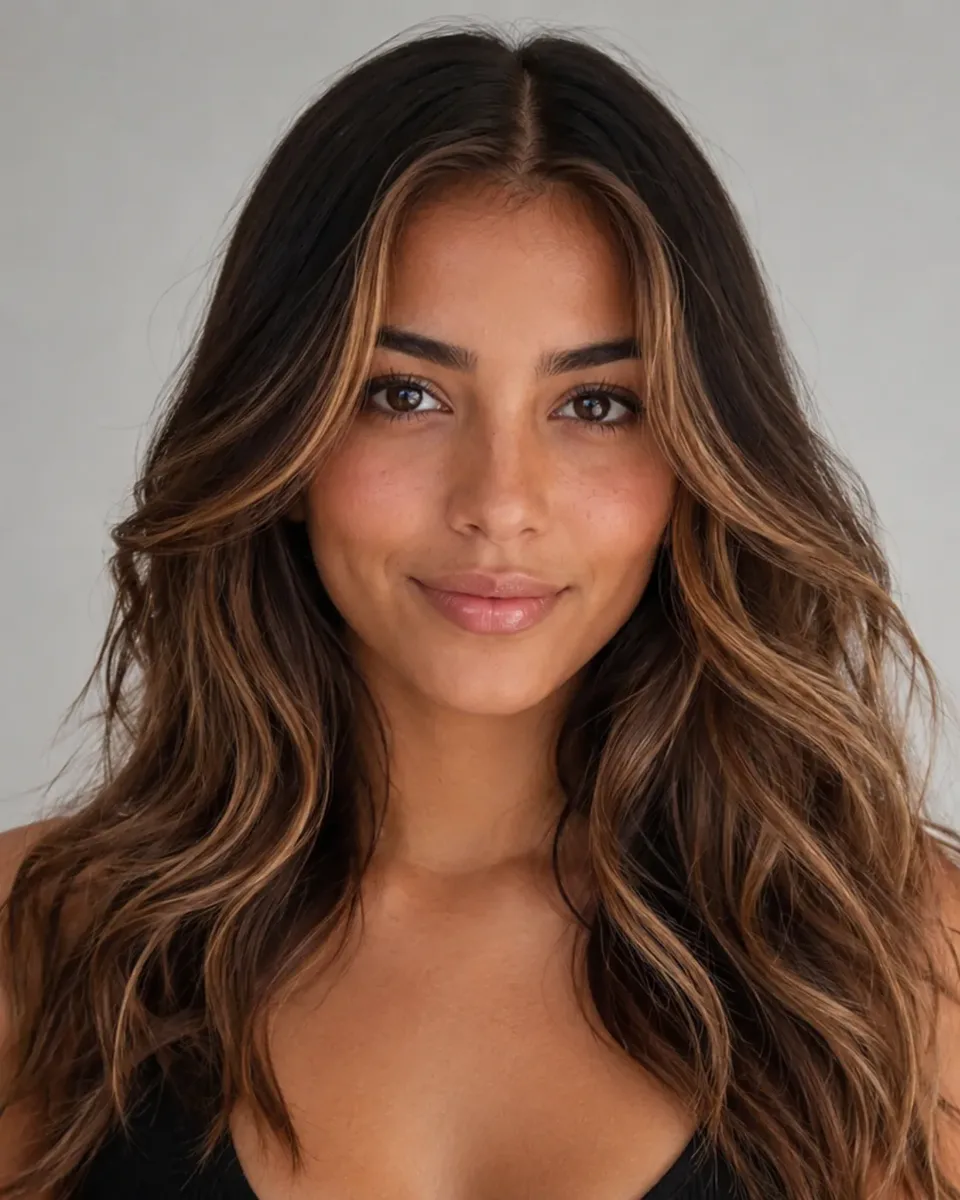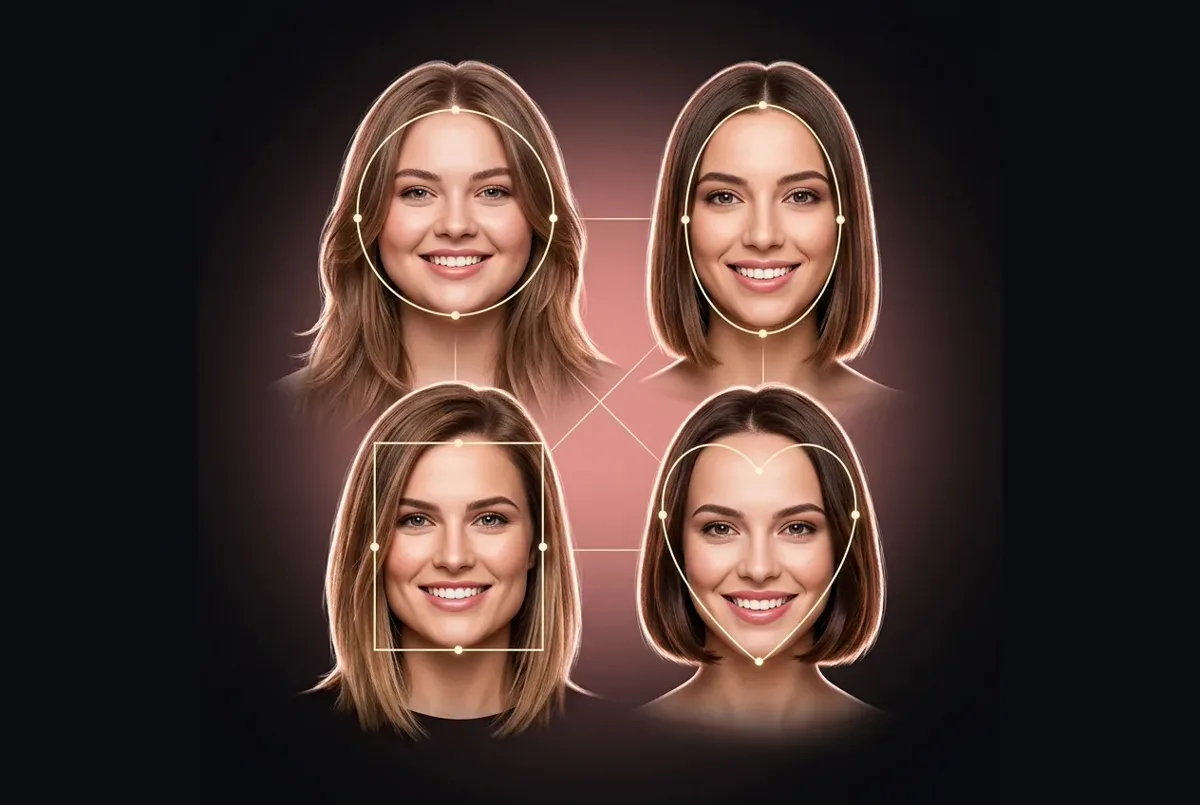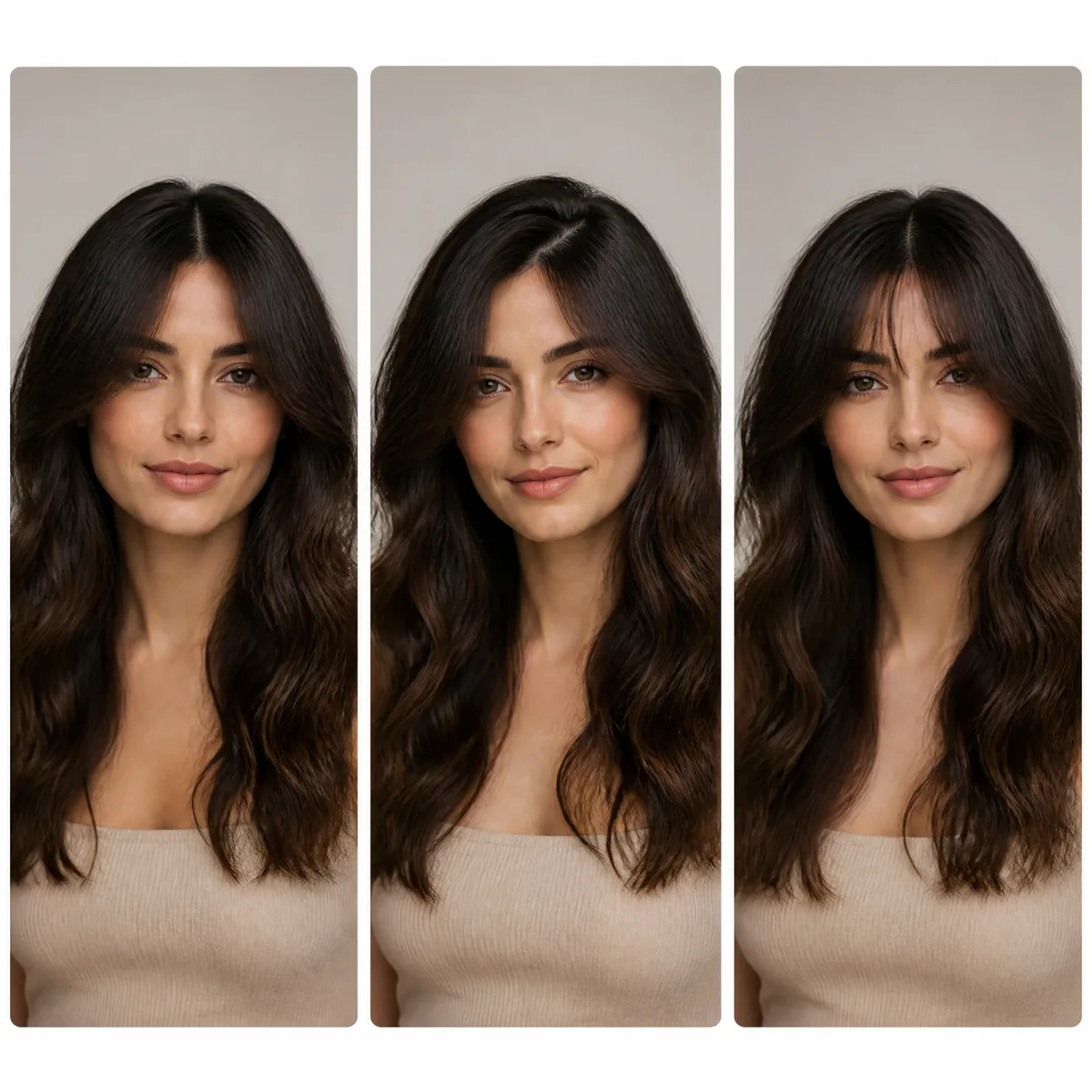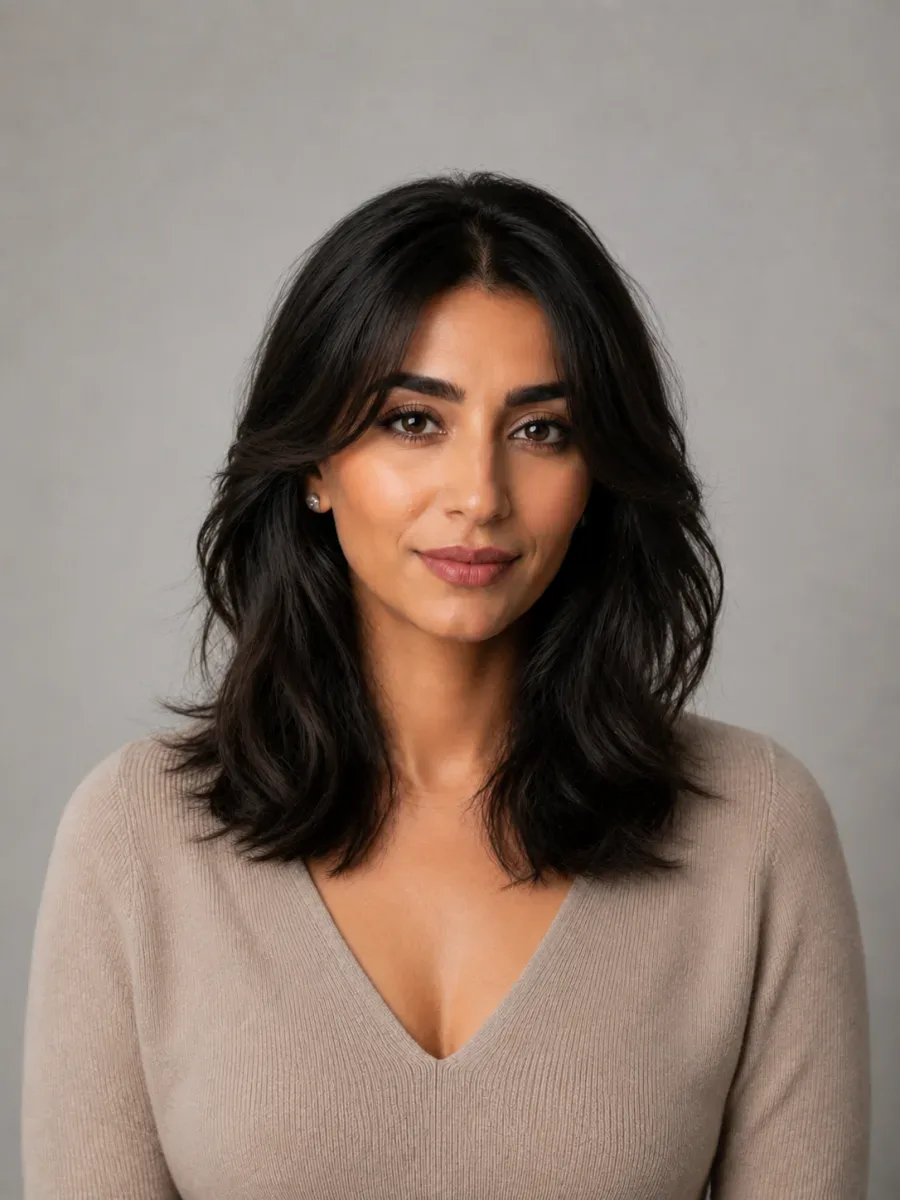
A dating-profile refresh
See whether a new cut or color makes your profile photo feel more like you now, before you commit to it in real life.
Upload any portrait and pick a style: this hairstyle filter redraws your hair inside the photo instead of floating an effect on top. Choose from women's cuts and bangs, or flip the switch to Male for fades, crops and other men's styles.
New accounts get one free AI model preview. Trying a style on your own photo uses credits, and a failed run is refunded automatically.
Hairstyle reference photo (optional)
For the most realistic result, use a well-lit photo of one person facing the camera with the hair visible.
Try the style
Gender
Hairstyle
♀ 48 stylesHair Color
Quality
Most social-app filters lay animated hair over a live camera feed. That is fun in a video and unconvincing in a still photo. This AI hairstyle filter re-renders the hair inside the photo itself.
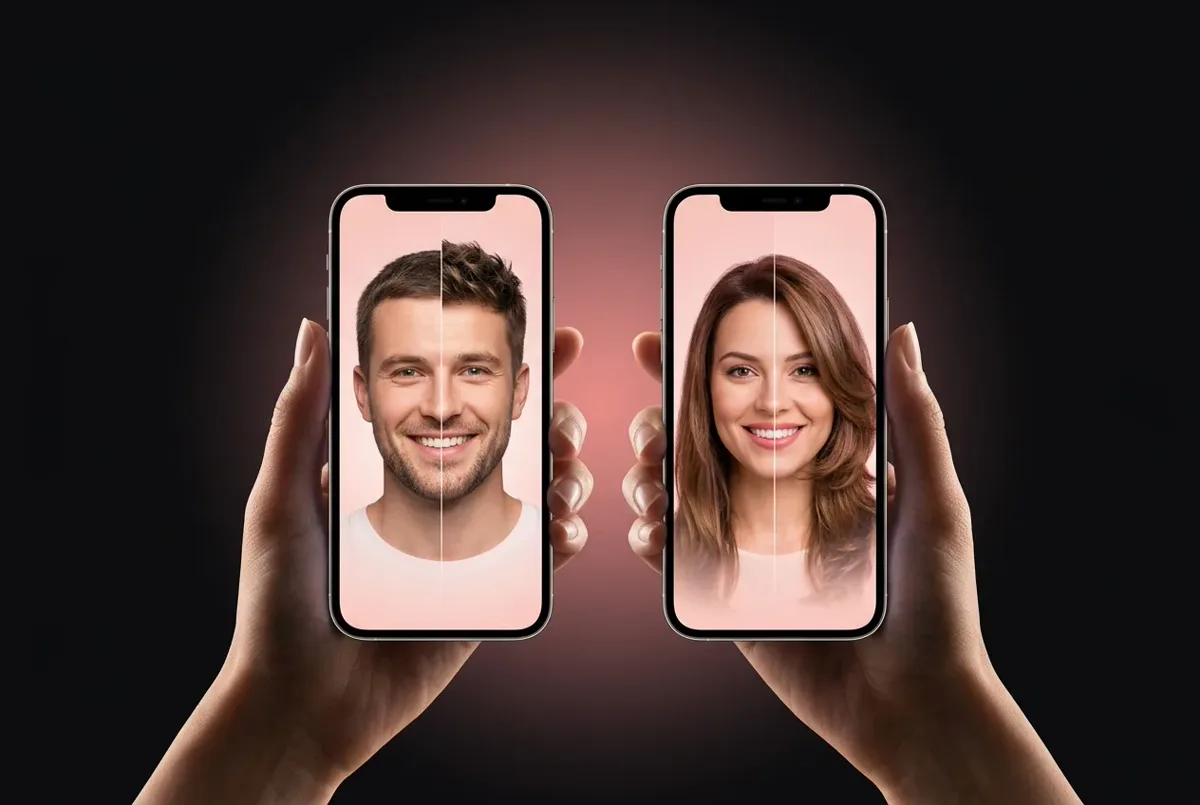
Typical app filterAn effect tracked on top of your face in real time.
AI re-renderNew hair drawn into the photo itself, around your face.
Typical app filterEdges float over the forehead and ears and ignore the light in the room.
AI re-renderA natural hairline, with shadows and highlights that match the photo.
Typical app filterLooks fine in motion, falls apart in a screenshot.
AI re-renderHolds up as a still you can zoom into, download and share.
Typical app filterOnly the live camera, only right now.
AI re-renderAny portrait, from a fresh selfie to an old photo, so it doubles as a hairstyle changer for photos.
Planning a real cut rather than playing? The AI haircut simulator walks you through choosing one.
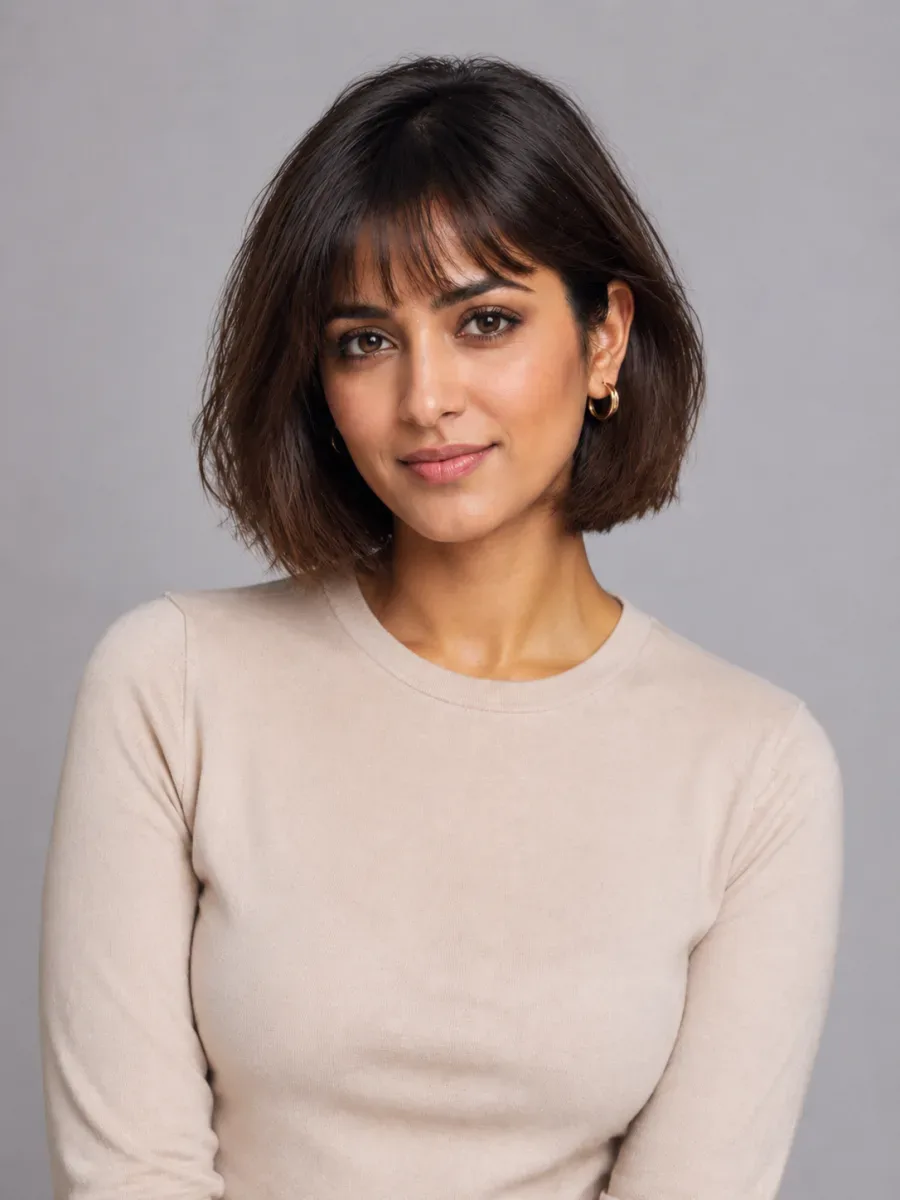
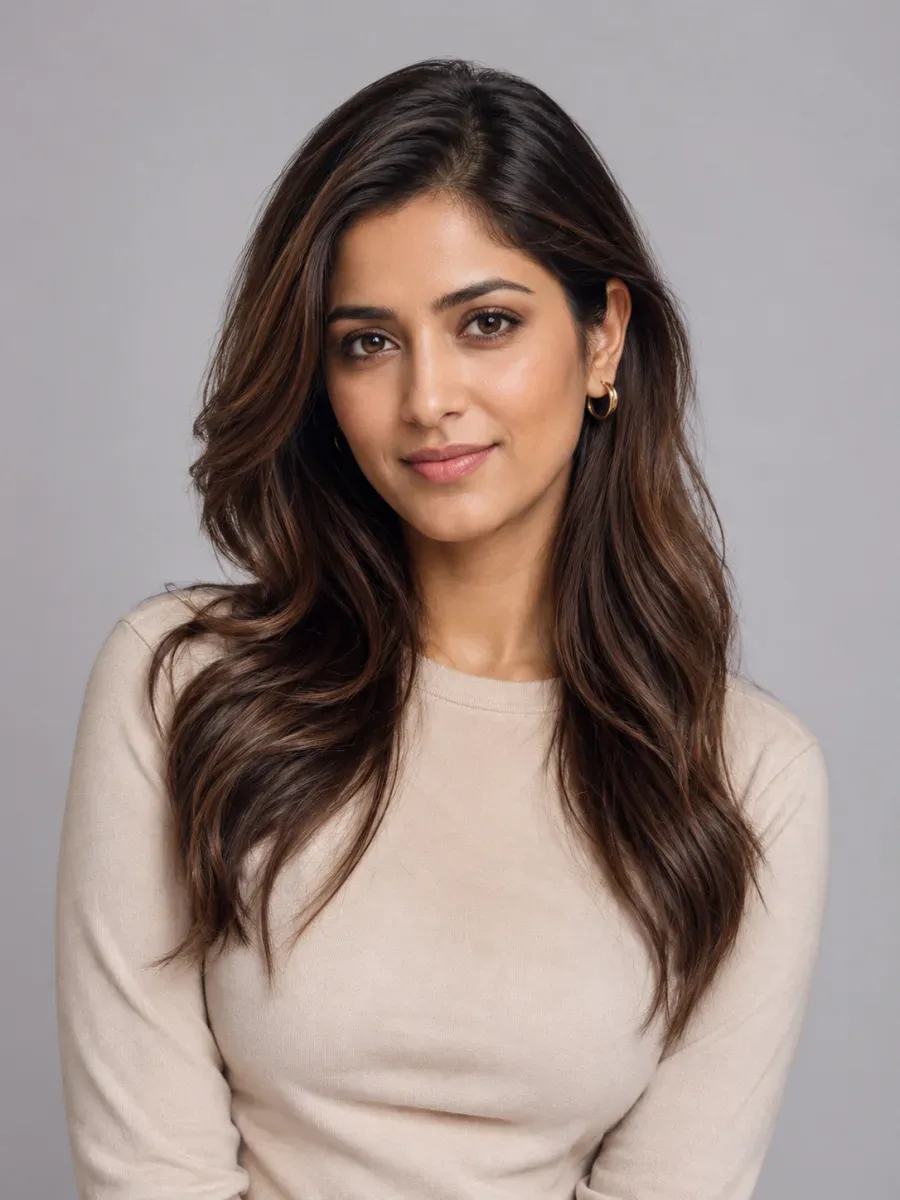
Before-and-after examples from the hairstyle filter. Men get their own tab, because a good hairstyle filter for men needs fades, crops and textured tops, not just shorter versions of women's cuts.
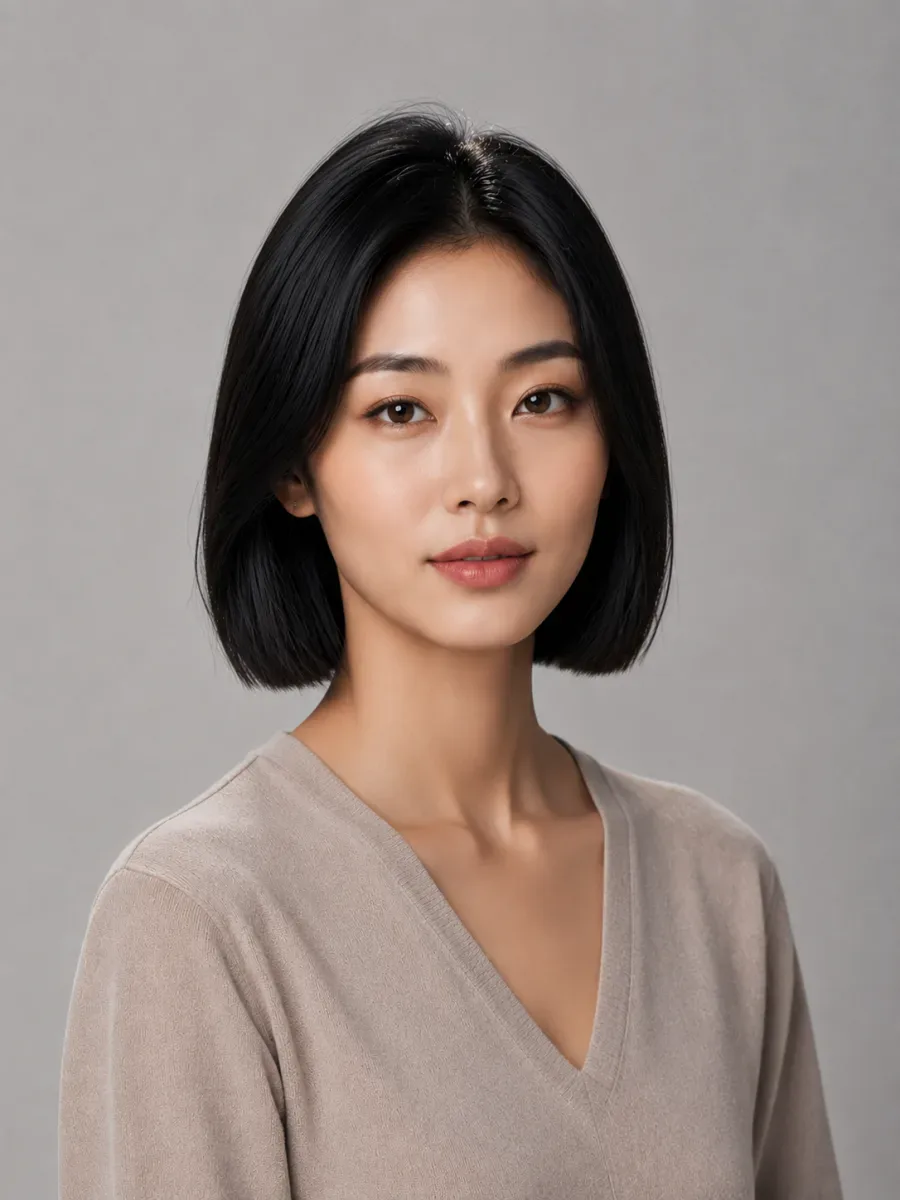
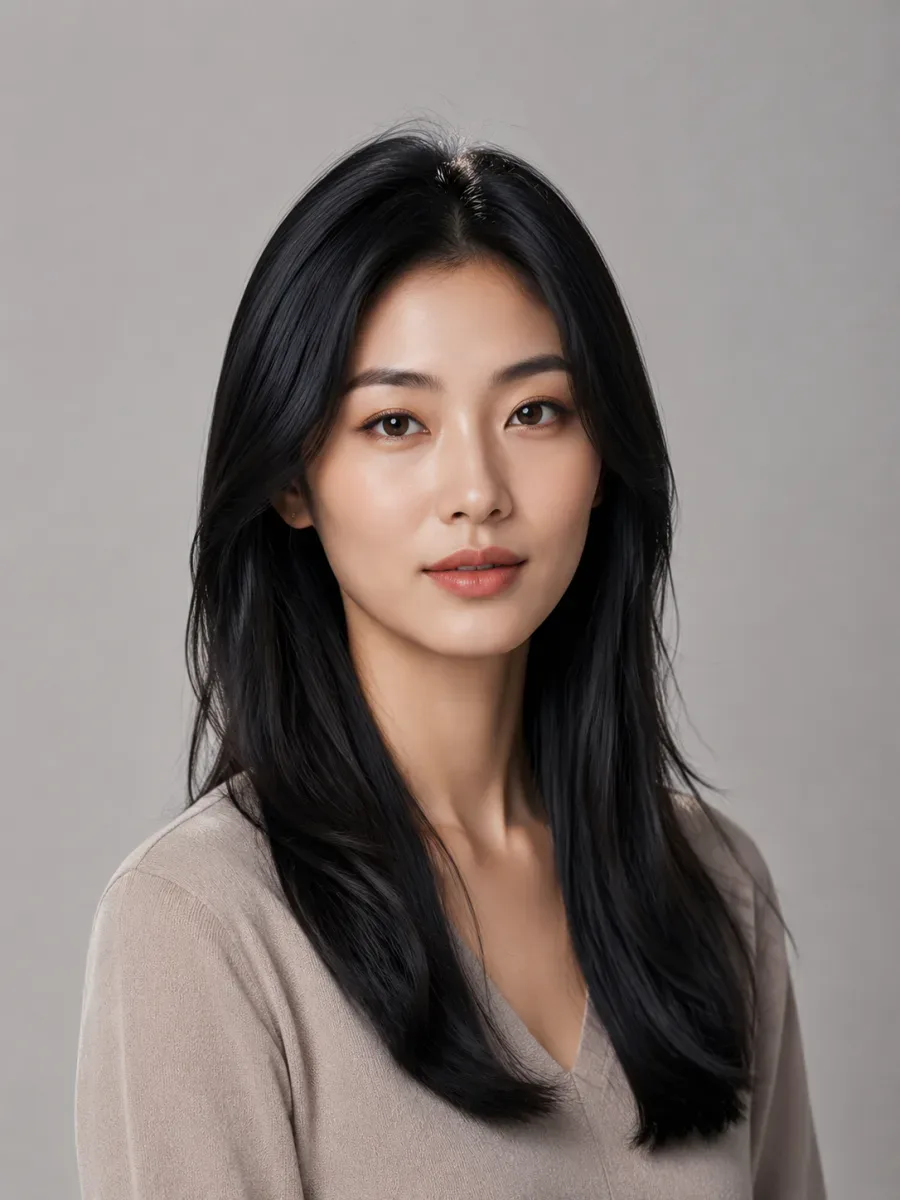
A clean jaw-length line, with the same face, sweater and backdrop.
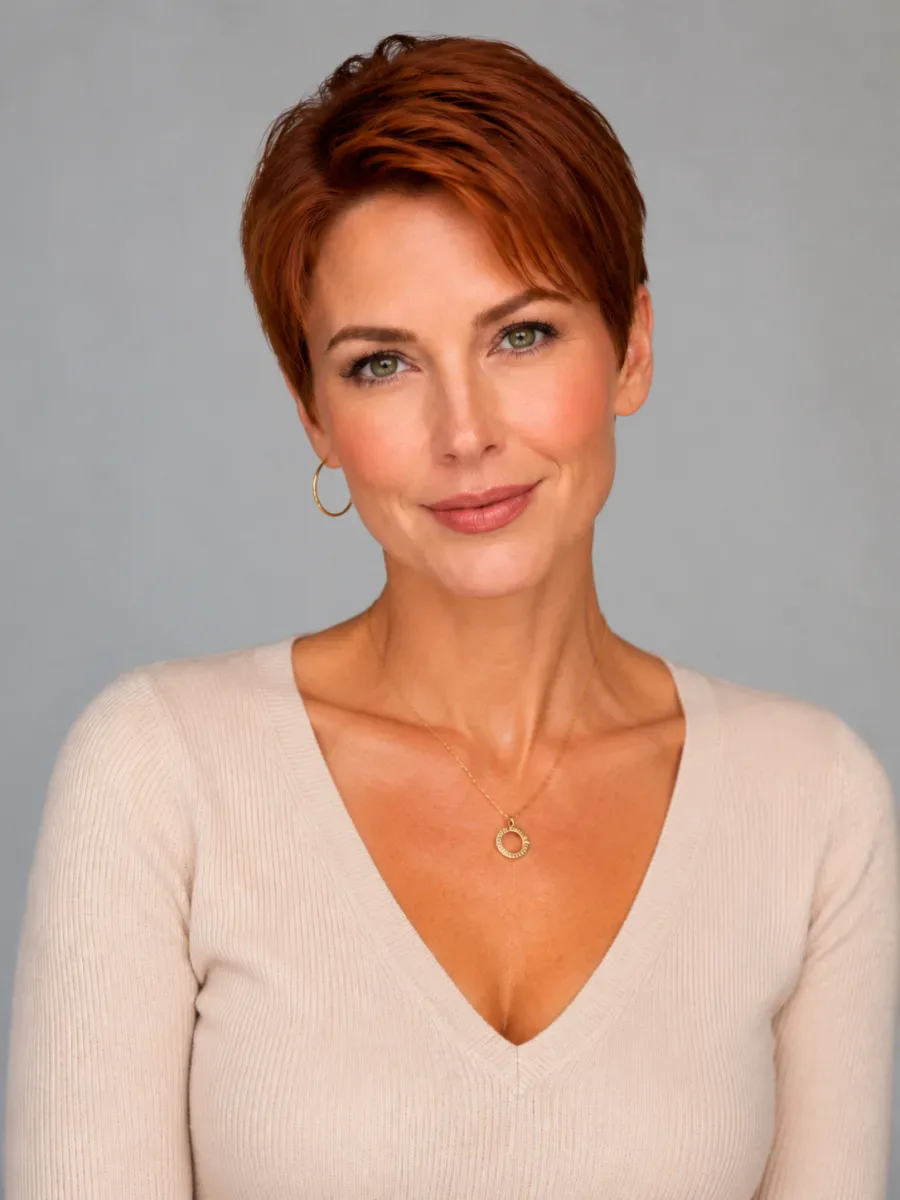
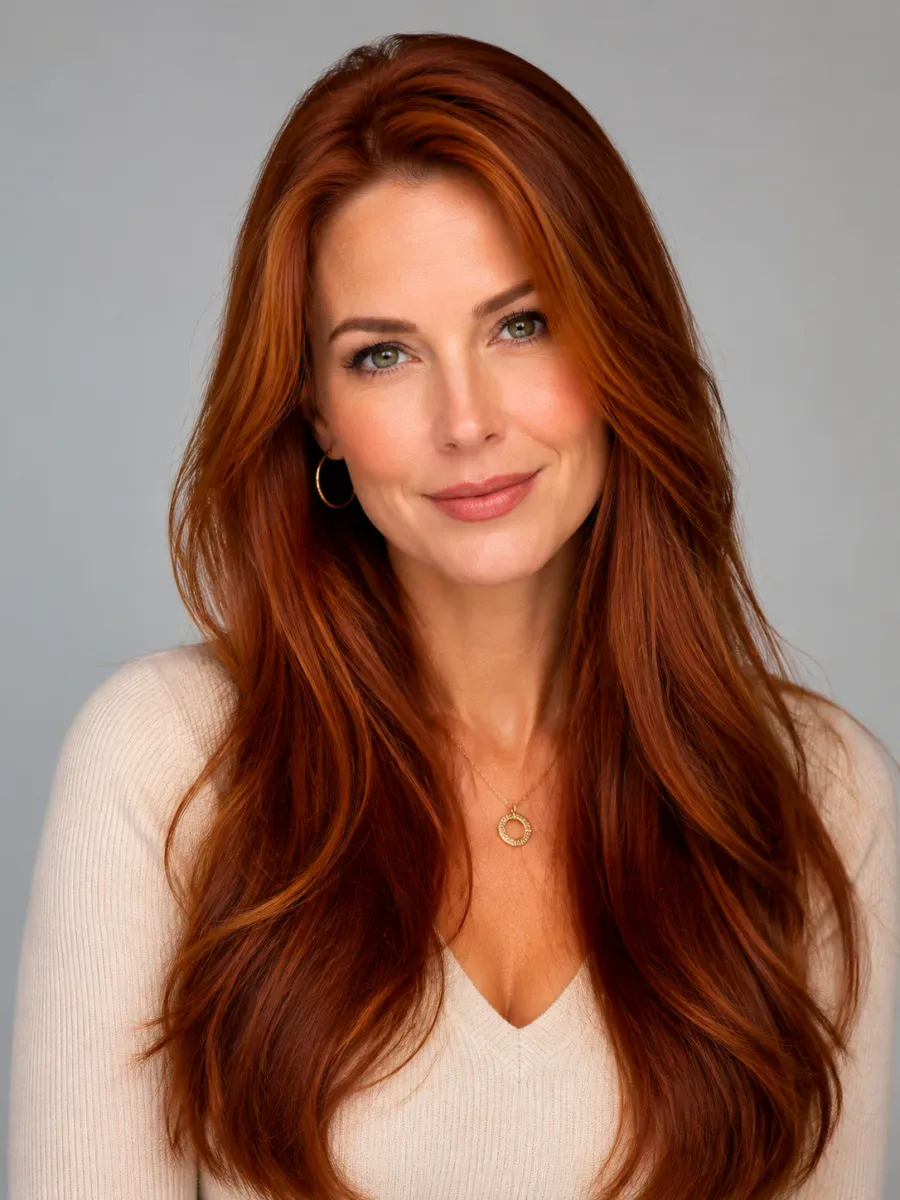
The biggest change you can make, seen before a single snip.
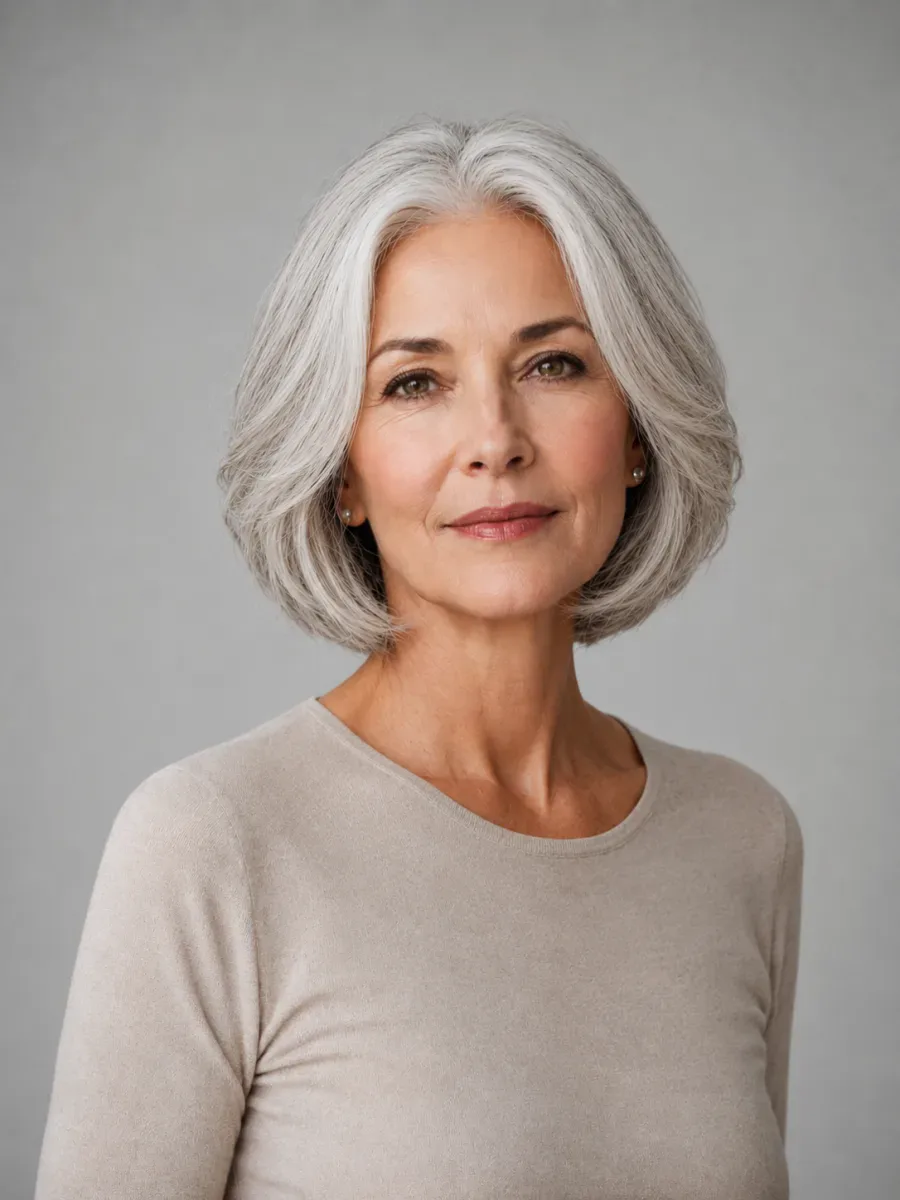
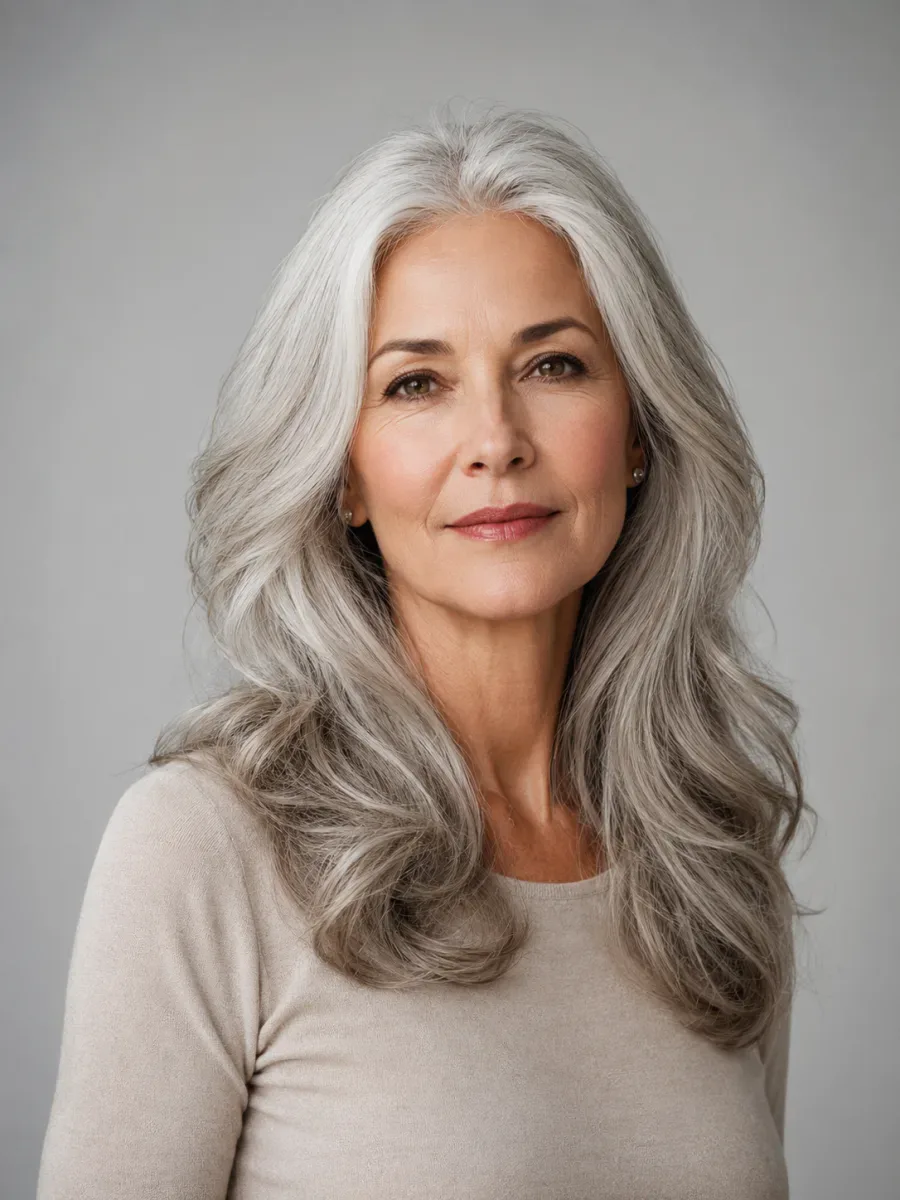
A lighter, shorter shape that keeps the natural silver and still looks like her.
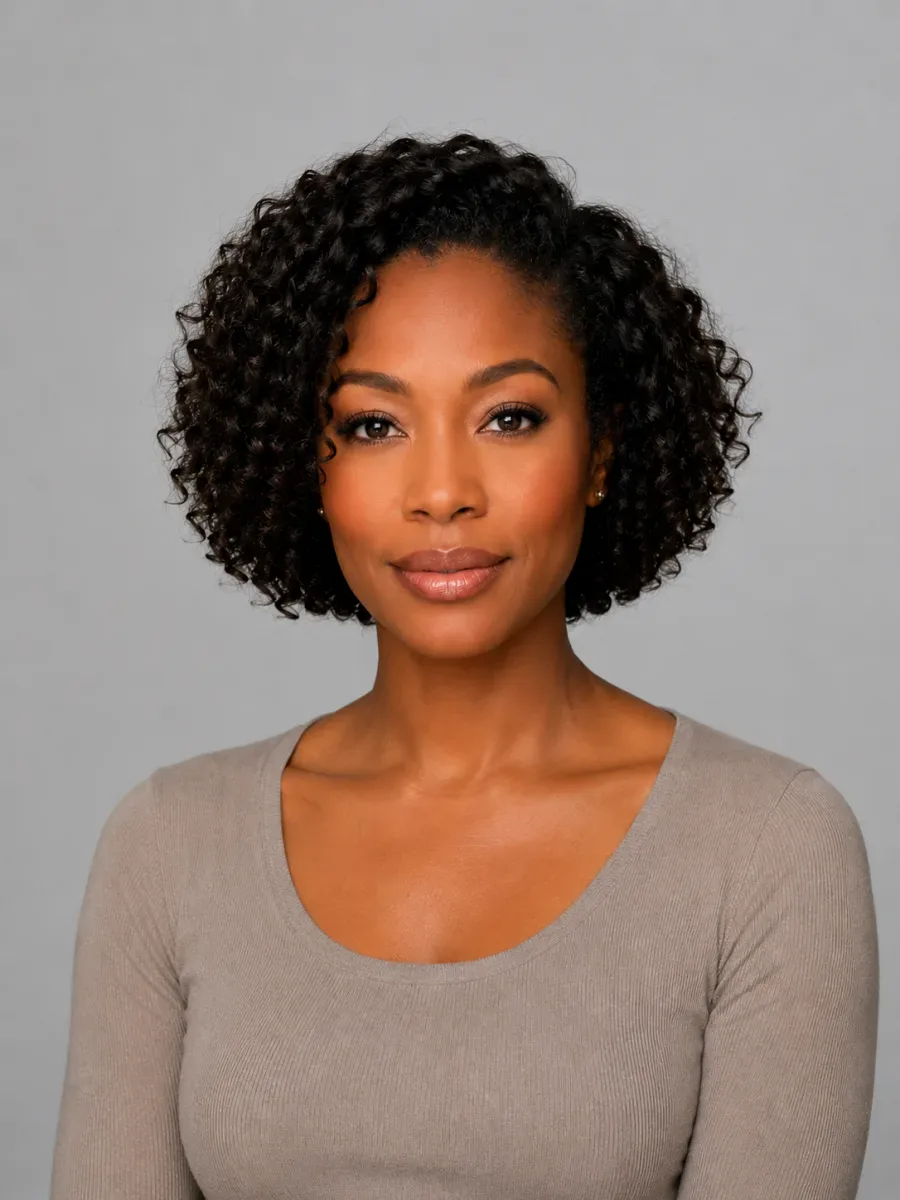
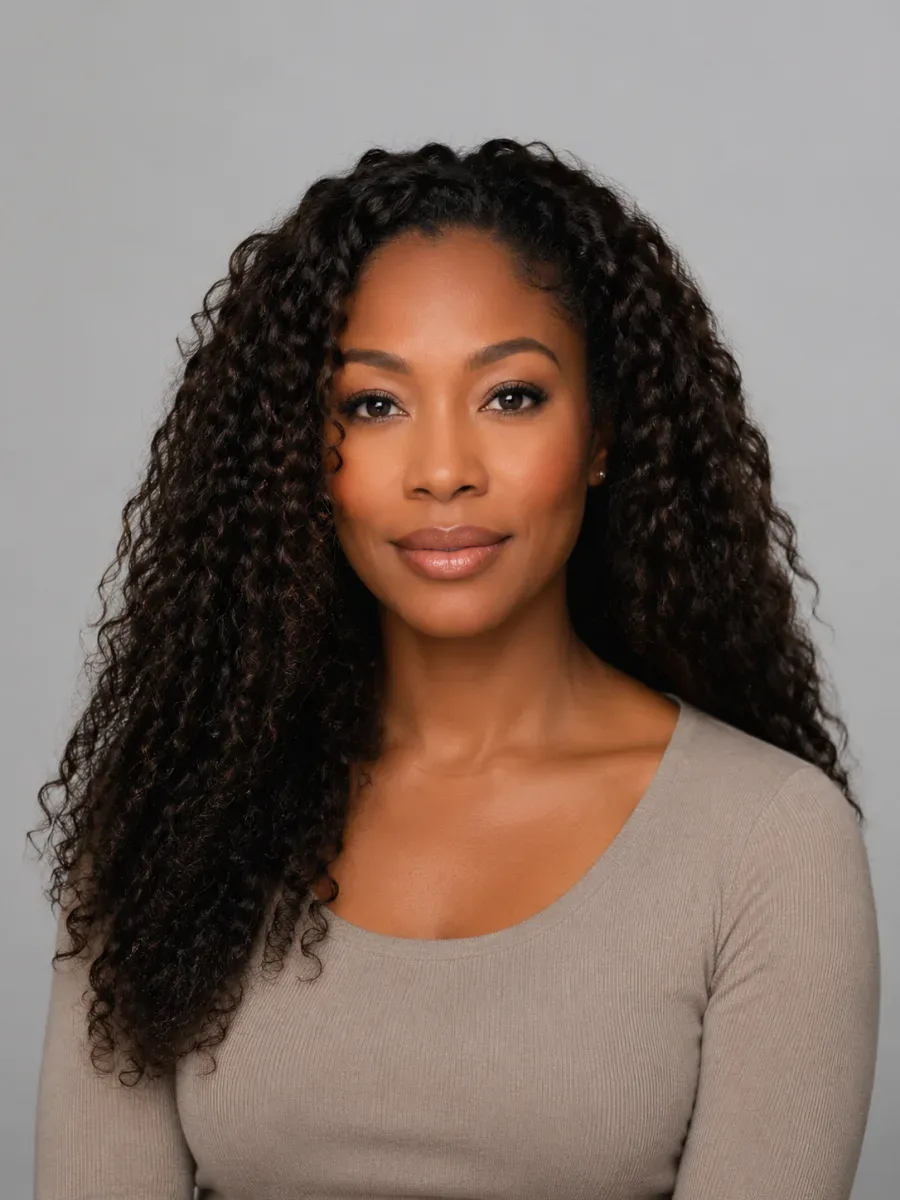
The curl pattern stays, in a shorter, rounder shape.
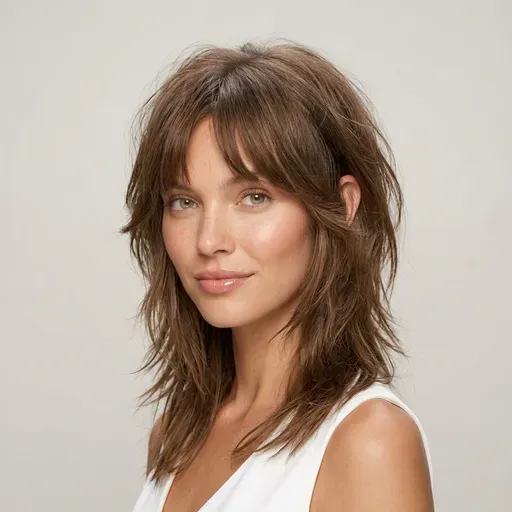 Wolf Cut
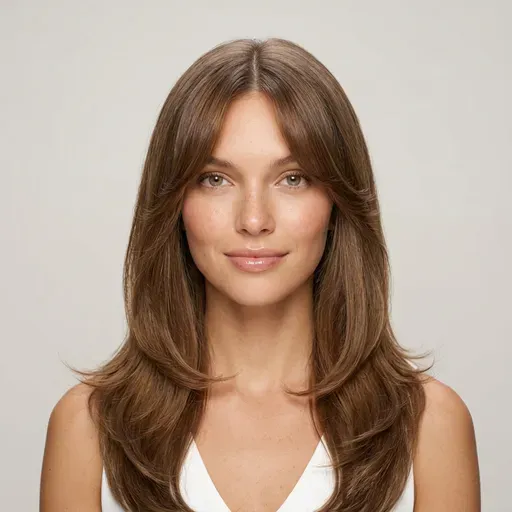 Butterfly Cut
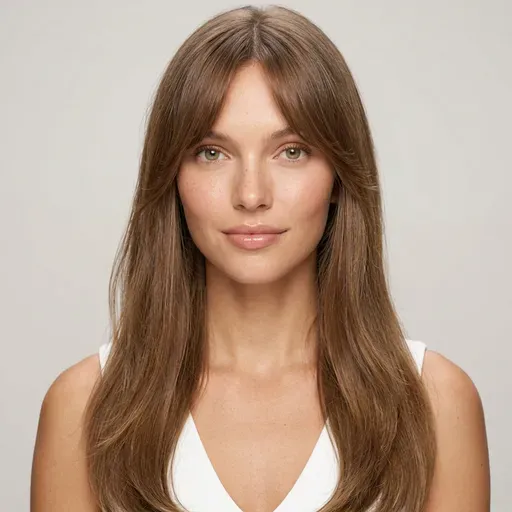 Curtain Bangs
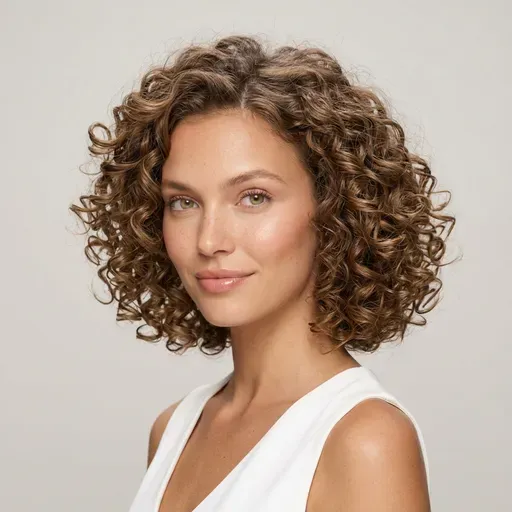 Curly Bob
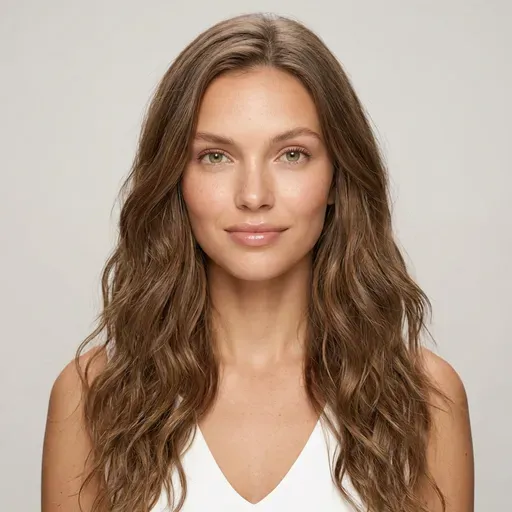 Beach Waves
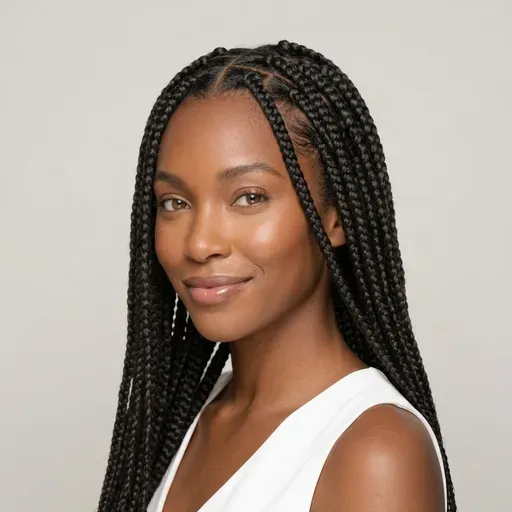 Box Braids
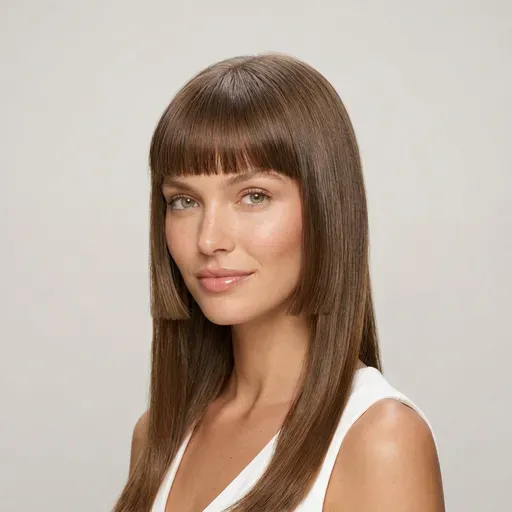 Hime Cut
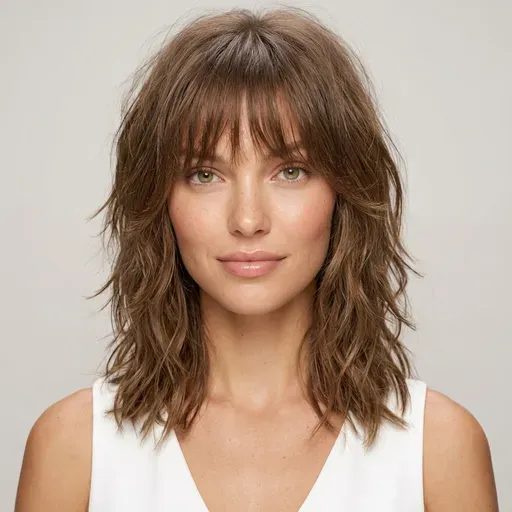 Shag
ShagColor counts as a style too: pair any cut with a new shade in the same generation.
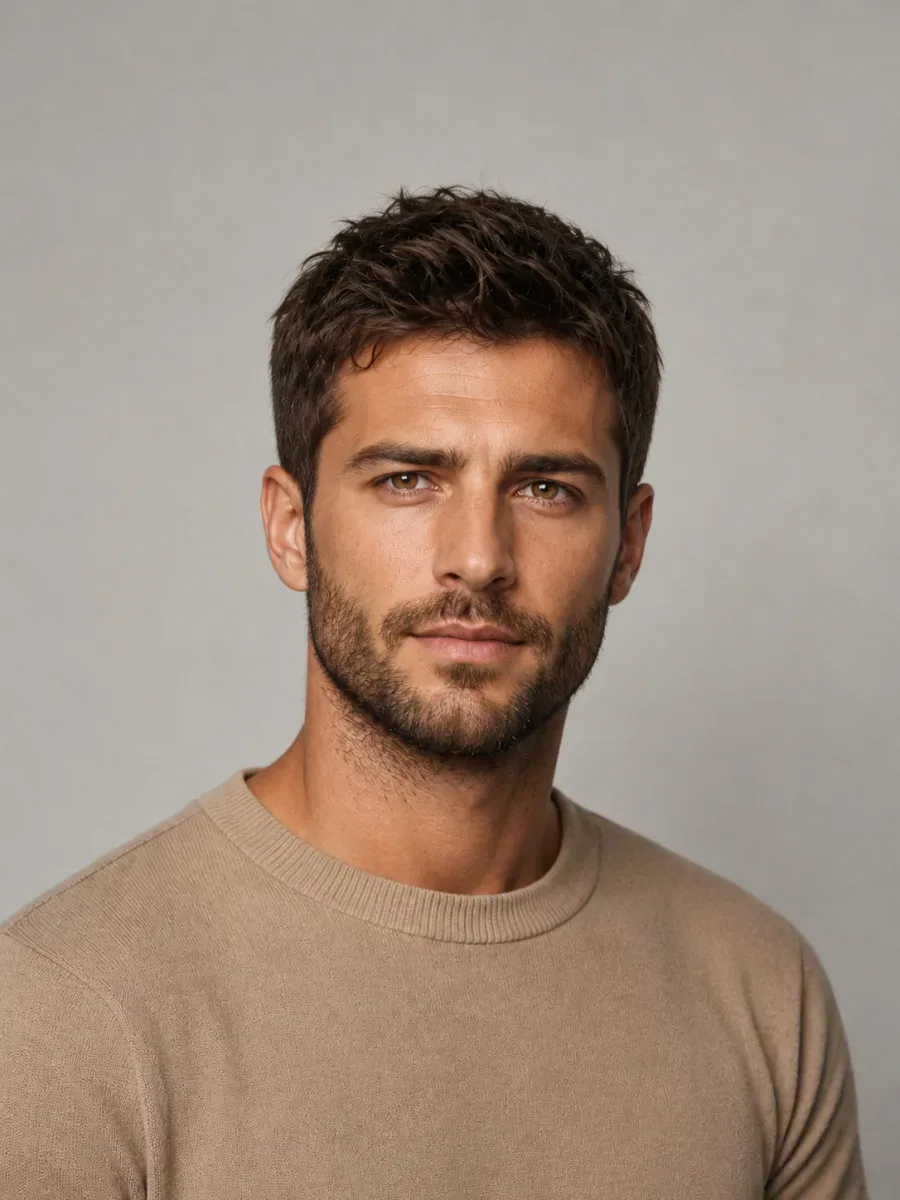
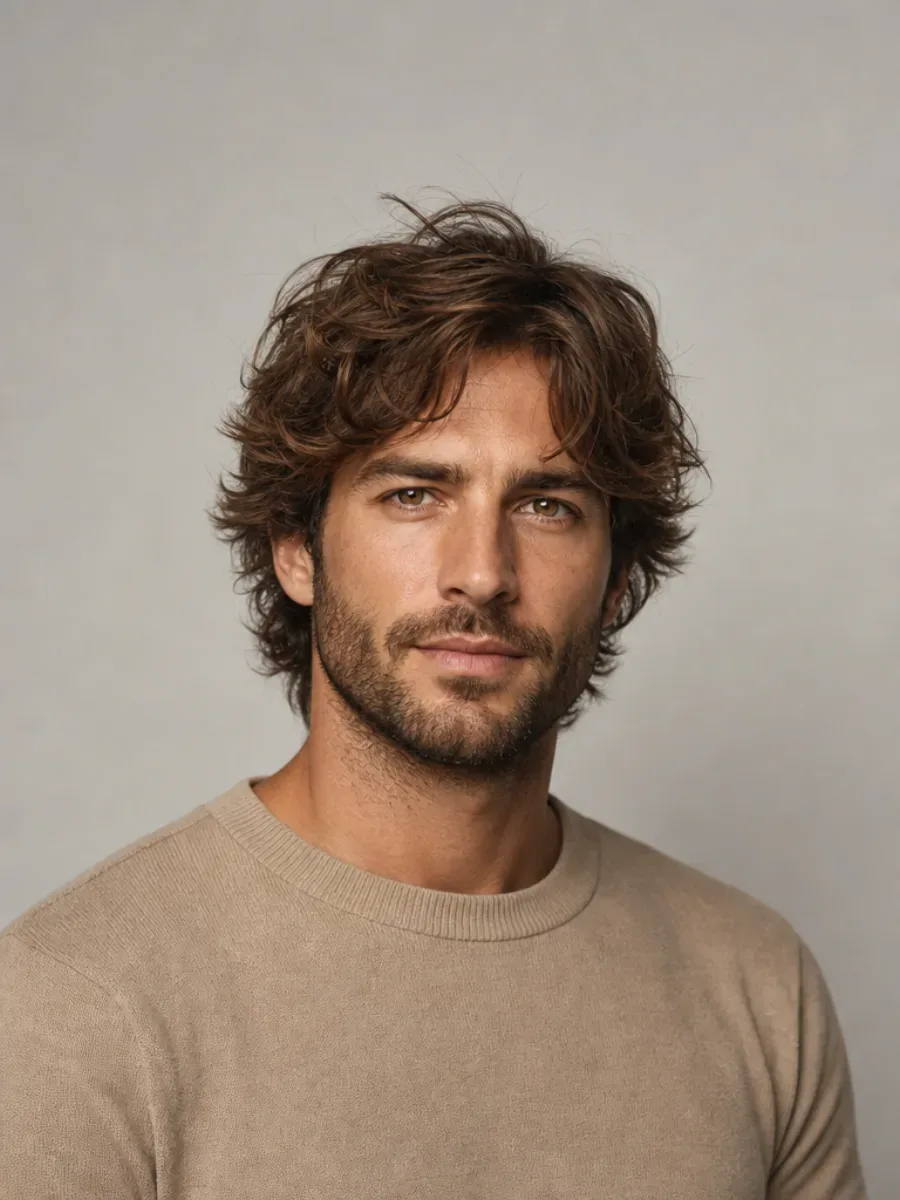
A tidy short cut, with the beard left exactly as it was.
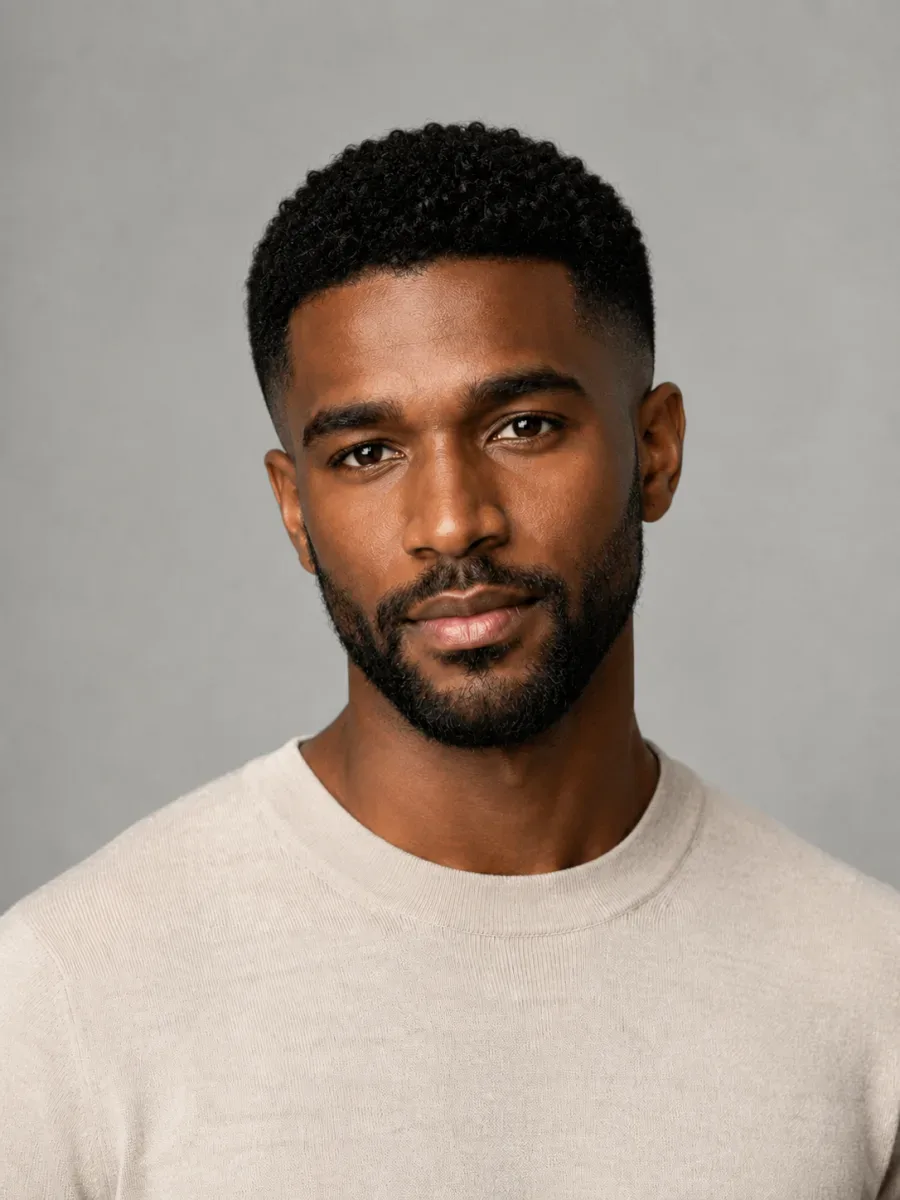
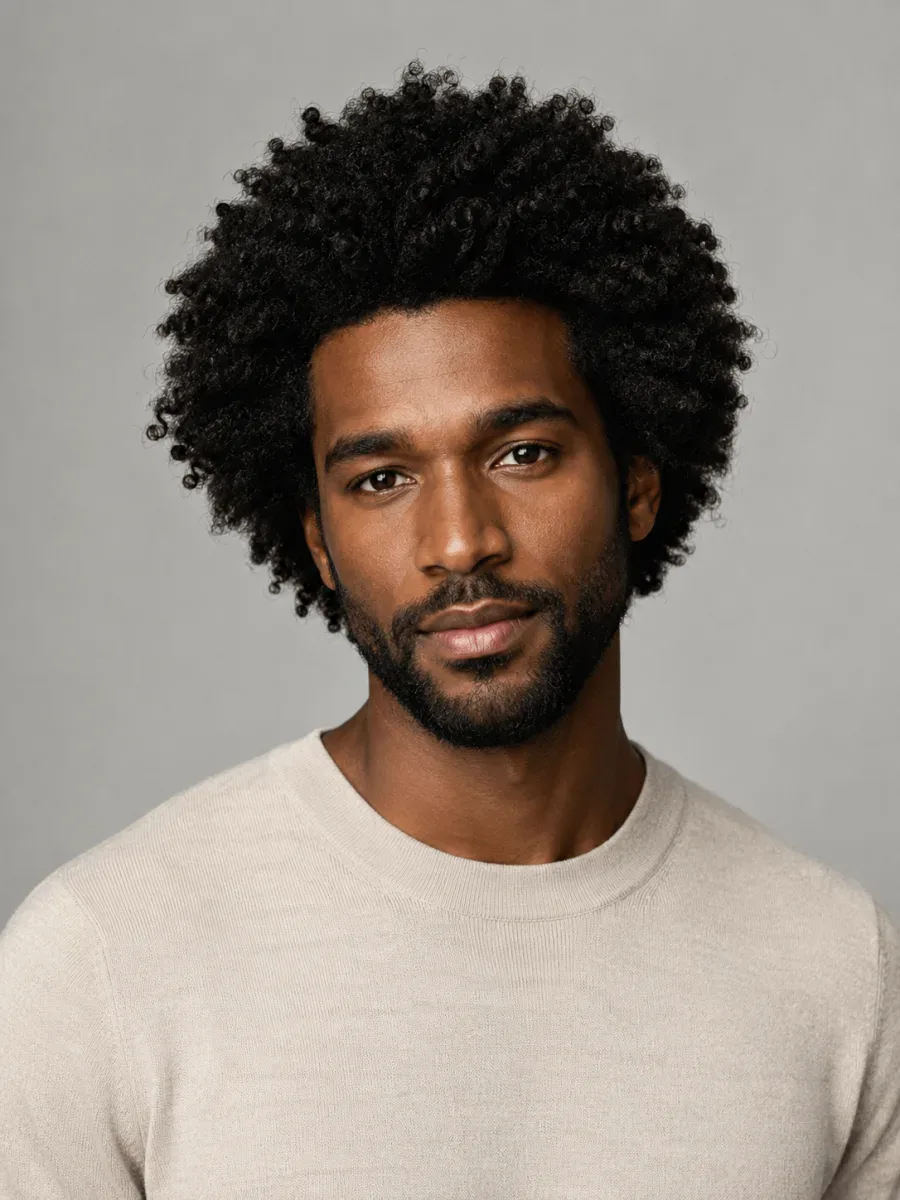
Tight on the sides, short on top: a whole new silhouette.
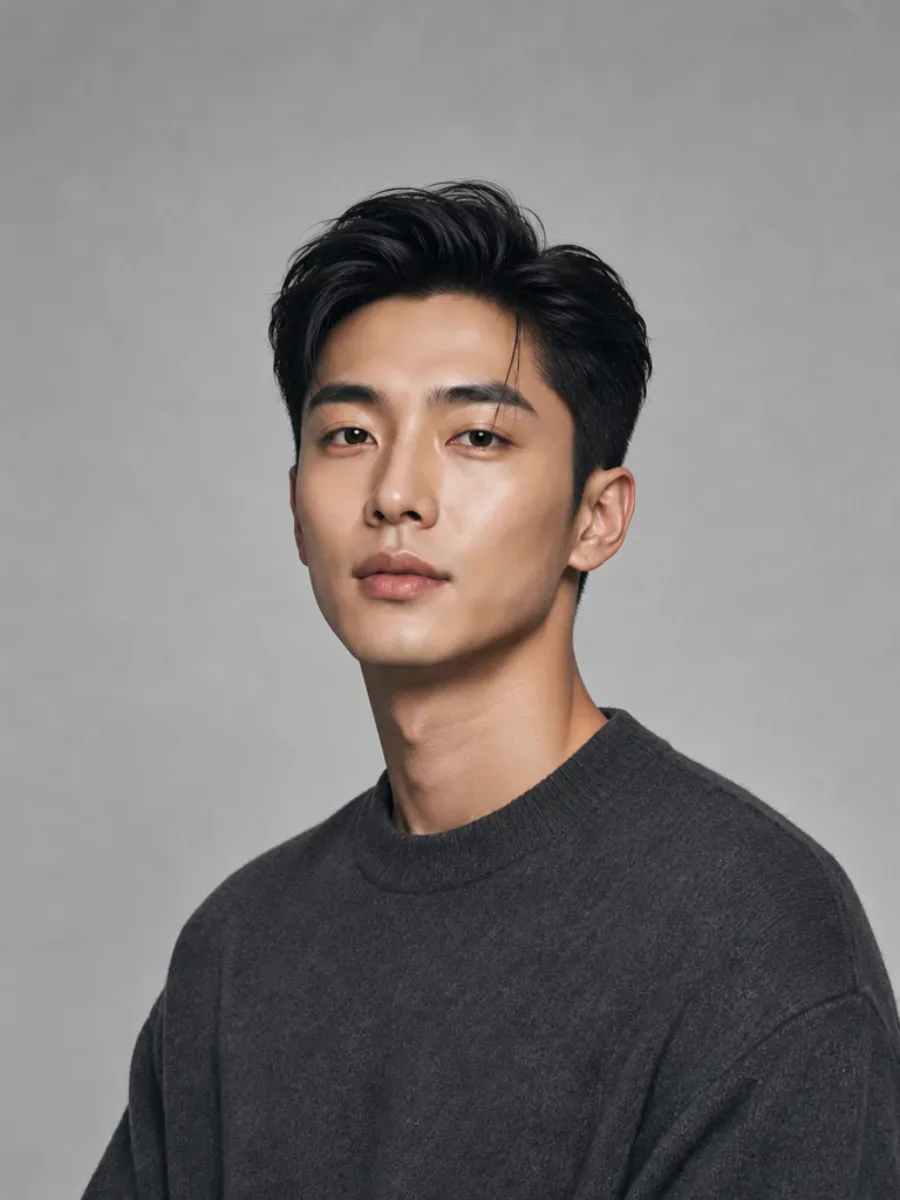
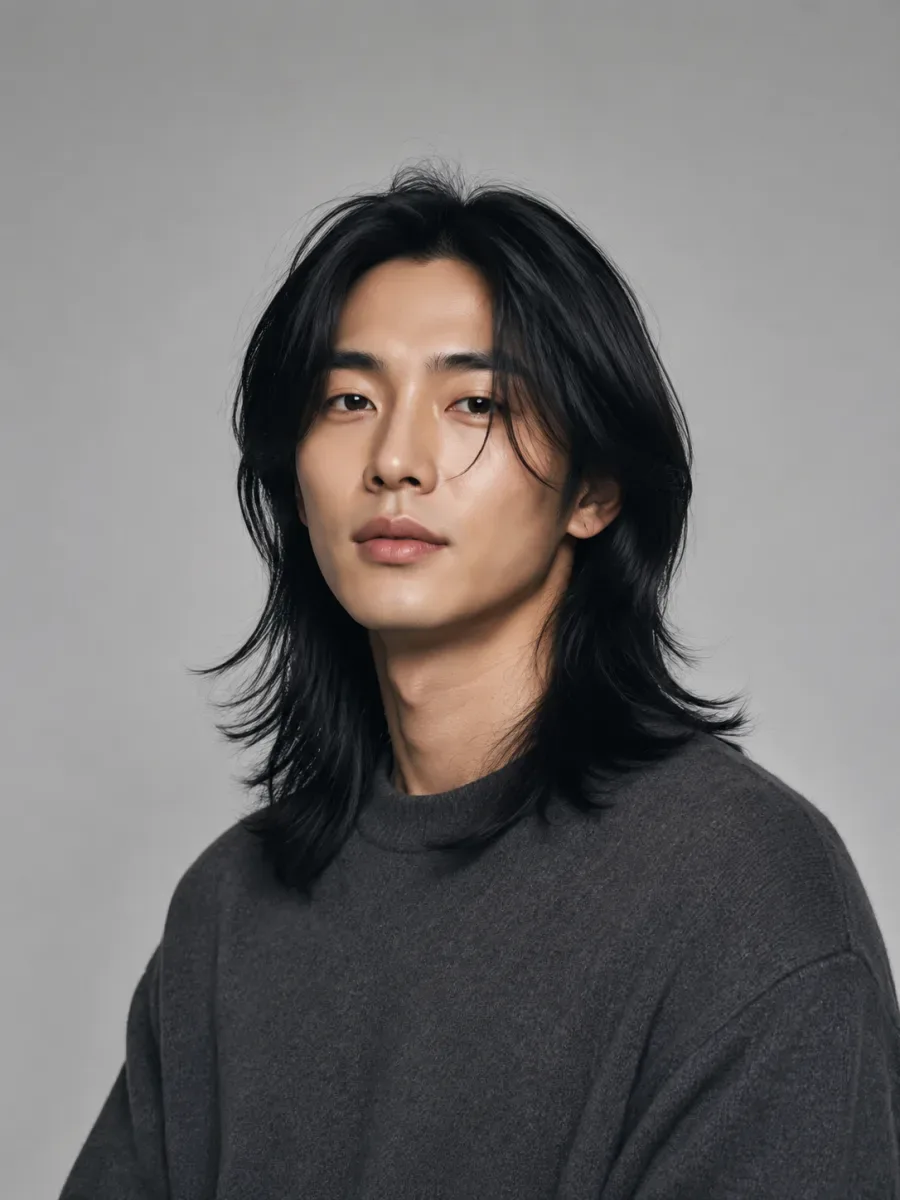
Volume moved to the top, sides taken short and neat.
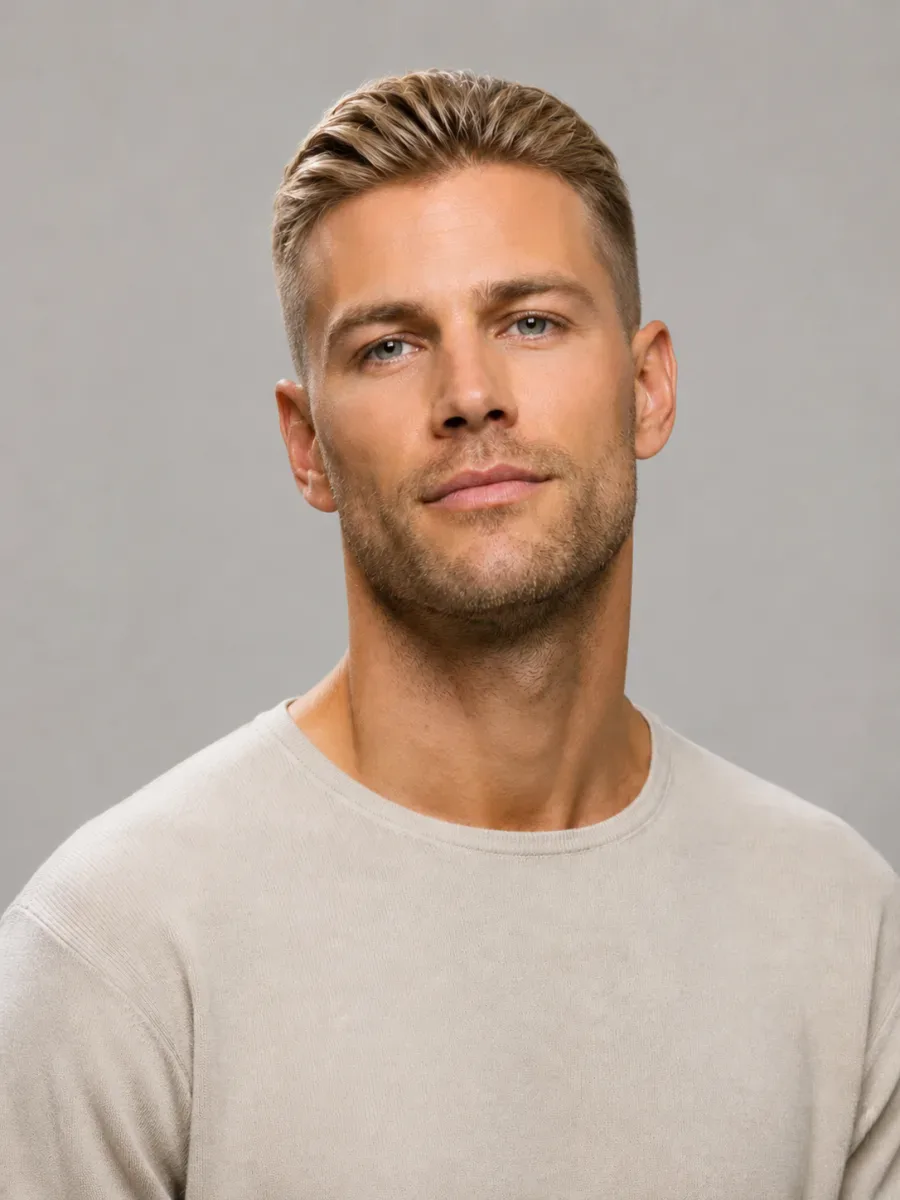
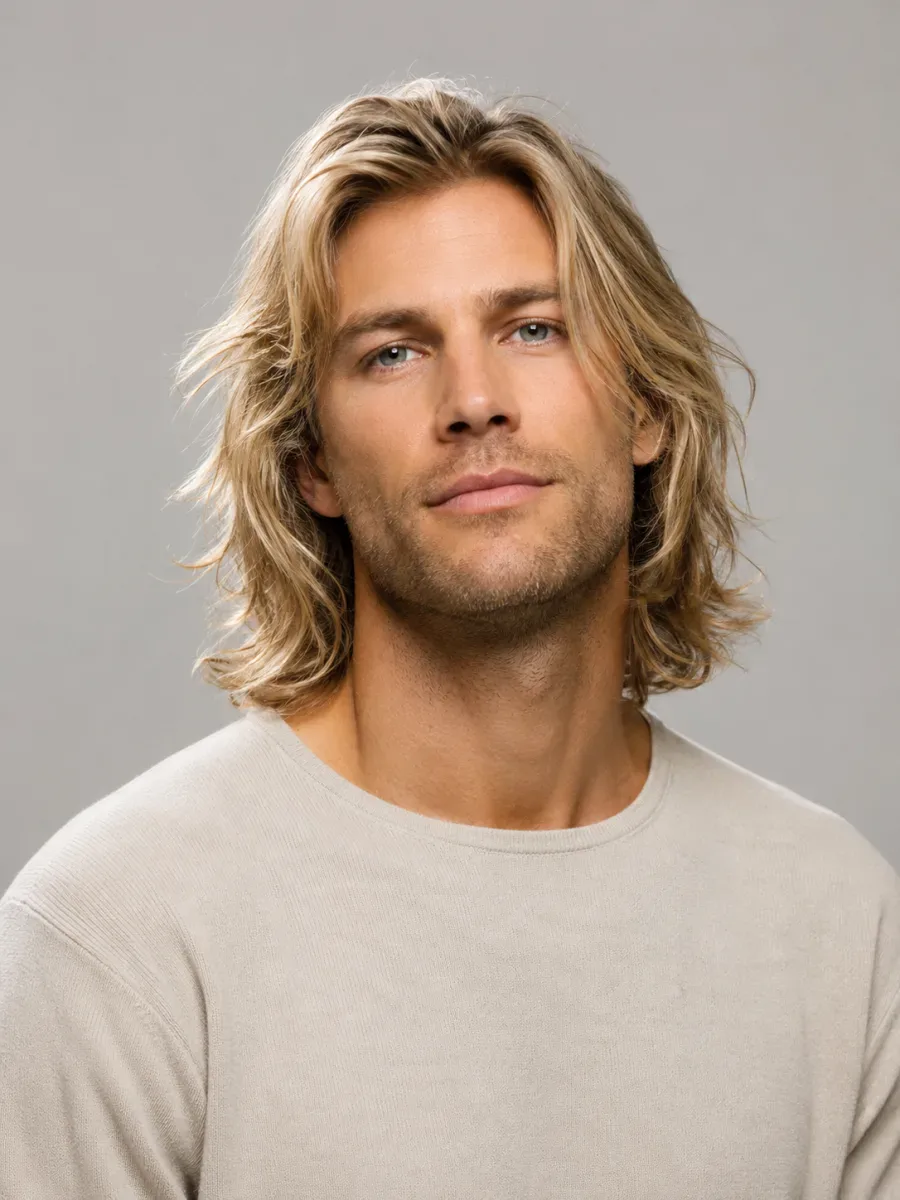
Same color, a fraction of the length.
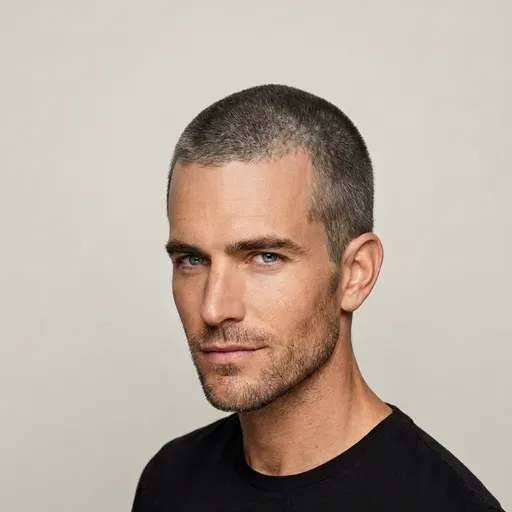 Buzz Cut
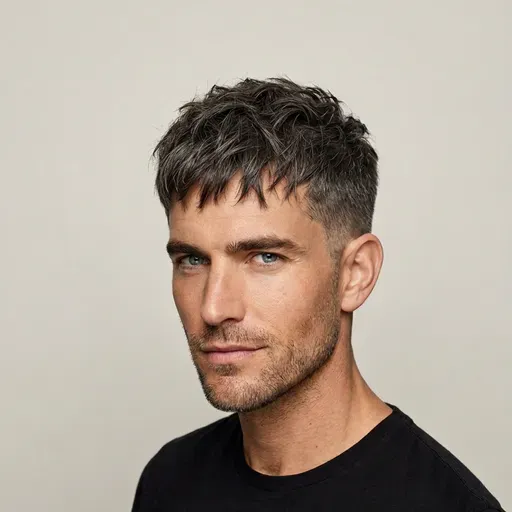 Textured Crop
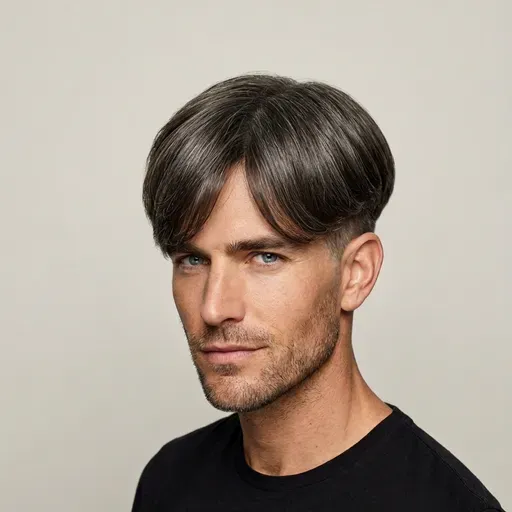 Two Block
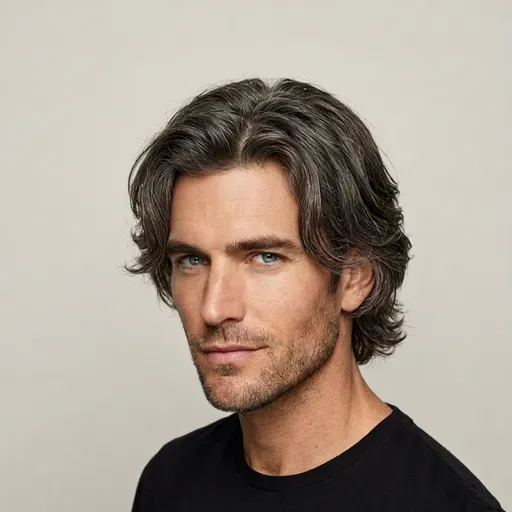 Curtain Hair
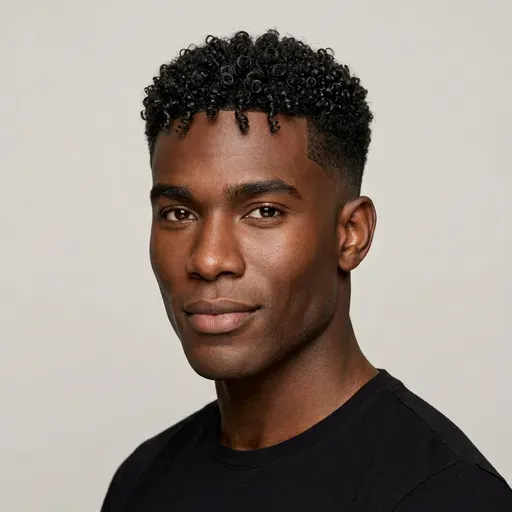 Curly Top Fade
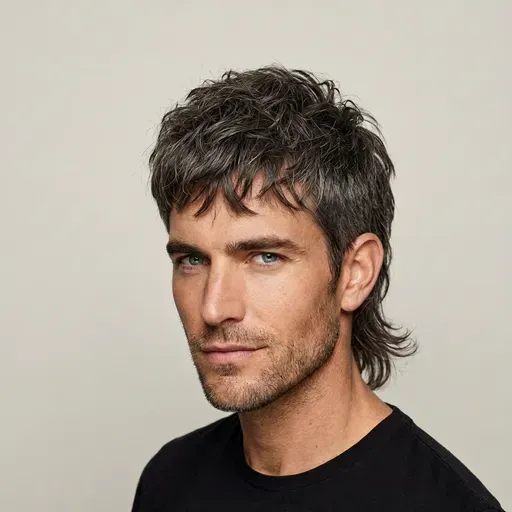 Mullet
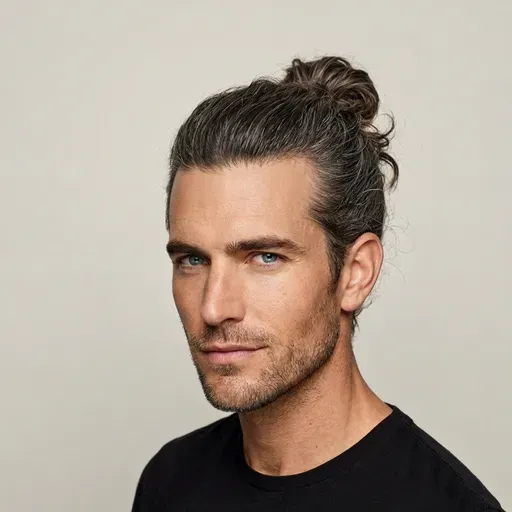 Man Bun
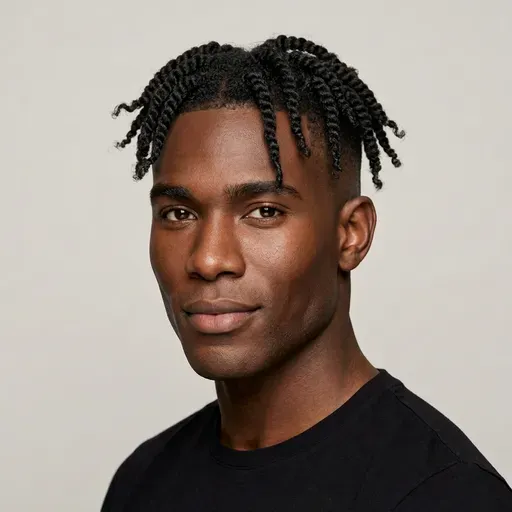 Twists Fade
Want to change your facial hair as well? Try a full beard, a goatee or a clean shave in the beard simulator.
A realistic still from an AI haircut filter is useful well beyond a quick laugh.
See whether a new cut or color makes your profile photo feel more like you now, before you commit to it in real life.
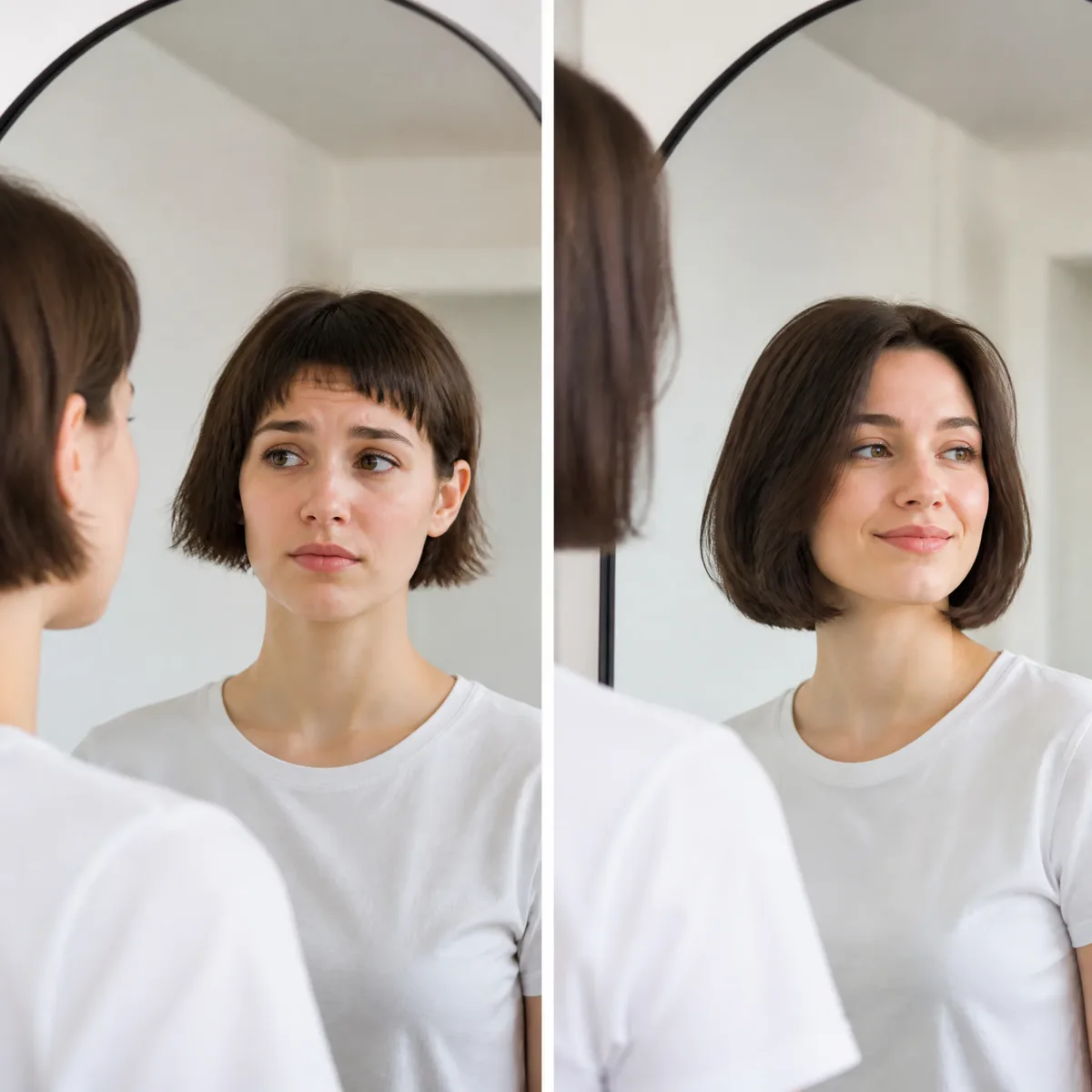
Download the look from the hairstyle filter and show it at the salon or barbershop. A picture of the cut on your own face explains more than any description.
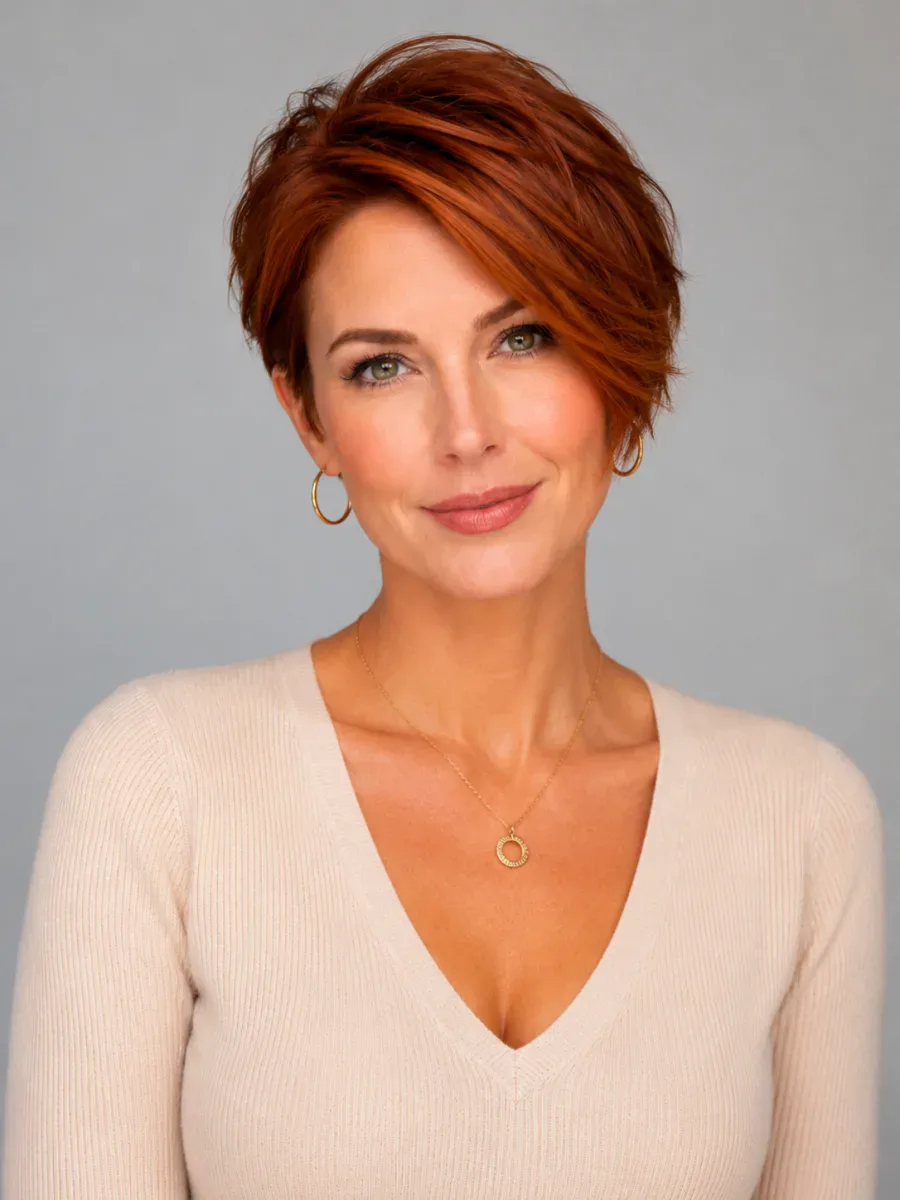
Going from long hair to a pixie or a buzz cut takes minutes and months to undo. Preview it on your photo first.
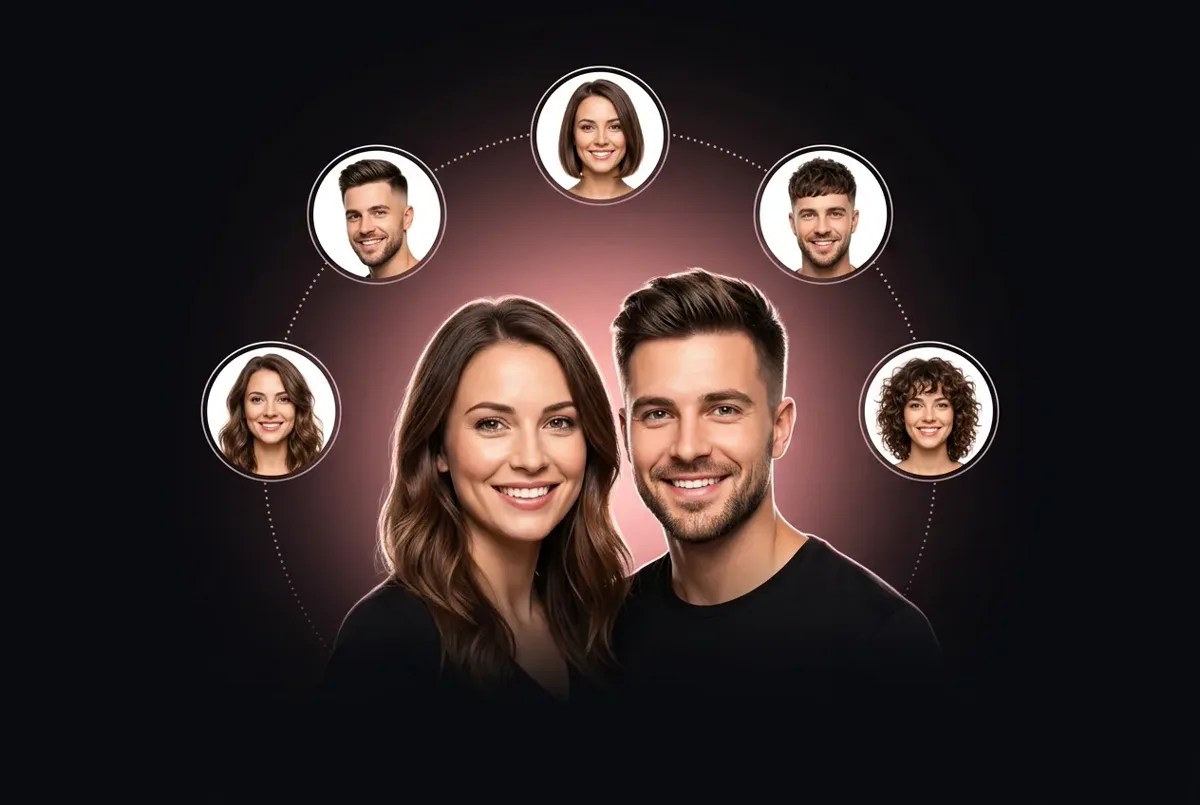
Put a mullet on your brother or platinum hair on your best friend, with their permission, and compare the results together.
Scroll back up, upload a portrait and pick a style. Browsing every look is free; each generated photo uses credits, and failed generations are refunded automatically.
FAQ
How the hairstyle filter works, who it is for and what happens to your photo.
A camera filter overlays an effect on a live video. This AI hairstyle filter re-renders the hair inside the photo, matching your hairline and the lighting, so the result works as a still image.
Yes. Switch the hairstyle filter to Male for buzz cuts, fades, crops, quiffs, curtains, twists and long styles. Beards have their own simulator.
Yes. The hairstyle filter works on any portrait, not just a fresh selfie: JPG, PNG or WebP up to 10 MB, ideally front-facing with your hair visible.
No. It changes only the hair. Your face, expression, makeup, clothes and background stay as they were in the original photo.
Yes. Pick a color on its own to keep your cut, or combine a new cut and a new color in one generation.
You can browse every style without one. To generate, sign in: each result uses credits, a failed generation is refunded automatically, and every result is saved to your history so you can download it later.
No. The hairstyle filter runs in your browser on a phone, tablet or laptop, so there is nothing to install. Upload a photo from your camera roll or computer, pick a style, and save the finished image straight to your device when you like it.
Yes. Pick curtain, blunt, wispy or side-swept bangs, or a bob with bangs, and the filter draws the fringe onto your own face. It's the easiest way to see how bangs sit against your forehead and eyebrows before you cut them, since a fringe takes months to grow out.
Yes. The Bald preset works for women and men and shows your head shape with no hair at all. Switch to Male for a buzz cut, crew cut or skin fade. It is worth a look before you reach for the clippers, because a shaved head takes the longest to grow back.
Use a sharp, front-facing photo in soft, even light, with your hair down and your hairline visible. Choose a style your hair could actually grow into or hold, and keep hands, hats and sunglasses away from your face. If a result looks off, a better photo usually fixes it.
Women's and men's cuts, bangs and colors are redrawn on your own photo, so the result looks like a real haircut, not a sticker.
Pick the AI hairstyle try-on tool for the job: a new cut, a new color, a beard or a hairstyle that suits your face shape.
AI hairstyle try-on
Free credits for one AI model preview