
Beard Simulator — Try Beard Styles on Your Photo
Upload a front-facing photo and the beard simulator adds a full beard, goatee, stubble or mustache — or shaves it all off — while your face and the hair on your head stay as they are.
- 78hairstyles
- 23hair colors
- Women & men
- HD up to 2K
New accounts get one free AI model preview. Trying a style on your own photo uses credits, and a failed run is refunded automatically.
Upload Your Photo
For the most realistic result, use a well-lit photo of one person facing the camera with the hair visible.
Your New Look
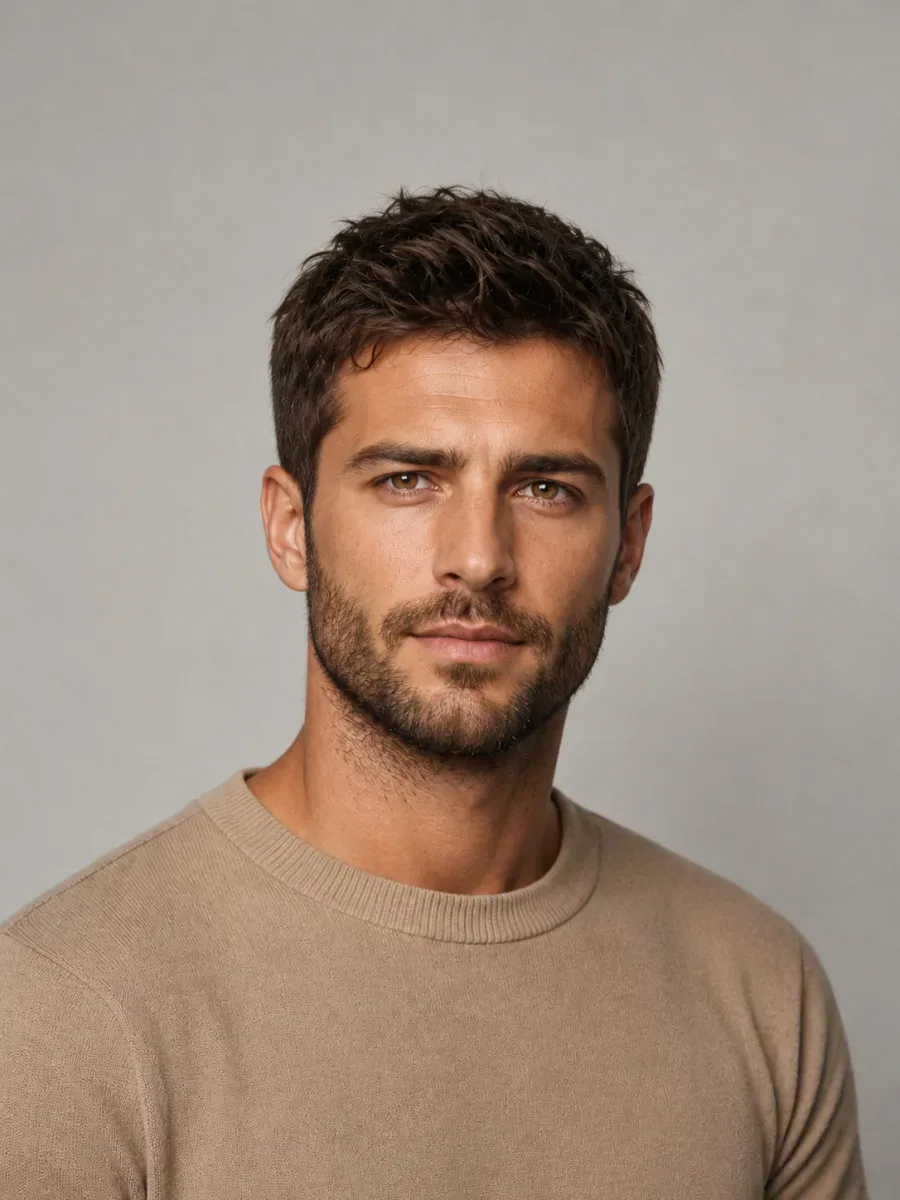

Try the style
Beard & Mustache
♂ 8 stylesQuality
Beard styles
Beard simulator styles, from stubble to a full beard
Eight facial-hair looks, each with an honest upkeep rating. Tap one to try it in this beard style simulator online — Full Beard is preselected, so you can also just upload a photo and go.

Full Beard
Upkeep: mediumThick and connected to the mustache. Adds strength to the jaw and suits most face shapes.

Boxed Beard
Upkeep: highA short full beard with crisp cheek and neck lines — polished and office-friendly.
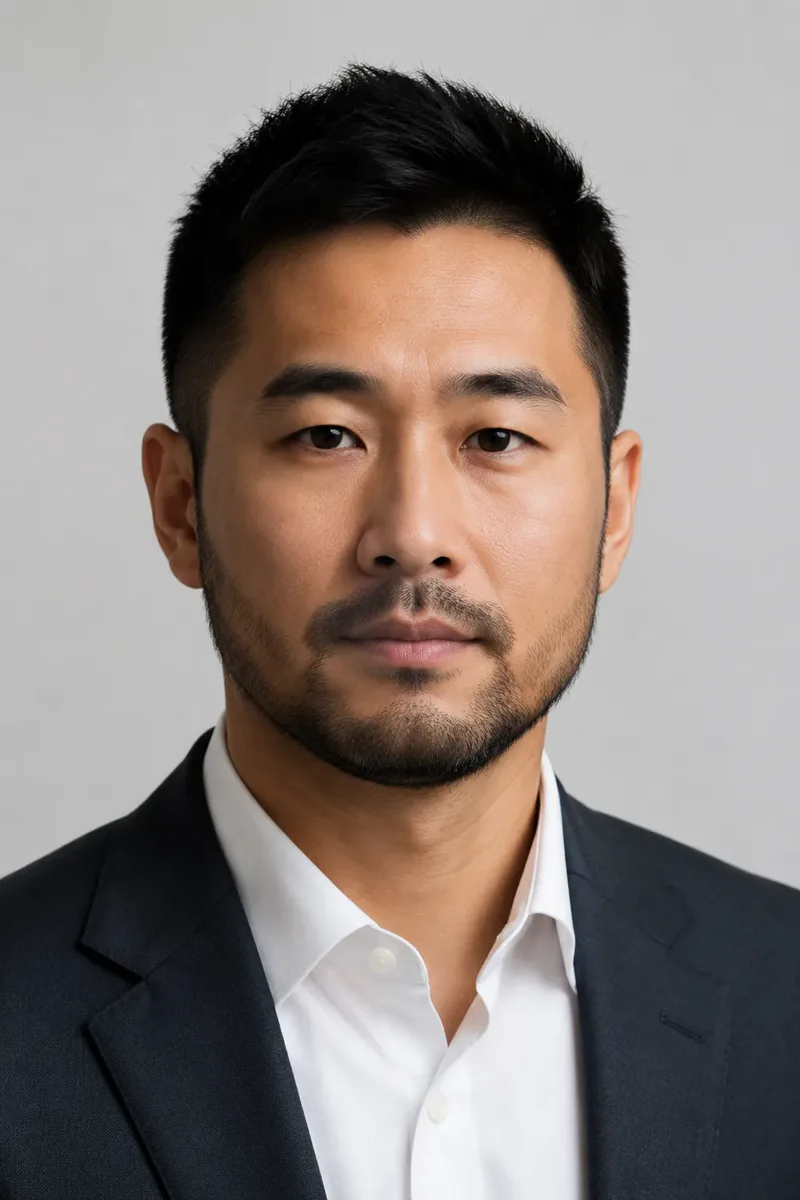
Light Stubble
Upkeep: lowA few days of even growth. Adds shadow and definition without committing to a beard.

Goatee
Upkeep: mediumChin and mustache only, cheeks shaved. Draws the eye down and can lengthen a round face.
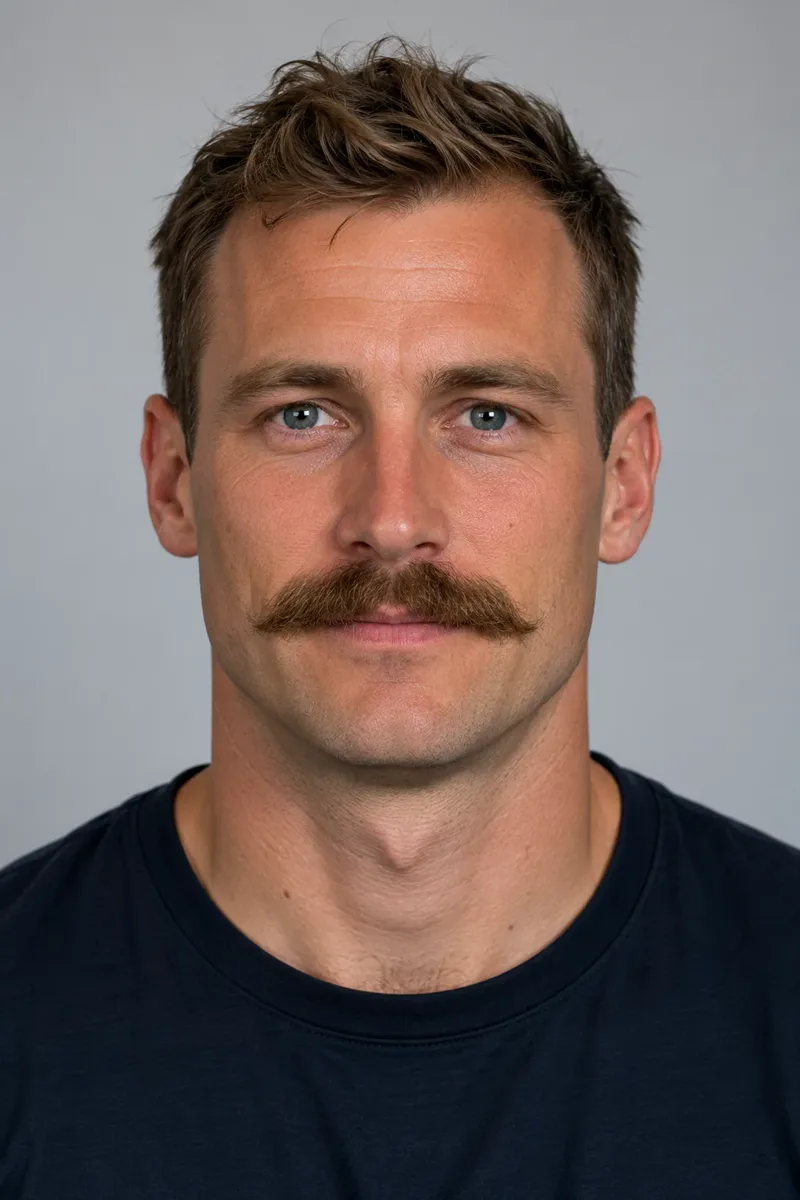
Chevron Mustache
Upkeep: mediumA thick mustache covering the upper lip, no beard. Classic and bold.

Handlebar Mustache
Upkeep: highLong ends waxed and curled upward. A statement look that needs real length.

Pencil Mustache
Upkeep: highA narrow, neatly trimmed line above the lip. Vintage and precise.

Clean Shaven
Upkeep: dailyNo beard, stubble or mustache — the baseline to compare everything else against.
Face shape
Pick a beard for your face shape
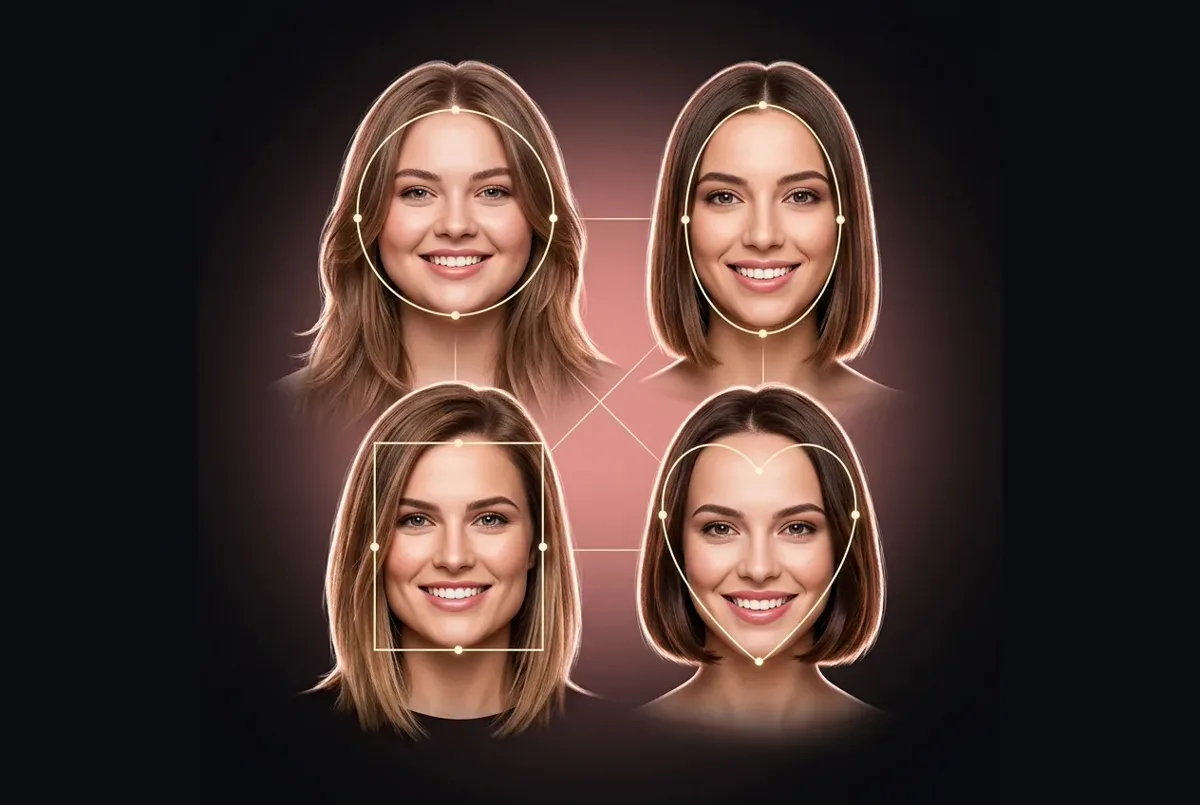
A beard reshapes the lower half of your face, so it can balance proportions much like a haircut. Use these as starting points, then let the beard simulator decide.
Round face
- Try:
- Goatee, or a boxed beard kept longer at the chin
- Why:
- Length at the chin and cleaner cheeks make the face look longer.
Square face
- Try:
- Light stubble, or a full beard rounded at the chin
- Why:
- Softens a strong jaw; very boxy lines would add more angles.
Oval face
- Try:
- Almost any style
- Why:
- Balanced proportions — try two or three in the beard simulator and choose by how much upkeep you want.
Long face
- Try:
- Boxed beard or heavy stubble with fuller sides
- Why:
- Width at the cheeks balances length; skip long, pointed beards.
Heart face
- Try:
- Full beard or a chevron mustache
- Why:
- Adds weight to a narrower chin to balance a wider forehead.
Diamond face
- Try:
- Full beard, or a goatee with some fullness
- Why:
- Fills out a narrow chin and softens prominent cheekbones.
Before you grow
Grow it or skip it? What to expect
The beard simulator shows the finished look; growing it takes patience. Rough timelines — they vary a lot from person to person:
A few days
Light stubble. The easiest look to test for real.
2–4 weeks
Enough for a short boxed beard or a goatee. This in-between stage is where most people give up — a quick look in the beard simulator helps you decide if it's worth pushing through.
1–3 months
A full beard with real shape. A first trim around now sets the neckline and cheek line — take your saved beard simulator result along so your barber knows where you want them.
3 months +
Long beards, and mustaches with enough length to curl.
Patchy growth?
Patchy spots often fill in as a beard gets longer, but not always. If the full-beard preview looks great and your growth is patchy, a boxed beard or heavy stubble gives a similar effect. Compare both in the beard simulator before you commit.
Clean shave
Remove a mustache or beard from your photo
Wondering how you'd look clean-shaven before you take a razor to months of growth? In the beard simulator, pick “Clean Shaven” in the Beard & Mustache row. It works like a remove mustache filter for the whole face: beard, stubble and mustache go, while your skin tone, features and hair stay the same. It works best when your jaw is clearly visible.
Want a new haircut to match? Try the AI haircut simulator or the hairstyle filter, or go back to the main hair makeover tool for cuts, bangs and hair color.
FAQ
Beard simulator FAQ
What the beard simulator can and can't do: photos, styles, results and credits.
Is the beard simulator online free?
Browsing styles and uploading a photo cost nothing, and new accounts get free credits for one AI model preview, where an AI model wears the style instead of you. A result on your own photo uses credits, and a failed generation is refunded automatically.
Can I try a beard if I'm clean-shaven now?
Yes — that's what the beard simulator is for. It adds facial hair to a shaved or lightly stubbled face and aims to match it to your skin tone and natural hair color.
Can I try just a mustache in the beard simulator?
Yes. Chevron Mustache, Handlebar Mustache and Pencil Mustache add a mustache with the cheeks and chin shaved, so you see the upper-lip look on its own. Compare a thick one and a thin one on the same photo; the difference is usually bigger than you expect.
Does the beard simulator work as a remove mustache filter?
Yes. Choose “Clean Shaven” to remove a mustache, a beard or stubble. Very long or dense beards are harder to remove convincingly, so check the result with the before/after slider.
Can the beard simulator show a gray or salt-and-pepper beard?
There's no separate color row for facial hair, but you can describe one in the beard simulator's optional description box, for example “a short, neatly trimmed salt-and-pepper beard”. Results from a description vary more than the presets, so check them with the before/after slider.
Will the beard simulator show how my own beard would grow?
No. It shows a finished, evenly filled-in style. Your real density, color and any patchy spots depend on genetics and time, so use the preview to choose a target shape and the timeline above to see roughly how long it takes to get there.
Will the beard simulator change my hairstyle or my face?
No. It's set to change only your facial hair and leave the hair on your head, your face and the background alone.
What photo works best in a facial hair simulator online?
A front-facing photo in even light with your jaw and chin visible — no hands, scarves or high collars in the way. The beard simulator takes JPG, PNG or WebP up to 10 MB.
Which beard style is the lowest maintenance?
Light stubble and a short beard without hard lines need the least work. Boxed beards, pencil mustaches and handlebars need frequent trimming, and clean-shaven means shaving daily. Every style card above carries an upkeep rating, so you can weigh the trimming before you try a look in the beard simulator.
Can I save the result to show my barber?
Yes. Every finished result in the beard simulator has a Download button. Saving the style you like gives your barber a clear target for length, neckline and cheek line, which is far easier than describing it in words.
Try the beard simulator before you grow it — or shave it
Upload a front-facing photo and preview a full beard, stubble, a goatee or a clean shave, usually within a minute. Your face and haircut stay the same.
- Free credits for one AI model preview
- Failed generations are refunded automatically
More AI hair tools
Pick the AI hairstyle try-on tool for the job: a new cut, a new color, a beard or a hairstyle that suits your face shape.
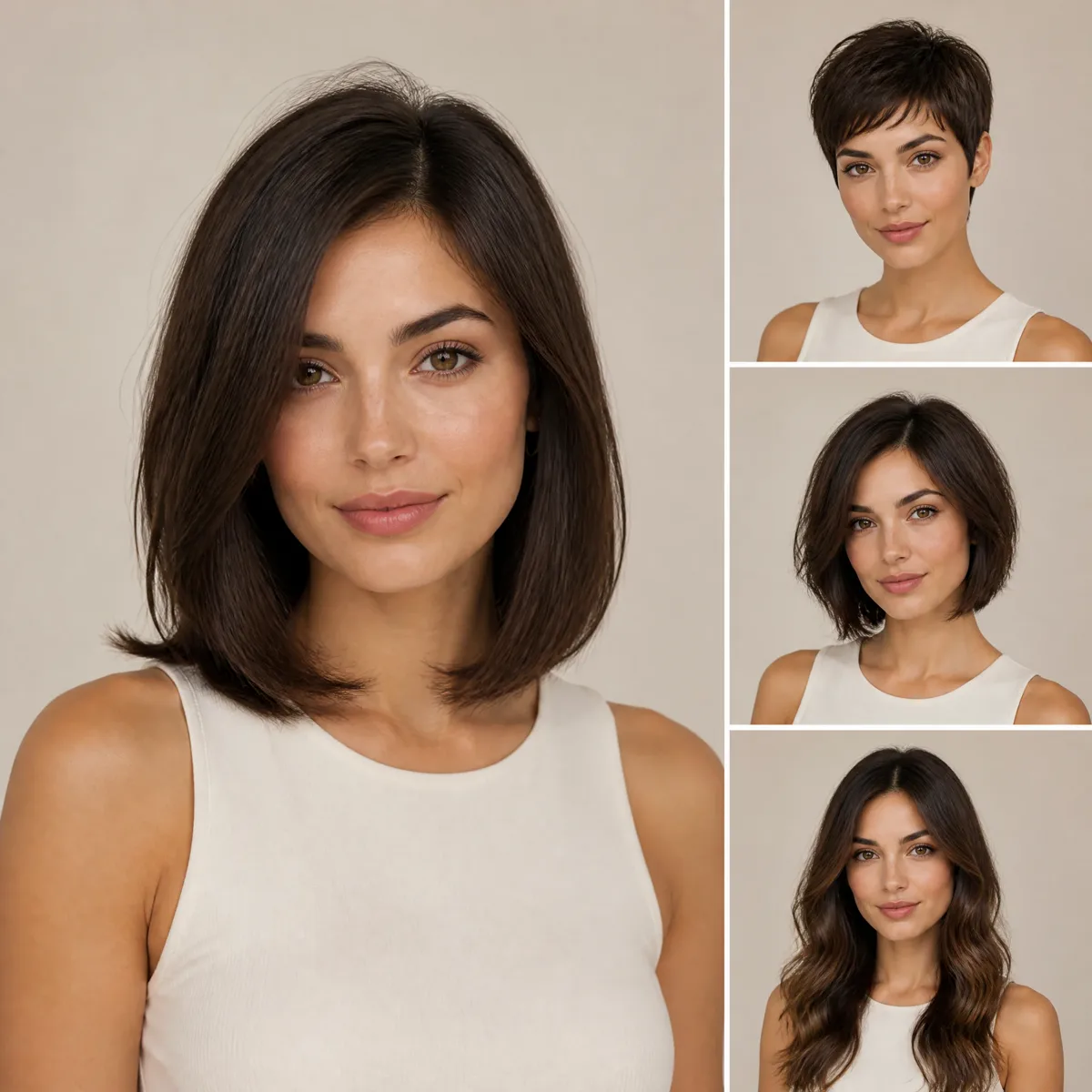
AI hairstyle try-on
Free credits for one AI model preview