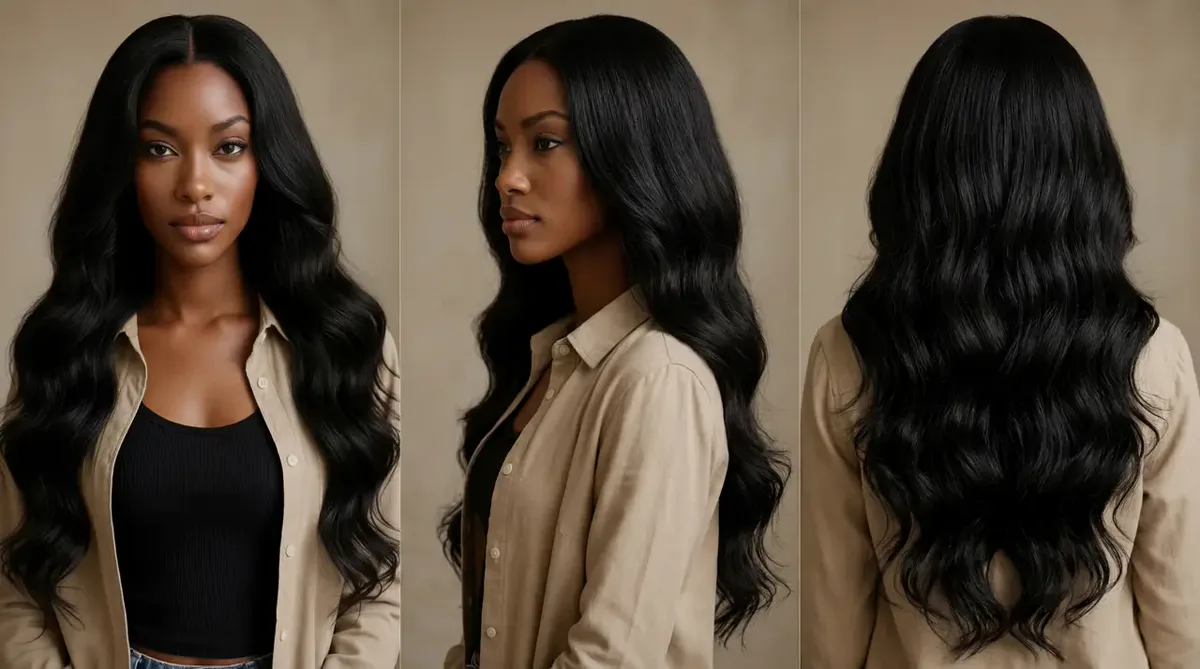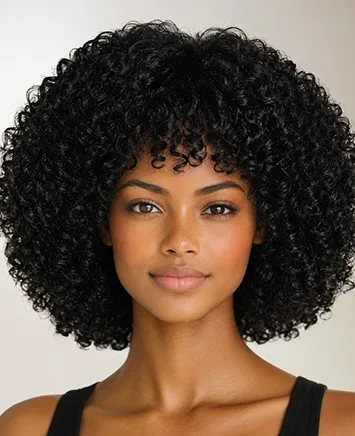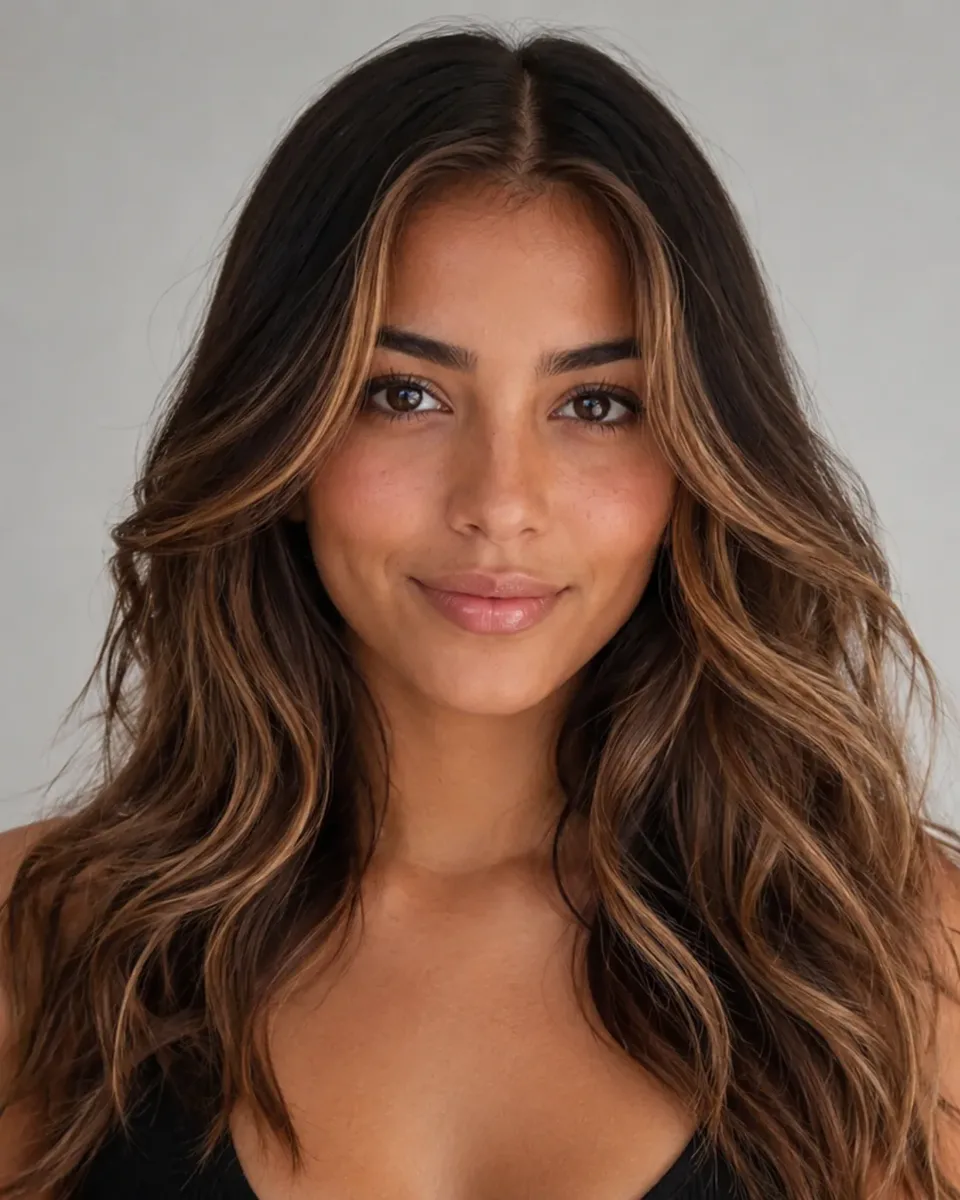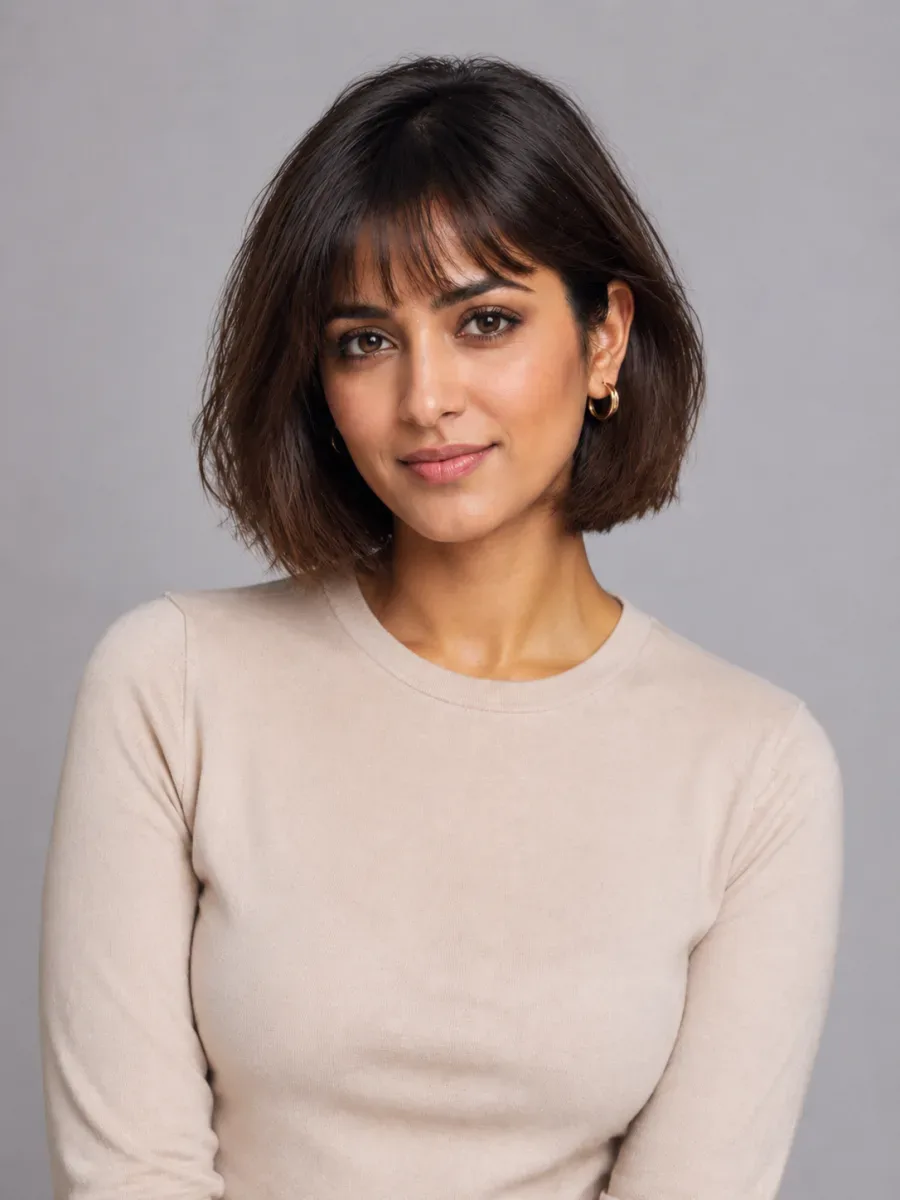
Gemini Hairstyle Prompt Library: Copy & Paste — or Skip the Prompt

Every Gemini hairstyle prompt on this page is ready to copy and paste into Gemini with your selfie. Rather not write prompts at all? Upload your photo below, pick a cut, bangs or a color, and our tool writes the hair-only prompt for you.

  • 78hairstyles
  • 23hair colors
  • Women & men
  • HD up to 2K

New accounts get one free AI model preview. Trying a style on your own photo uses credits, and a failed run is refunded automatically.

Upload Your Photo

Hairstyle reference photo (optional)

For the most realistic result, use a well-lit photo of one person facing the camera with the hair visible.

Your New Look

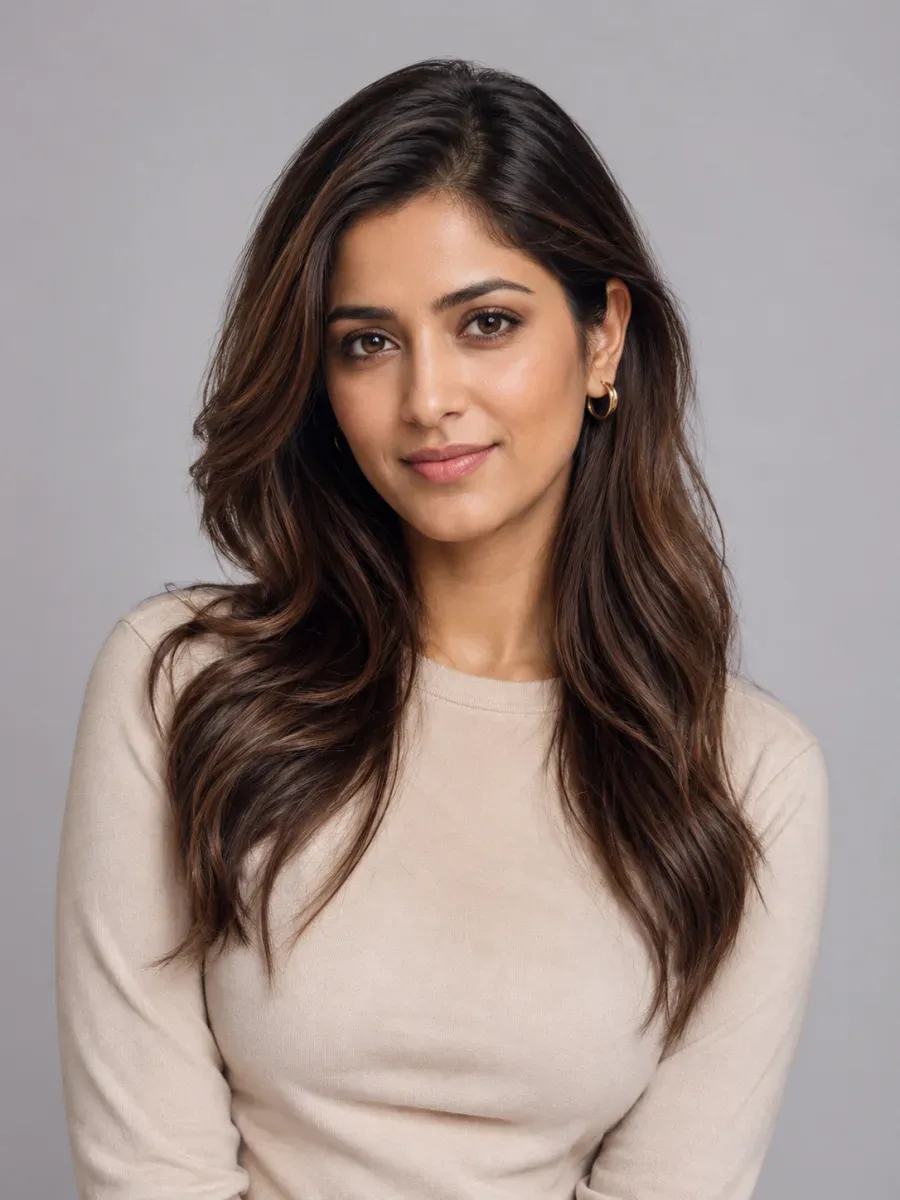
The same person after the AI hair makeoverExample selfie before the hair change

Try the style

Gender

Hairstyle

♀ 48 styles

Hair Color

Quality

Get More Credits

Copy and paste a Gemini hairstyle prompt for any look

Fifteen prompts written for Gemini's image editing, which runs on Google's Nano Banana model. Each Gemini hairstyle prompt names the cut, the length and the texture, then tells the model what to leave alone, because that missing instruction is why most hair edits fail.

Gemini hairstyle prompts for women

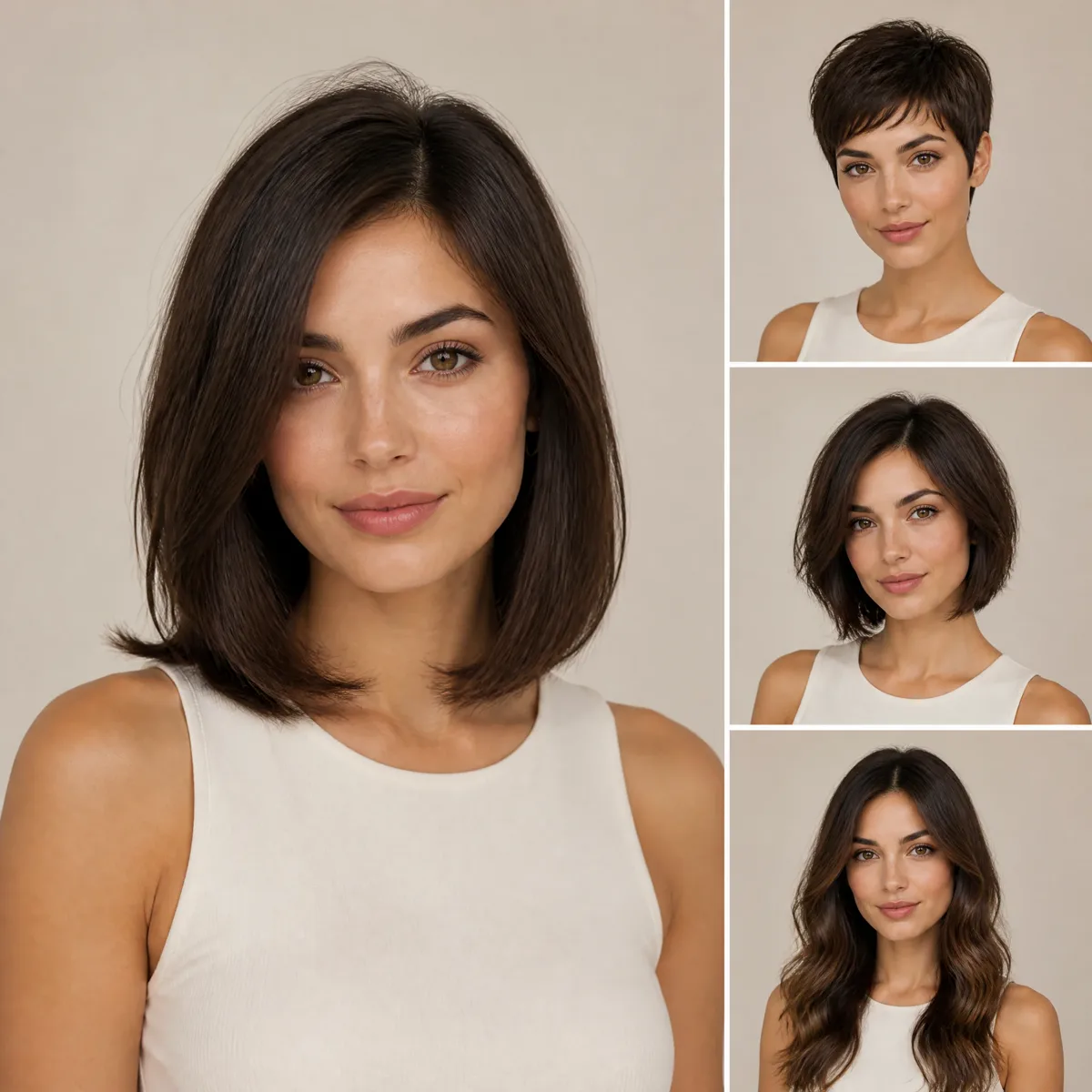
Paste one of these with a clear selfie. To go shorter or longer with any Gemini hairstyle prompt, swap the length landmark: chin, collarbone or shoulders.

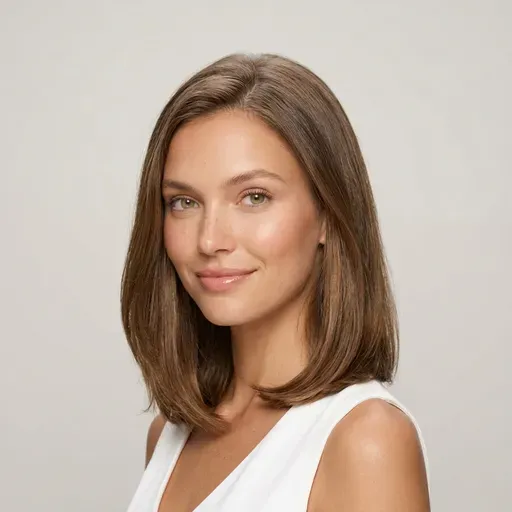
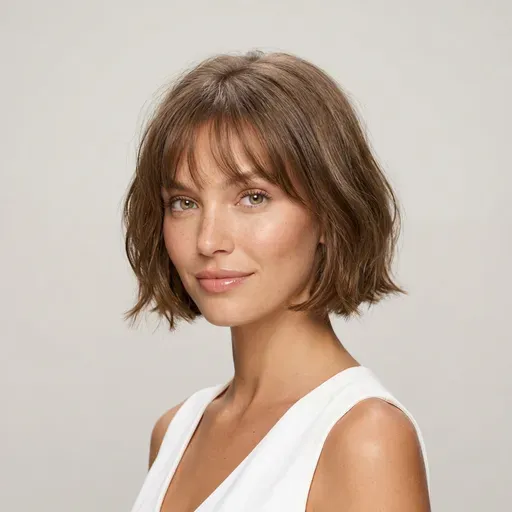
Example of the look: French bob with wispy bangs

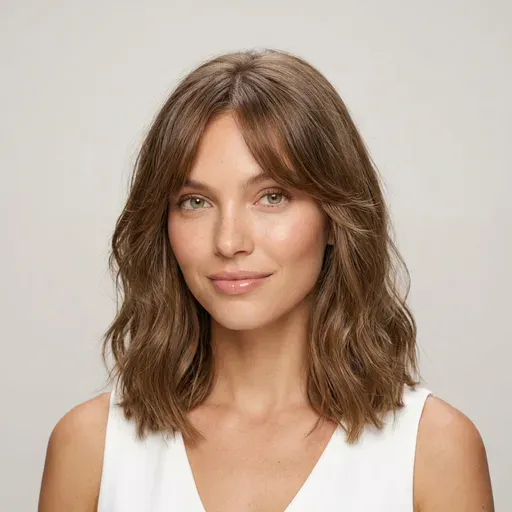
French bob with wispy bangs

Using my uploaded photo, change only my hairstyle to a chin-length French bob with soft, wispy bangs that just touch my eyebrows. Keep my natural hair color. Do not change my face, skin, expression, makeup, clothes, background or lighting. Make it photorealistic, with individual strands and a natural hairline.
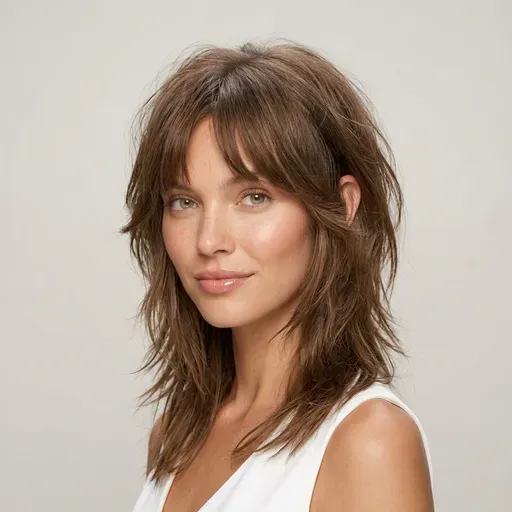
Example of the look: Shoulder-length wolf cut

Shoulder-length wolf cut

Edit this photo of me: give me a shoulder-length wolf cut with choppy, shaggy layers, extra volume at the crown, curtain bangs and wispy, thinned-out ends. Keep my hair color and my hair's natural texture. Keep my face and everything else in the photo exactly as it is. It should look like a real salon photo, not a wig.

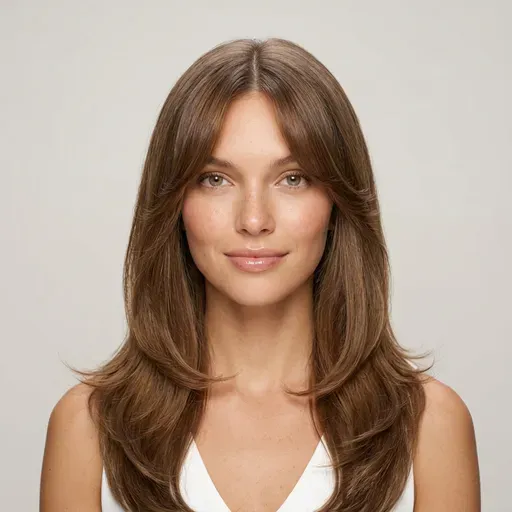
Example of the look: Long butterfly layers

Long butterfly layers

Change my hair to a long butterfly cut: lots of face-framing layers starting at the cheekbones, long curtain bangs and a bouncy blowout, ending well below the shoulders. Keep my current hair color. Keep my face completely identical, with the same pose, background and lighting. Photorealistic.

Gemini hairstyle prompts for men

A good Gemini hairstyle prompt for male cuts gives the length on top in centimetres, says where the fade starts, and states what happens to the beard.

Example of the look: Textured crop with a low fade

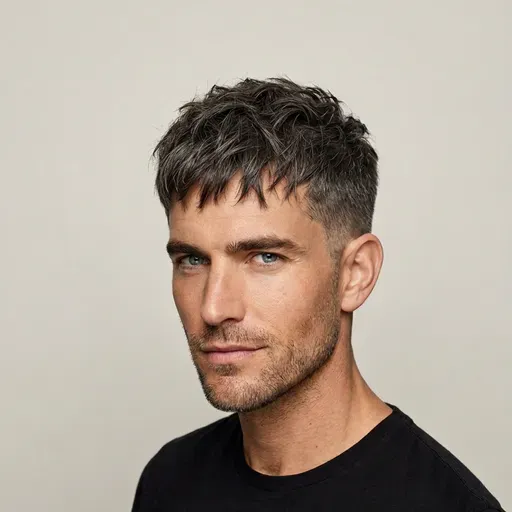
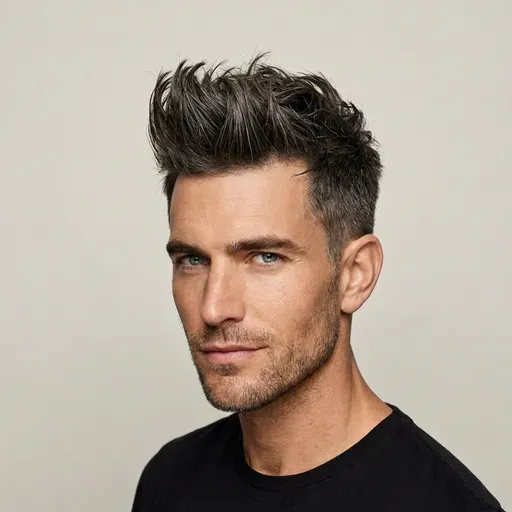
Textured crop with a low fade

Using this photo of me, change only my hair to a textured crop: a short, messy top about 4 cm long with a choppy fringe, and a low skin fade on the sides and back. Keep my face, beard, skin tone, expression, clothes and background exactly the same. Realistic barbershop result with a clean, natural hairline.

Example of the look: Classic side part

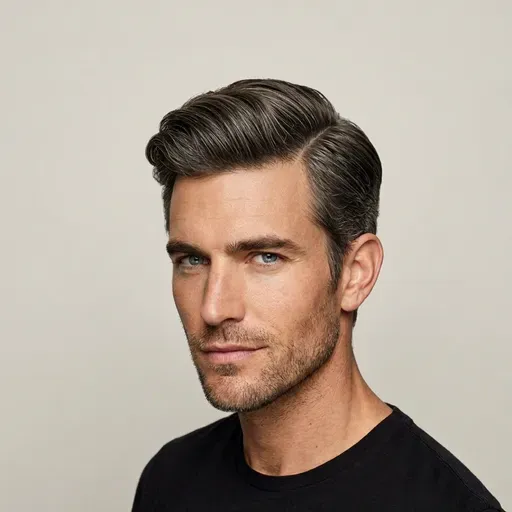
Classic side part

Give me a classic side-part haircut: short tapered sides and about 6 cm on top, combed to one side with a clean part line and a matte finish. Keep my facial hair as it is. Do not change my face, age, skin or expression, or anything else in the photo. Photorealistic.

Example of the look: Korean two-block cut

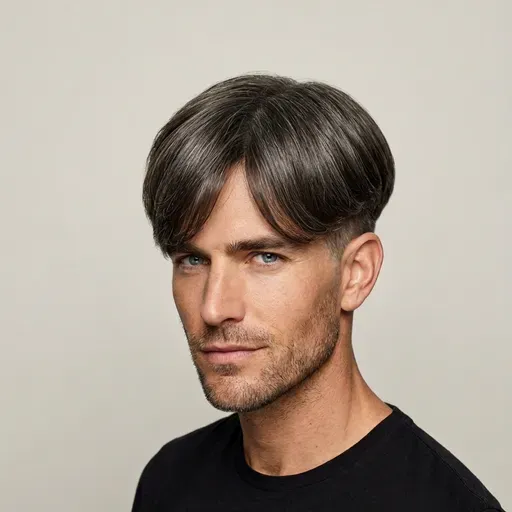
Korean two-block cut

Change my hairstyle to a Korean two-block cut: a longer, soft top that falls naturally over the forehead, over short undercut sides and back. Keep my natural hair color. Keep my face, eyebrows and the rest of the photo identical. Natural texture, no helmet look.

Gemini hairstyle prompts for bangs

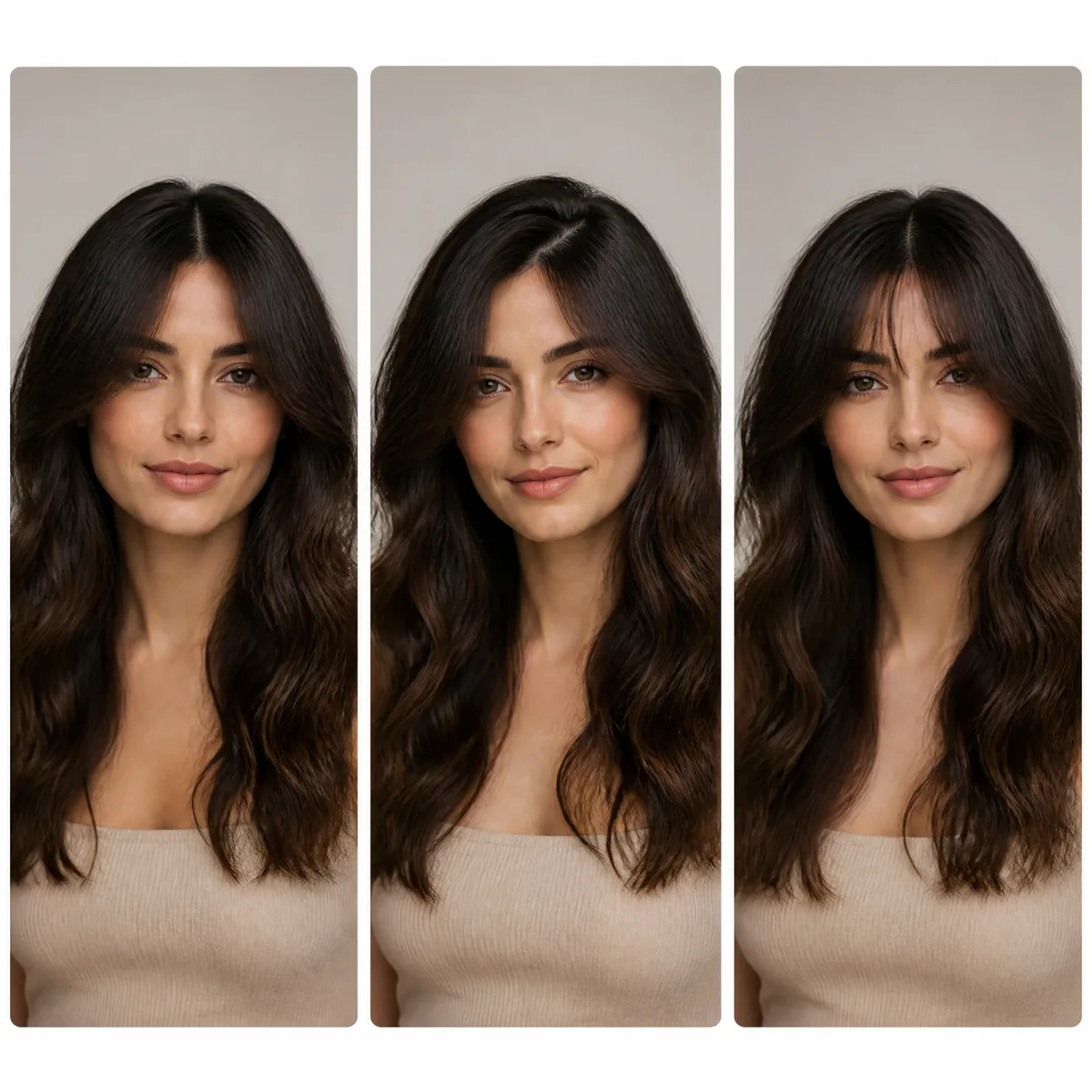
Bangs are the easiest edit to get wrong. These prompts add a fringe without restyling the rest of your hair.

Example of the look: Curtain bangs on your current hair

Curtain bangs on your current hair

Add soft curtain bangs to my current hairstyle: parted in the middle, cheekbone length, sweeping away from my eyes and blending into the rest of my hair. Do not shorten or restyle the rest of my hair. Keep my face and the photo exactly the same.

Example of the look: Full blunt bangs

Full blunt bangs

Add full, blunt bangs cut straight across, sitting just above my eyebrows. Keep the length and color of the rest of my hair unchanged. Do not alter my eyebrows, eyes or any facial feature. The bangs should match my own hair texture and look photorealistic.

Gemini hair color prompts

Color-only prompts lock the cut in place, so you judge the new shade on its own.

Example of the look: Icy platinum blonde

Icy platinum blonde

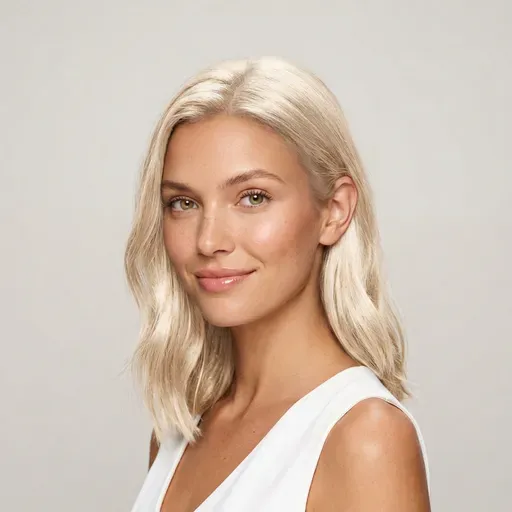
Recolor only my hair to icy platinum blonde, with a slightly darker root at the part. Keep my haircut, length and styling exactly the same. Keep my skin tone, eyebrows, face and background unchanged. It should look like natural salon color, not a wig.

Example of the look: Rich copper red

Rich copper red

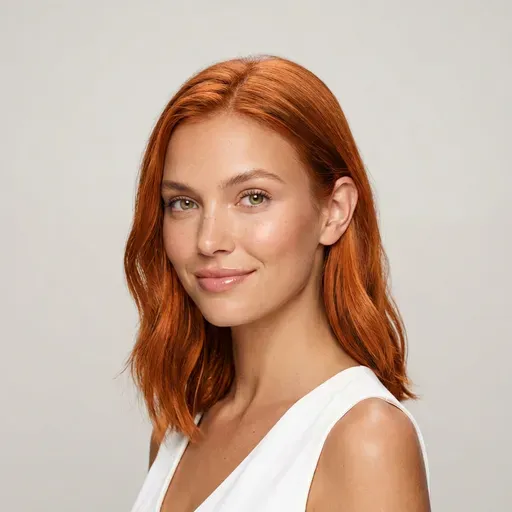
Change my hair color to a rich copper red, with subtle lighter strands where the light hits. Keep the cut, length and texture identical. Do not tint my skin, eyebrows, clothes or the background. Photorealistic.

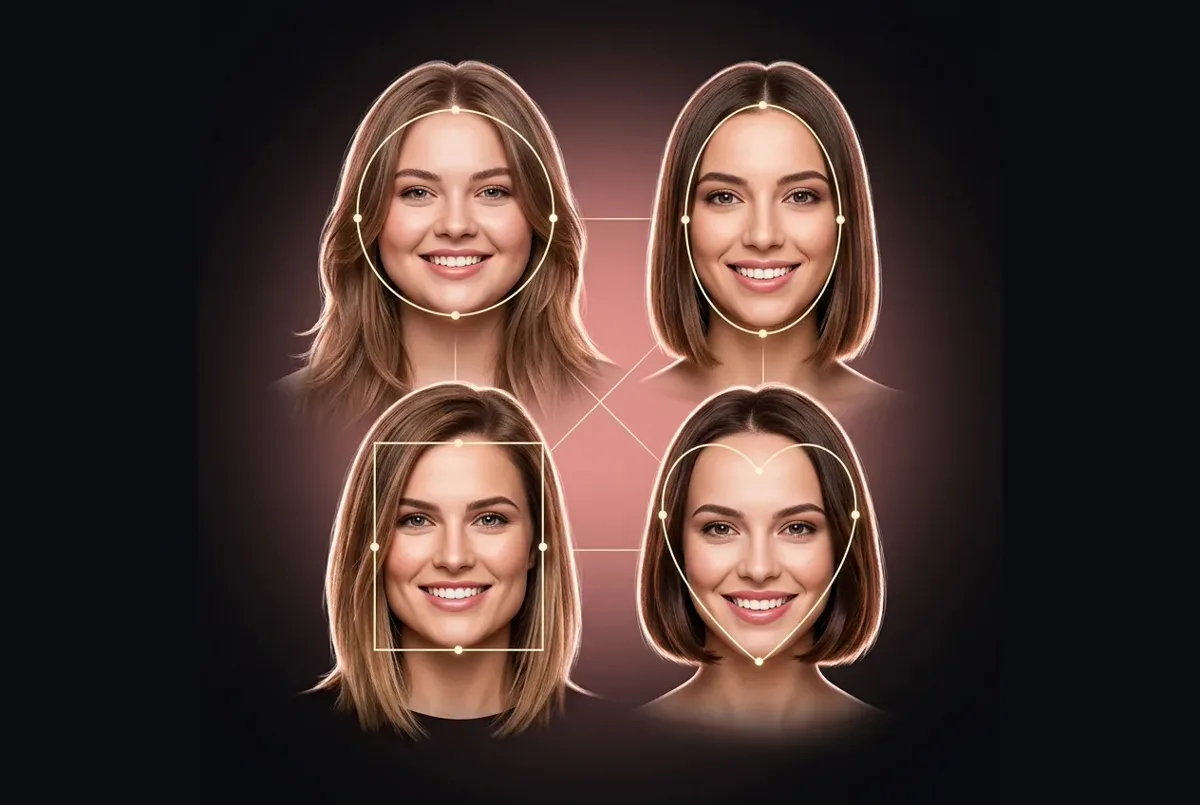
Gemini hairstyle prompts according to face shape

Let Gemini read your face shape first, or tell it yours. Treat its pick as a suggestion, then compare cuts side by side in the AI haircut simulator.

Example of the look: Read my face shape, then pick a cut

Read my face shape, then pick a cut

Look at the face in my photo and identify my face shape (oval, round, square, heart, diamond or long). Suggest the three haircuts that would flatter it most, with a one-line reason for each. Then edit my photo with the first suggestion, changing only my hair and keeping my face exactly the same.

Example of the look: Round face: add height and length

Round face: add height and length

I have a round face. Give me a cut that adds height and length: a layered lob just past the chin, with a deep side part, soft volume at the crown and no blunt bangs. Change only my hair; keep my face shape, features and the rest of the photo identical.

Example of the look: Men, square jaw: balance the angles

Men, square jaw: balance the angles

I'm a man with a square jawline. Give me a haircut that balances it: textured volume on top, slightly longer at the front, with a mid taper on the sides, not a buzz cut. Change only the hair on my head; keep my beard, face and the rest of the photo unchanged.

"Keep my face identical" lines

Add one of these to the end of any Gemini hairstyle prompt. They are the quickest fix when the result stops looking like you.

Identity lock

Keep my face 100% identical: the same face shape, eyes, nose, lips, eyebrows, skin texture, age and expression. Do not beautify, slim or smooth my face. Change only the hair.

Photo lock

Change nothing except the hair: keep the same pose, camera angle, crop, clothes, jewelry, background and lighting, and return the edited photo in the same aspect ratio as the original.

AI Hair Makeover is an independent site and is not affiliated with, endorsed by or sponsored by Google. Gemini and Nano Banana are trademarks of Google LLC.

How to use a Gemini hairstyle prompt

Five steps from selfie to new look. Every prompt here also works as a Nano Banana hairstyle prompt in other apps built on the same model.

  1. Pick a clear selfie

    Front-facing, sharp, in even light, with your hair down and your hairline visible, and only you in the frame. Gemini can only keep what it can see.

  2. Start a new chat and attach the photo

    Open Gemini on the web or in the app, start a fresh chat and add your photo with the upload button before you type anything.

  3. Paste a prompt and add a lock line

    Copy a Gemini hairstyle prompt from the library and paste it under your photo, then add the identity lock line at the end if the prompt doesn't already protect your face.

  4. Correct one thing at a time

    If the length or the bangs are off, reply with one short fix, such as "same cut, but 5 cm shorter". Long rewrites tend to change your face as well.

  5. Save it, then start over for the next style

    Download the image you like. For a different cut, open a new Gemini chat with the original photo so earlier edits don't pile up.

Why Gemini hairstyle prompts go wrong, and how to fix them

Image models redraw the whole picture, not just the hair. When a Gemini hairstyle prompt fails, it usually comes down to one of these four problems.

Your face changes, or looks like someone else

The prompt only describes hair, so the model feels free to "improve" the rest: smoother skin, a slimmer jaw, different eyes.

Fix: Add the identity lock line, avoid words like "beautiful" or "perfect", and use a sharp, front-facing photo.

The length comes out wrong

"Short" and "long" mean different things to different people, and to the model.

Fix: Name a landmark (chin, collarbone, shoulders) or give a number in centimetres, and say what should stay the same.

It looks like a wig or a sticker

The new hair ignores your hairline, the light in the room or the real texture of your hair.

Fix: Ask for a natural hairline, a few flyaways and lighting that matches the photo, and say whether your hair is fine, thick, wavy or curly.

Each edit drifts further from the original

Every reply edits the previous result, so small changes stack up over several rounds.

Fix: Keep corrections short, re-attach the original photo, or start a new chat for each style.

Skip the prompt: pick a style and try it on your photo

Our tool writes the prompt for you. Every cut, bangs and color preset already carries a hair-only instruction, so you choose a style, upload a selfie and see the result on your own photo, powered by Google's Nano Banana image-editing model. Want something quick and playful instead? Try the hairstyle filter, or open the full AI Hair Makeover tool on our home page.

Try a style on my photo

Failed generations are refunded automatically.

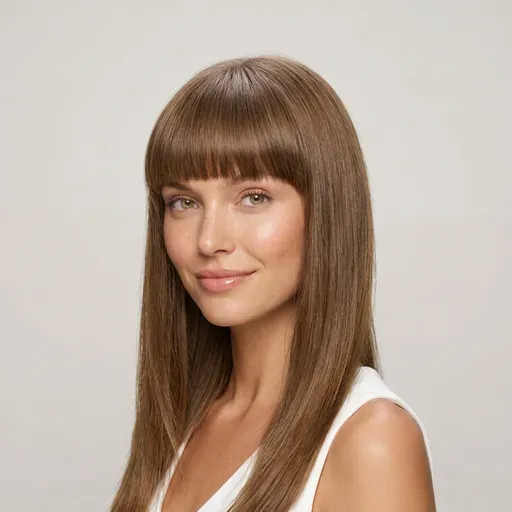
The same woman shown with three different styles of bangs

FAQ

Gemini hairstyle prompt FAQ

Quick answers about writing, pasting and fixing a Gemini hairstyle prompt.

  1. What makes a good Gemini hairstyle prompt?

    Four parts: the cut by name, the length by a landmark or a number, the texture or finish, and a line that says what must not change. The Gemini hairstyle prompts above follow that order, so you can swap one part and keep the rest.

  2. Do these work as Nano Banana hairstyle prompts in other apps?

    Yes. Nano Banana is the Google image model behind Gemini's photo editing, so a Gemini hairstyle prompt carries over to other apps built on it. Results still vary from photo to photo, so run a prompt twice before you judge it.

  3. Why does Gemini change my face when I only ask for new hair?

    The model regenerates the whole image, and without instructions it may smooth skin or reshape features. Add the identity lock line to your Gemini hairstyle prompt, use a sharp front-facing photo and fix one thing per reply. Our tool adds a hair-only instruction to every generation automatically.

  4. Is there a Gemini hairstyle prompt for men?

    Yes, the men's section has three Gemini hairstyle prompts: a textured crop with a low fade, a classic side part and a Korean two-block. For men, give the top length in centimetres, say how high the fade starts and state whether the beard stays.

  5. Can Gemini choose a hairstyle according to my face shape?

    It can estimate your face shape from a photo and suggest cuts, but treat that as a starting point, not a diagnosis. Use the face-shape prompts above, then compare two or three of the suggestions on your own photo before you decide.

  6. Do I need an account to copy a Gemini hairstyle prompt?

    No. Every Gemini hairstyle prompt here is free to copy and needs no sign-in. If you use our tool instead, you sign in to generate: each result uses credits, and a failed generation is refunded automatically.

  7. How do I write my own Gemini hairstyle prompt?

    Fill in this Gemini hairstyle prompt template:"Using my photo, change only my hair to [cut], [length landmark], [texture]. Keep my hair color. Do not change my face, skin, expression, clothes, background or lighting. Photorealistic." Swap the brackets for any style and keep the last two sentences, because they do most of the work.

  8. Can one Gemini hairstyle prompt change both my cut and my color?

    It can, but the result is more reliable one change at a time. Get the cut right first, then reply with a color-only line such as "keep this haircut, change only the color to copper". When you ask for both at once, it is harder to tell which part went wrong.

  9. Can I add a reference photo to a Gemini hairstyle prompt?

    Yes. Attach your selfie first and the reference photo second, then say which is which: "Give the person in the first photo the haircut from the second photo. Keep the first person's face, hair color and background exactly the same." Naming the photos makes it less likely that Gemini mixes up the faces.

  10. Is there a Gemini hairstyle prompt for curly hair?

    Any Gemini hairstyle prompt here works if you protect the curls. Add a line such as "keep my natural curl pattern, volume and texture" to a cut prompt, or ask directly for a curly shag or a curly bob with defined ringlets. Without that line, image models often smooth curls into a straight blowout.

Skip writing a Gemini hairstyle prompt — preview the cut on your photo

Pick any cut, bangs or color, upload one selfie and get a photo-real preview that keeps your face, clothes and background.

  • Free credits for one AI model preview
  • Failed generations are refunded automatically